Version 5.2.0: 3 new features, 3 updates, 9 fixes.
New: Approve or delete an agent's reviews from the agent form. The agent edit screen has a Reviews card listing every review of that agent, the ones waiting for approval first, with buttons to approve, unpublish or delete each one, so a visitor's review reaches the public profile only once you approve it, and spam can be removed.
New: Edit forms now open in your site's default language, as your site's own language settings set it. Settings shows that default with a link to where you change it, and the Editing language switch lists the languages your site publishes content in. A site with one language, such as WordPress without a multilingual plugin, shows no switch.
New: A listing with no text in your site's default language now says so, for example "Needs English text", and nothing is moved for you. The list and the edit form show the text the listing has, and saving without typing never blanks its title. If many listings were saved under the wrong language, a notice offers to re-key them as your default language, after making a backup.
Update: The add-on pages look finished on a phone too. The property manager's filters, its inquiries and bookings tables and the agent's profile form no longer run off the side of the screen. Their buttons, fields and tabs are at least 44px tall, and so are the share and brochure dialogs'. On a property page the title gets its own row, with the share, favourite, print and brochure buttons under it. Compare lines its row labels up with their values, and the listing's tax switch sits after the currency menu with its full label. The white text on the Latest module's photo cards sits on a darker shade, so it's readable on a bright photo, and the mortgage calculator's chart and legend line up with its fields. Your account pages, saved searches and favourites use the design's buttons instead of plain blue ones. On a phone the manager's lists and the compare table read well, and the slideshow listing shows its photo again. The PDF brochures look exactly as before.
Update: The agents page and My account are easier to use. Each agent card now shows the phone number, the Show Profile button and quick links to email, WhatsApp and the agent's properties without hovering, so they work on a phone too. A site with no agents yet shows a proper "No agents listed yet" page with a button to the listings. My account shows your favourites, saved searches and listings as three cards, each with its count and a button to open it, and your own listings show prices in your site's currency format.
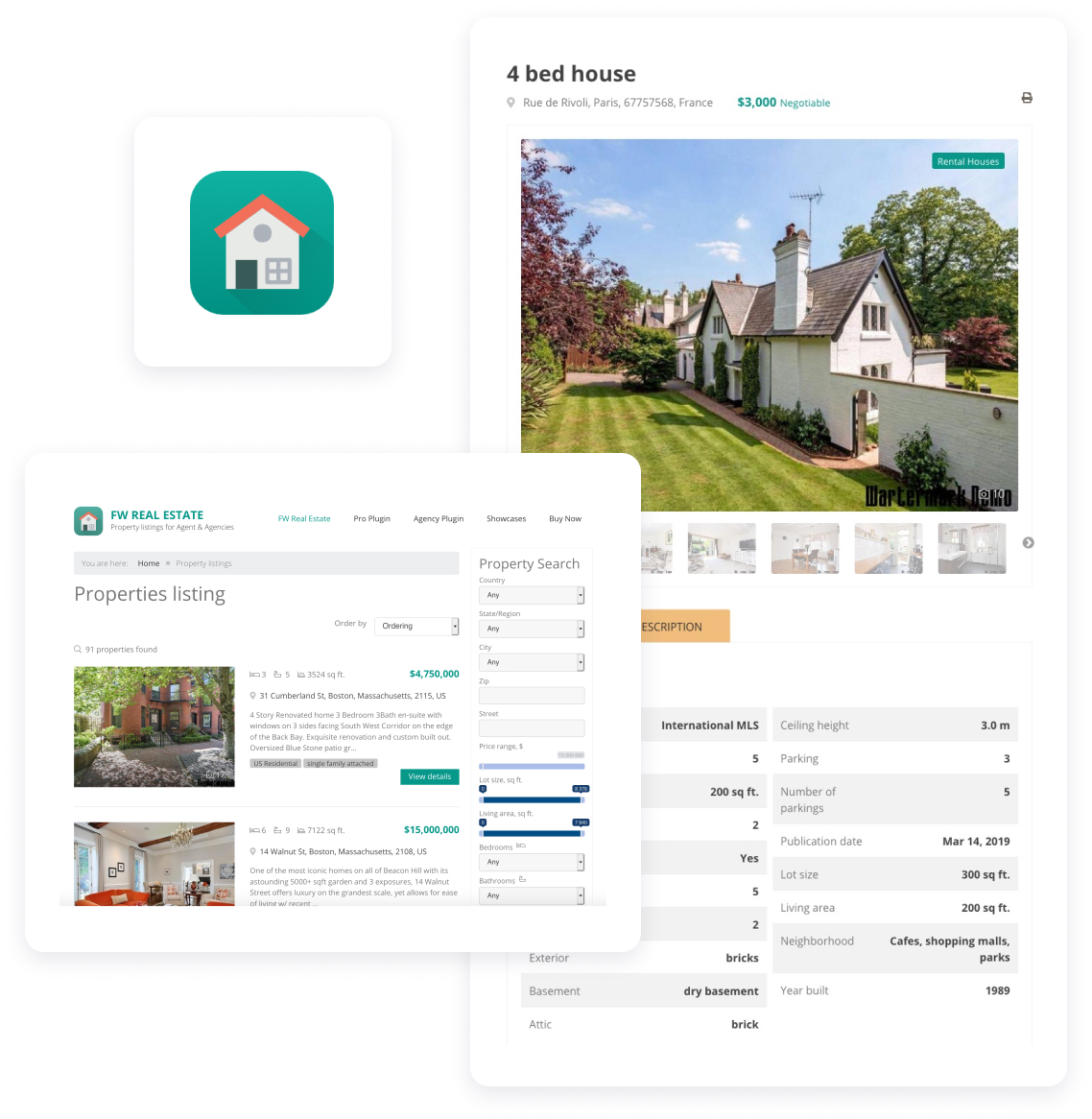
Update: The property page leads with what a buyer came for. The page now opens with the property's title, its address, the price and the bedrooms, bathrooms and living area, right above a larger photo gallery, and every heading and price uses the same typeface as the rest of the page. The description is open when the page loads, and a single kind of media no longer shows a lone "Photo" tab. On a phone, a Send message button with your agent's photo stays at the bottom of the screen as visitors scroll. The mortgage calculator's chart uses your design's colours and its sliders are easier to drag on a phone.
Bugfix: Updating an add-on before the component no longer breaks your site. Agents, Custom Fields and Floor Plans showed an error in the admin when they were updated ahead of FW Real Estate itself. A few other add-ons and the search module did the same on some pages. Each one now works with the component you have and does what it did before, and you'll get the new behaviour once you update the component too.
Bugfix: A visitor's review of an agent waits for your approval. A review sent from an agent's public profile is now saved unpublished and needs a valid email address, and the visitor is told it will appear once it's approved, so nothing a visitor writes reaches the profile until you publish it.
Bugfix: New agents wait for your approval again on a site upgraded from the previous version. If your previous version made you approve new agents, a user who registers as an agent now stays hidden and you get the email, as before. The setting is "Approve new agents automatically" under Configuration, Add-ons: if you upgraded and later switched it on, check it and switch it on again.
Bugfix: The agents page shows the number of agents per page you set, with page links. "Agents per directory page" under Configuration, Add-ons now pages the agents directory, each page with its own link, as the property list does. Left empty, the page lists every agent, as before.
Bugfix: Emails carry your site's name and working links. Enquiry replies, shares and alerts now sign off with your site's name, link to the property with a full address that opens from any mail app, and show the property's type and status.
Bugfix: Every real estate page has exactly one main heading. The agents list, compare, favourites, saved searches and the account and agent pages now show their own title, and on WordPress the page title your theme prints above them is no longer repeated. Search engines and screen readers get one clear heading per page.
Bugfix: Property pages use the full width, and the official design reads better on phones. On WordPress the property page, the agent profile and the listings don't fold into a narrow column any more. The home's latest properties line up with the rest of the page, their arrows sit under the cards, and the home doesn't scroll sideways. On a phone the sorting and currency choices fold behind one Ordering button so your listings show first, and every button on a property card is big enough to tap. A status like Available has the same colour on the card, the property page and the admin's property list. An agent without a photo gets a tidy placeholder, Compare shows where each property is, and an empty Compare page links back to the listings.
Bugfix: The official design keeps its styles to its own part of the page, and four small display glitches are gone. A search banner placed on its own now looks the same as the one on the home page. On a phone, the slideshow listing's arrows sit on the photo instead of over the View Details button. The agent's profile shows the spoken languages readably, the profile form's text toolbar wraps instead of hiding its last buttons, and the My Activity figures sit in boxes of one height.
Bugfix: A menu item that shows one agent's profile shows their public profile again. A profile menu item set to a particular agent, carried over from an earlier version, now shows that agent's public profile to every visitor, signed in or not. Before, a visitor was asked to log in, and a signed-in visitor saw the agent's own account page and profile form instead.







 Solo Agent+
 Free
Free
 IDX Realtor+