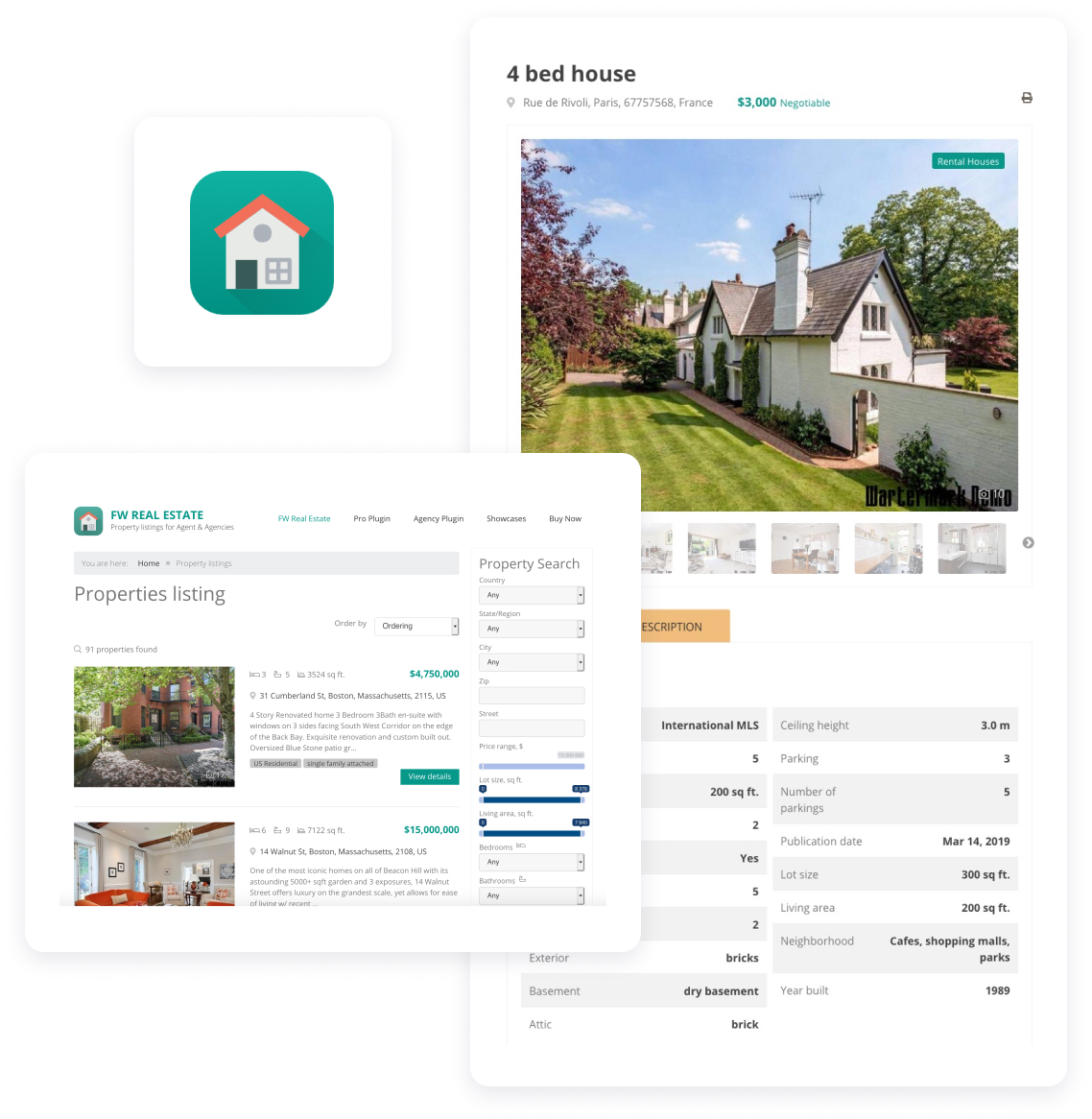

The Search Module is a free add-on included with every FW Real Estate installation. No subscription required to use it. However, subscribing gives you access to all premium add-ons, priority support, and automatic updates.
The Search Module is available for Joomla 4.x, 5.x, and 6.x. It is included in the main FW Real Estate package and installs automatically with the component.
Yes. The module offers 18 individual search fields that you can toggle on or off from the Joomla admin panel. This includes bedrooms, bathrooms, price range, property type, location fields, lot size, MLS number, and more.
The Default layout displays all selected search fields in a full-width form, ideal for homepage hero sections. The Minimal layout is a compact horizontal form designed for sidebars or headers, with secondary filters collapsed into a dropdown.
Yes. The Search Module automatically detects installed add-ons and adds relevant fields. Install Map View to get radius search, Agents to get an agent filter, Custom Fields for amenity filters, Multi Currency for a currency selector, and Saved Searches for a save button.
Yes. In the module settings, you can switch between interactive range sliders and traditional dropdown select menus for price, bedrooms, bathrooms, living area, and lot size fields.
Version 5.0.9: 3 updates, 6 fixes.
Update: Listings and search show the results first. A property row keeps its photo beside the details from tablet width and reads title, address, the bedrooms, bathrooms and area on one line, then the price and View Details, with a two-line description. Grid, home and favourites tiles show each property's title again, and a featured listing is marked by its Featured label instead of a coloured card. The search form opens with location, type, bedrooms and price, and the other filters sit behind a Filters button that says how many are on; a setting in the search module keeps every filter open if you prefer. Each picker names its field ("Any city", "Any type"), and the results say what was searched, "12 results for your search", with each active filter as a chip you can remove.
Update: Every module layout looks finished in the Official design. The Latest module's compact list now shows small thumbnails with the price and address in a tidy card, where it used to show each photo at full size. The card slider no longer makes the page scroll sideways, the photo cards sit one per row on a phone, and the slideshow has previous and next buttons under the photo you can tap. City tiles show a location placeholder when a photo is missing, so you won't see a broken image. On a phone, the search and mortgage fields and buttons are at least 44px tall, and the banner search's dropdowns no longer shrink to a sliver.
Update: Your listings show first. On phones, and on sites with only a few properties, the search filters fold behind a Filters button so your listings show first.
Bugfix: Updating an add-on before the component no longer breaks your site. Agents, Custom Fields and Floor Plans showed an error in the admin when they were updated ahead of FW Real Estate itself. A few other add-ons and the search module did the same on some pages. Each one now works with the component you have and does what it did before, and you'll get the new behaviour once you update the component too.
Bugfix: The module settings screens show their labels in your language again. Labels such as Design, Load UI Kit, Current user, Grid and List, Select a property and Yes and No showed as raw codes like FWRE_THEME, in English and every other language.
Bugfix: Search results, Compare and featured listings read better on a phone. Search results now show your listings first on a phone too: the filters fold behind the Filters button, which says how many filters are on, like "Filters (3)". Compare shows two properties side by side in full on a phone, each row's name above its values. With three or four, the next one peeks in at the edge and the property cards scroll with their columns. A featured listing now carries a Featured label on its photo, beside its status, so it's clear why the card is green.
Bugfix: The official design keeps its styles to its own part of the page, and four small display glitches are gone. A search banner placed on its own now looks the same as the one on the home page. On a phone, the slideshow listing's arrows sit on the photo instead of over the View Details button. The agent's profile shows the spoken languages readably, the profile form's text toolbar wraps instead of hiding its last buttons, and the My Activity figures sit in boxes of one height.
Bugfix: Save search stores your search again. On some sites the Save search button opened the account page and stored nothing, and the alerts and delete buttons on the saved searches page changed nothing. Saving a search, turning its alerts on or off and deleting it now work everywhere, and the alerts and delete buttons work without JavaScript too.
Bugfix: The search panel's sliders write numbers the way your listings do. The price slider said "$2 395 000" beside cards that said "$739,000", because it grouped digits with spaces whatever your currency settings said. The price, lot size and living area sliders now use your thousands separator, the price sign sits where your currency puts it, and the filter chips under the search match. Superior Bay's search bar and its range summaries follow the same rules.
The search panel keeps your visitors' choices.
The regions they tick and the price range they set stay put when they go Back or reload the page.
Update FW Real Estate to 7.1.7 at the same time, because the fix is shared between the two.
The search panel follows the page it is on. A page limited to a region, a city or a type shows those choices ticked and fixed, and a visitor's own filters apply within them.
Range fields can be two lists instead of a slider. The To list ends at the highest value the site actually holds, and keeps the visitor's pick while the results recount or the currency changes.
The Minimal layout can carry your own background image, and keeps its own photo when none is chosen.
Settings a layout does not use are hidden, with one line saying why and the values kept for a layout that reads them.
Needs FW Real Estate 7.1.5.
Area fields carry no guessed unit. Until a market is chosen, the labels read Living Area and Lot size rather than a unit that may not be yours.
Fields of a switched-off add-on are not offered. The agent list, the featured choice and the status choice appear only while their add-ons are on, and location counts follow the same status rules as the listing.
Its description in the module list is up to date in every language.
The search panel follows the Location setting.
With the address shown as one line, the panel no longer adds a separate ZIP field. With Location set to none, the panel shows no location fields at all. ZIP appears alongside the separate address fields, as it did in the previous version of the module.
The "More options" button appears only when it has something to show. If every field that lives behind it is switched off, the button is not shown.
Nothing else changes, and no setting moves.
Nothing about this module behaves differently on the site.
Its Layout setting now lists the layouts that exist. Choosing a layout is a list of what this module can actually render rather than a free text box, so a name that would not have been found cannot be entered. Modules already configured keep the layout they are set to.
Its field settings offer only the fields this site can show. Save search, the radius and the currency selector each depend on an add-on, and their settings appear only while that add-on is enabled. The module's description is shown on its settings screen.
The search panel now offers only the fields your installation can actually answer.
Two filters were shown on every site: a Status picker and an Agent picker. Where the add-ons that provide statuses and agents are not installed, those pickers had nothing to offer and no effect on the results. They are now shown only where something can answer them, which is how the Lease Term and Amenities filters have always behaved.
On a site that has those add-ons, both filters appear exactly as before. The Agent filter additionally waits until at least one agent is published, so it never appears as an empty list.
Nothing else changes, and no setting moves.
Nothing about this add-on behaves differently. Its site templates now travel with the add-on itself rather than living in the design, so exactly the same markup is rendered from a different place. A design still has the last word: where a design offers its own version of a template, that version is used, as before, and a site that has customised one keeps every customisation.
⚠️ This version requires core 7.1.0, which is the release that knows to look inside an add-on for its templates. The add-ons catalogue will not offer it to an older core, so update the core first.
The rest of the release is work inside the source that a site cannot observe: the English catalogue was rewritten into the form the WordPress directory extracts translations from, and comments were shortened. The fifteen languages this add-on ships are unchanged.
No change you will notice. This release rebuilds Search Module on the current engine: the markup it produces is now written the way each platform expects it, so nothing it prints can be mistaken for unescaped output. It adds no features and changes no behaviour — every page it draws was compared before and after, and they are identical.
The search module — the filter panel you place on a page or in a sidebar.
FW Real Estate 7.0 rebuilds the product on a new cross-platform engine. What this add-on does for you is unchanged — the features you use in 6.x are the features you get here. What is new is where it runs and how it reaches you:
See the component release notes for the 7.0 story and for how to bring your data across.