A WordPress Real Estate Plugin With IDX: What the MLS Add-On Covers
You've got four browser tabs open, and somewhere between the third and fourth plugin page, the descriptions start to blur together. "IDX-ready." "MLS integration." "Live listing feeds." None of them explain what that actually means on a blank WordPress install.
Here's the distinction that cuts through it: there's a real gap between a plugin that can display MLS data and one that actually pulls a live feed from your board. Most of what's called "IDX-ready" is the first thing, not the second.
This post covers one plugin: FW Real Estate. What the free plugin does on its own, what the paid MLS/IDX add-on actually adds, how the costs split between the add-on price and your board fee, and one scenario where a rented widget still beats this setup.
What "IDX-ready" Actually Means on a Plugin Page
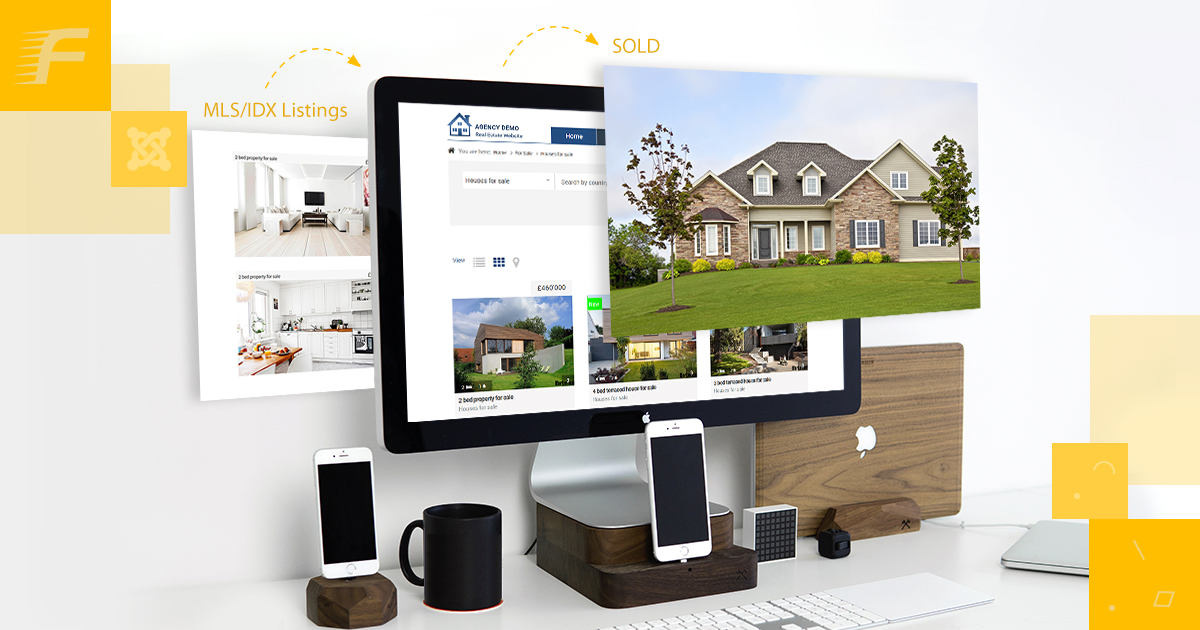
IDX stands for Internet Data Exchange, the programme that lets licensed real estate professionals display MLS listings on their own websites. A plugin is IDX-ready when it can display that data correctly, not necessarily when it pulls that data for you.
Two very different products get called the same name. The first is structural: the plugin has the right fields, templates, and search widget for real estate data. You supply the listings; the plugin shows them. The second is connected: the plugin authenticates against an actual board endpoint or portal feed and pulls listings on a schedule into your database.
Most free plugins deliver the first. The second is always a separate piece, whether it's a rented hosted widget or a paid add-on. With FW Real Estate, the line is explicitly labelled: the free plugin is the structural layer, and the MLS connection is a named paid add-on. You'll see it called an add-on every time it comes up here.
What the Free Plugin Covers Before Any Add-On
The free plugin is a manual listing tool. Here's what ships with it:
- Custom property fields: bedrooms, bathrooms, floor area, price, type, and status
- A configurable search widget that filters on those fields
- Archive and single-listing templates that work on any standard WordPress theme
- Agent and agency assignment per property
This baseline is genuinely useful. A developer building a client site for a boutique agency managing their own inventory doesn't need a live feed. A small property manager with a stable residential portfolio can run entirely on manually entered listings.
What it doesn't do is connect to any external source. No MLS sync, no RESO endpoint pull, no board authentication. The listings in your database are exactly the listings you entered. That's the right tool if you want full control and no dependency on a third-party feed. It's the gap to fill if you need live board data.
Which Feed Families the MLS/IDX Add-On Connects
The MLS/IDX add-on covers three feed families. Each is a different structure covering a different market.
RESO Web API. The Real Estate Standards Organisation publishes an open Web API specification that a growing number of North American MLS boards have adopted as their standard data-access layer. When your board runs a RESO-compliant endpoint, the add-on authenticates with your board-issued credentials and pulls listings into your local WordPress database on a schedule you configure. The data lives on your server, in your theme, on your domain. No iframe, no third-party subdomain, no scripts loading from outside.
RESO Web API is a published open standard, not a vendor-specific protocol. One connection type covers any board that has adopted the specification.
CREA DDF. The Canadian Real Estate Association's Data Distribution Facility distributes MLS listings to licensed Canadian recipients. Connecting through DDF requires CREA membership and the credentials that come with it. The add-on handles the feed pull on the same scheduled sync it uses for RESO boards. Your DDF access relationship is yours; the add-on reads the feed.
UK and European portal feeds. A subset of UK and European property portals expose listing feeds for licensed participants. These feeds use their own formats. The add-on maps those formats to FW Real Estate's field structure, so portal-sourced listings appear inside your own WordPress theme without an embedded frame loading from the portal on each property page.
Each is a different authentication model and a different data format. What they share: the data relationship is always between you and the source. The add-on reads the feed; it doesn't own it.
Two Separate Bills: the Add-On Price and the Board Fee
This is the part worth reading twice before buying.
The MLS/IDX add-on has its own price. Your board or portal has its own access fee. They're invoiced separately, by different organisations, and neither is aware of the other.
Board membership fees, RESO endpoint access charges, DDF access fees, and portal licensing fees are billed directly to you by the board or portal. They don't flow through Fastw3b. They aren't wrapped into the add-on cost at any price point.
This is actually the structure you'd want. A bundled arrangement puts a vendor between you and your data source, which means your board access depends on a third party. Keeping them separate means you own the data relationship directly. The add-on is the technical layer; the board is the data source; and the two bills reflect two different things.
Before buying: look up your board's current access fee. Most boards publish their schedule or provide it on request. Add that number to the add-on price and you have the full cost. No surprises after checkout.
Is your site's listing structure ready to receive the first sync the moment your RESO, DDF, or portal credentials land? The free FW Real Estate plugin builds that foundation before the MLS/IDX add-on ever enters the picture. You get custom property fields covering the types, statuses, and features any board feed maps into; a filterable list and grid with a cascading location search from country down to city; and detail pages with a gallery, specification tables, and print view, so the first scheduled pull has somewhere to land cleanly. The plugin is yours to keep and to build on, with whoever manages the site. Build the listing structure the feed connects into →
Configuring the Connection Yourself vs. Having It Done
The add-on ships with a settings screen for credentials, field mapping, and sync schedule. If you've connected a REST API before, the flow is familiar: enter your endpoint URL and access credentials, run a test pull, confirm the field mapping looks right, and turn on the scheduler.
That path takes an hour or two if your credentials are ready and your board's documentation is clear. Some boards have very good documentation. Some do not.
The MLS/IDX Integration Setup service is the done-for-you option. You provide the connection details; Fastw3b handles credentials entry, field mapping, a complete test sync, and confirmation that listings are pulling correctly into your theme. If an afternoon reading API documentation doesn't appeal, that's what the Setup service is for.
The trade-off is straightforward: self-serve costs time, the Setup service costs money. Which makes sense depends on your hourly rate and your tolerance for debugging an unfamiliar API. Both paths end the same way: your board's listings appearing correctly in your own WordPress theme on your own domain.
When a Rented IDX Widget Is Still the Right Call
This post makes the case for the add-on in most situations, but there are three where a provider-rented widget is the more practical answer.
Short-term projects. A development selling out in four to six months doesn't need a self-hosted feed with ongoing maintenance. A rented widget you cancel at project close is the lower-overhead choice.
Board compliance requirements. Some boards have display and branding requirements that are easier to meet inside the board's own hosted tool than through a self-managed integration. If your board's compliance team points you toward their branded search widget, that advice is worth following before you set up a custom feed.
No appetite for setup. If API credentials and field mapping aren't something you want to deal with, and the Setup service isn't in the budget, a rented widget with a point-and-click interface might cost less in real terms than the time the setup takes.
The case for the add-on is ownership: your domain, your templates, your data on your server, no monthly fee to a provider who can change terms. But ownership has a real setup cost. If that cost doesn't fit your situation today, a rented widget is a legitimate answer, not a compromise.
Frequently Asked Questions
Does the free FW Real Estate plugin connect to any MLS automatically?
No. The free plugin is a manual listing tool. Every property is entered and managed by hand. The MLS/IDX add-on is the separate paid piece that adds live board and portal feed connections.
Which MLS boards work with the RESO Web API connection?
Any board running a RESO-compliant Web API endpoint. RESO runs its own certification programme, and the list of compliant boards grows as adoption spreads across North American markets. Check with your board directly about their current data-access options.
Do I need to cancel my board membership if I switch from a rented widget to the add-on?
No. Your board membership stays in place. Board membership gives you access to the data. The add-on is the tool that reads that feed, and changing the tool doesn't change the membership. You're replacing the display layer, not the data relationship.
FW Real Estate is a free WordPress plugin. There's nothing to buy first and no account to create: install it from wordpress.org and the property listing structure is on your site.
The MLS/IDX import is a paid add-on that connects the RESO Web API, CREA DDF, and the UK and European portal feeds. Your board or portal's access fee stays your own charge, billed directly to you by the board. That cost is set by the board, not by the add-on, and it doesn't change when you switch the tool that reads the feed.
The demo at realestatewordpress.fastw3b.com runs the full add-on range, so it shows more than the free plugin installs on its own.