Hotel Room Service Menu Setup
 This service is related to FW Food Menu only.
- Per-room QR codes for in-room dining
- Multi-language menu for international guests
- Time-based breakfast to late-night categories
- Hotel-specific kitchen and front desk workflow
- One training call for staff walkthrough
What every phase ships with
Multi-language menu setup in up to 3 languages (typically local language plus English and one other). Every dish name and description translated and stored.
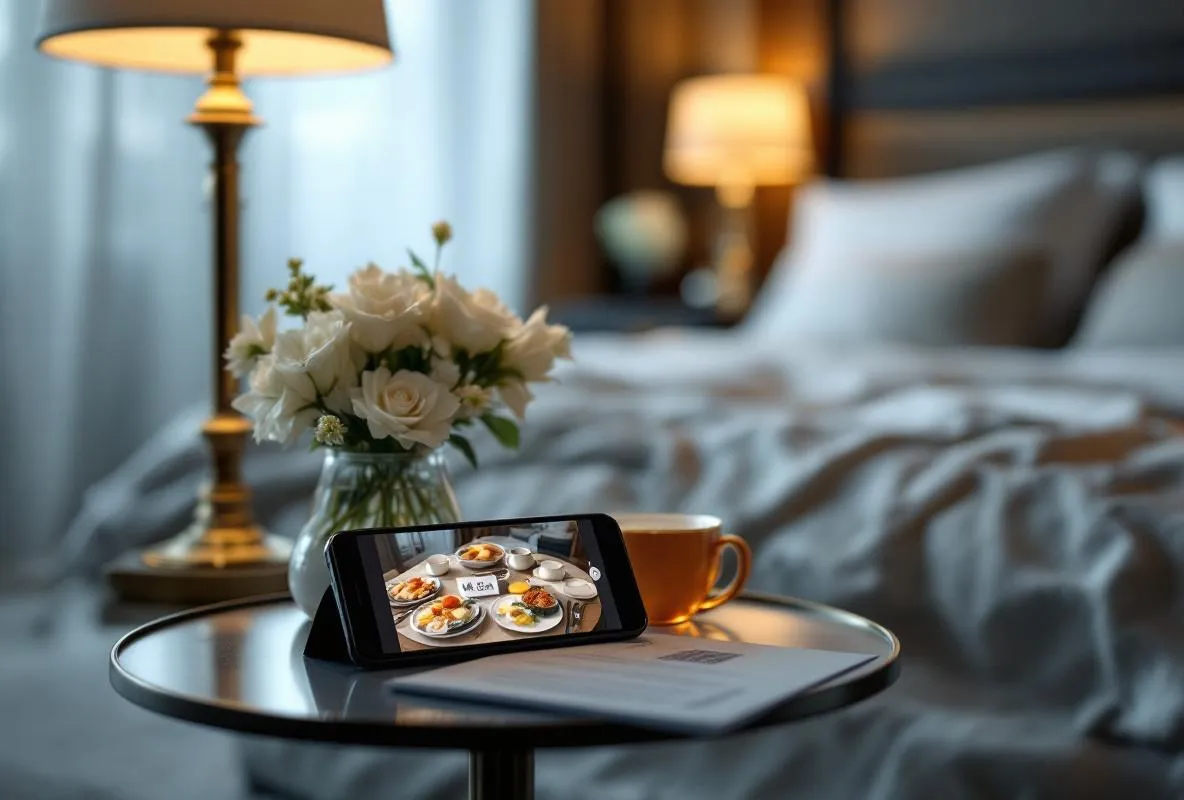
Per-room QR codes generated for every room in your hotel. Each room becomes its own ordering session with hash-token isolation between rooms.
Time-based category availability using the Time & Hours addon. Breakfast shows 6-11am, lunch 12-3pm, dinner 6-10pm, late-night after 10pm.
Hotel category structure with your choice of breakfast, lunch, dinner, snacks, beverages, alcoholic beverages, and amenities.
Hotel-specific workflow with room number prominently displayed on incoming orders, charge-to-room vs pay-online options, and configurable order status for front desk visibility.
One 60-minute training call with front desk and kitchen staff walking through order receipt, status updates, and billing integration if used.
From audit to phased build, in six steps
Share hotel details
Send us your room count, language preferences, current menu in any format, and preferred category structure.
Multi-language configuration
We install the Multilingual addon, set up your target languages, and translate your menu.
Room QR generation
We configure Table Orders with one QR code per room and generate the full kit as a PDF for printing.
Training and handover
One hour with front desk and kitchen staff covering order flow, status updates, and common scenarios.
Before you start
FW Food Menu installed on a Joomla website.
Joomla admin credentials for installing and configuring addons.
Room list with room numbers and any special categorisation.
Current menu in any format: paper, PDF, photo, existing listing link.
Frequently Asked Questions
-
How many rooms are supported?
No hard limit. The service is sized for small hotels and B&Bs (10-60 rooms) but works for larger properties too. For chains with 200+ rooms, contact us to discuss custom scoping.
-
Does it support multiple languages?
Yes. Up to 3 languages are included (typically your local language plus English and one tourist language). Additional languages can be added later.
-
Do guests need to install an app?
No. Guests scan the in-room QR code with any phone camera and the menu opens in their browser. No app download, no account creation.
-
How does billing work? Can guests charge to their room?
Two modes are supported out of the box: pay online at order time (via Stripe or PayPal) or mark the order for pay-at-checkout (your front desk adds it to the room bill manually). Automatic PMS integration is a custom development engagement available separately.
-
Can kitchen see orders by room clearly?
Yes. Every order is tagged with the room number prominently in the admin view. Kitchen staff filter orders by room, status, or order time.
-
How long does the setup take and what happens after I order?
The full setup takes about 5 business days. Within 24 hours of your order we confirm your room count, language preferences, and menu source. We install Multilingual, Table Orders, and Time & Hours addons, translate your menu into your chosen languages, generate per-room QR codes, and schedule a 60-minute training call with your front desk and kitchen staff.