Columns
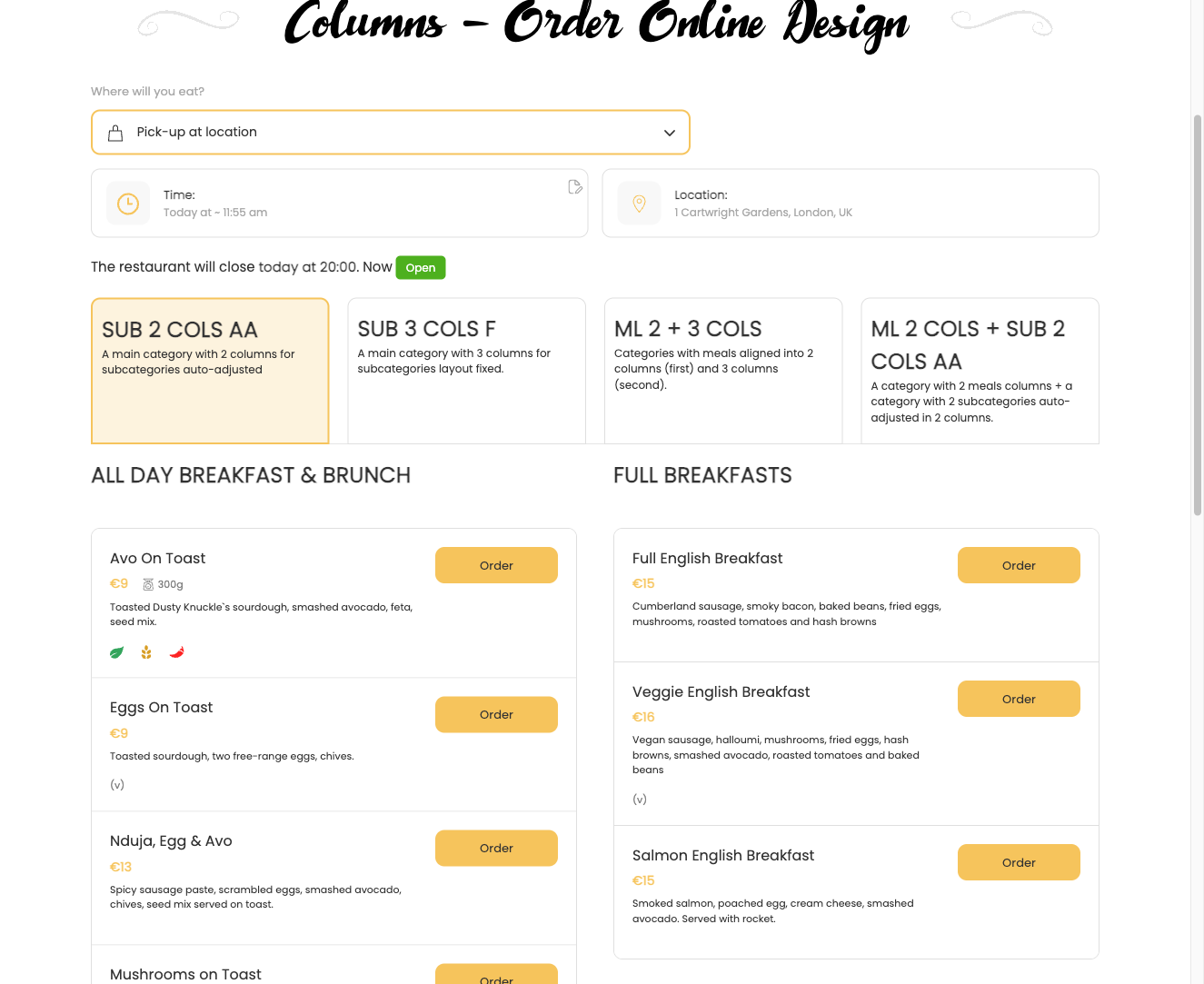
The FWFM Columns addon lets you display menu categories and meal items in a multi-column grid layout. Instead of a single stacked list, items appear as cards arranged across 2, 3, or 4 columns — giving your menu a more visual, gallery-style presentation.
Use Cases
- Grid layout — display meal cards in a 2, 3, or 4 column grid for photo-heavy sections such as desserts or featured dishes.
- Category-specific layouts — use a single column for text-heavy sections like a wine list with long descriptions, while switching to 3 or 4 columns for sections where images take priority.
Global Settings
Column defaults are configured under Settings → General. These values apply across all categories unless overridden at the category level.
| Setting | Default | Description |
|---|---|---|
| Category columns | 1 | Number of columns for the category navigation: 1, 2, 3, or 4. |
| Meal item columns | 1 | Number of columns for meal item cards: 1, 2, 3, or 4. |
| Text alignment | Category-based | Controls whether text alignment follows each category's own setting or a single global value. |
Per-Category Overrides
Each category has a Design tab where you can override the global column count for that category's items. This lets you mix layouts across different sections of the same menu without affecting other categories.
| Option | Description |
|---|---|
| Columns | Sets the column count for meal items within this specific category, overriding the global default. |
Responsive Behaviour
The column grid is responsive by default. On mobile devices, columns automatically collapse to a single column regardless of the desktop setting, so your menu remains readable on smaller screens. The layout works with all FW Food Menu design template plugins.
To install this addon, open the Add-ons panel inside FW Food Menu. See Getting Started → Add-ons for details on free addons, paid addons, and site verification.