 FW Real Estate – Documentation
FWRE Latest Module
FW Real Estate tutorial for Joomla!
The FWRE Latest module displays a chosen slice of your property listings anywhere on your Joomla site — the newest, most viewed, a random selection, or whatever a combination of category, type, and status filters produces. It is the standard way to promote listings on pages other than the main listing page.
Use Cases
- Featured properties on the home page. Show the six newest listings as a rotating slideshow in a prominent position.
- A sidebar on the listing page. Display the five most-viewed properties from one category as a vertical list beside the search results.
- A "just sold" strip. Ordered by Recently sold, the module becomes social proof — evidence the agency closes deals, not just lists them.
- Open-house highlights. Filter to properties with an upcoming open house to drive attendance.
- A compact map on any page. The Map layout places a pinned map of the selected properties wherever the module is positioned.
Placing the Module
Enabling the add-on inside FW Real Estate installs the FWRE Latest site module. Place and configure an instance of it under Content → Site Modules, exactly like any other Joomla module — choose a position, set assignment rules, and adjust the settings described below.
Settings
| Setting | Default | Description |
|---|---|---|
| Design (theme) | Site default | Which installed design renders the module. |
| Category | All | Restrict output to a single property category. |
| Type | All | Restrict output to a single property type. |
| Status | All | Restrict output to a single status. Requires Status Labels. |
| Quantity | 10 | How many properties to show. |
| Ordering | Newest first | Newest first, Most popular (by view count), Random, Recently sold, or Recently leased. |
| Display Settings | — | Which details each card shows: title, price, text price, address, status, open house times. |
| Featured properties | All | All properties, only featured, or only non-featured. Requires Featured. |
| Open house | — | Restrict to properties with an upcoming open house. Requires Open House. If that add-on is disabled, a notice replaces the field and any saved value is preserved. |
| Load UIkit | Yes | Disable if your site template already loads UIkit. |
| Properties Layout | Vertical | See Layouts below. |
| Slideshow pause (sec) | 10 | Seconds between slides (0–60). Setting 0 stops auto-rotation. |
| Map height (px) | 300 | Height of the compact map in pixels (150–800). Map layout only. |
Layouts
| Layout | Description |
|---|---|
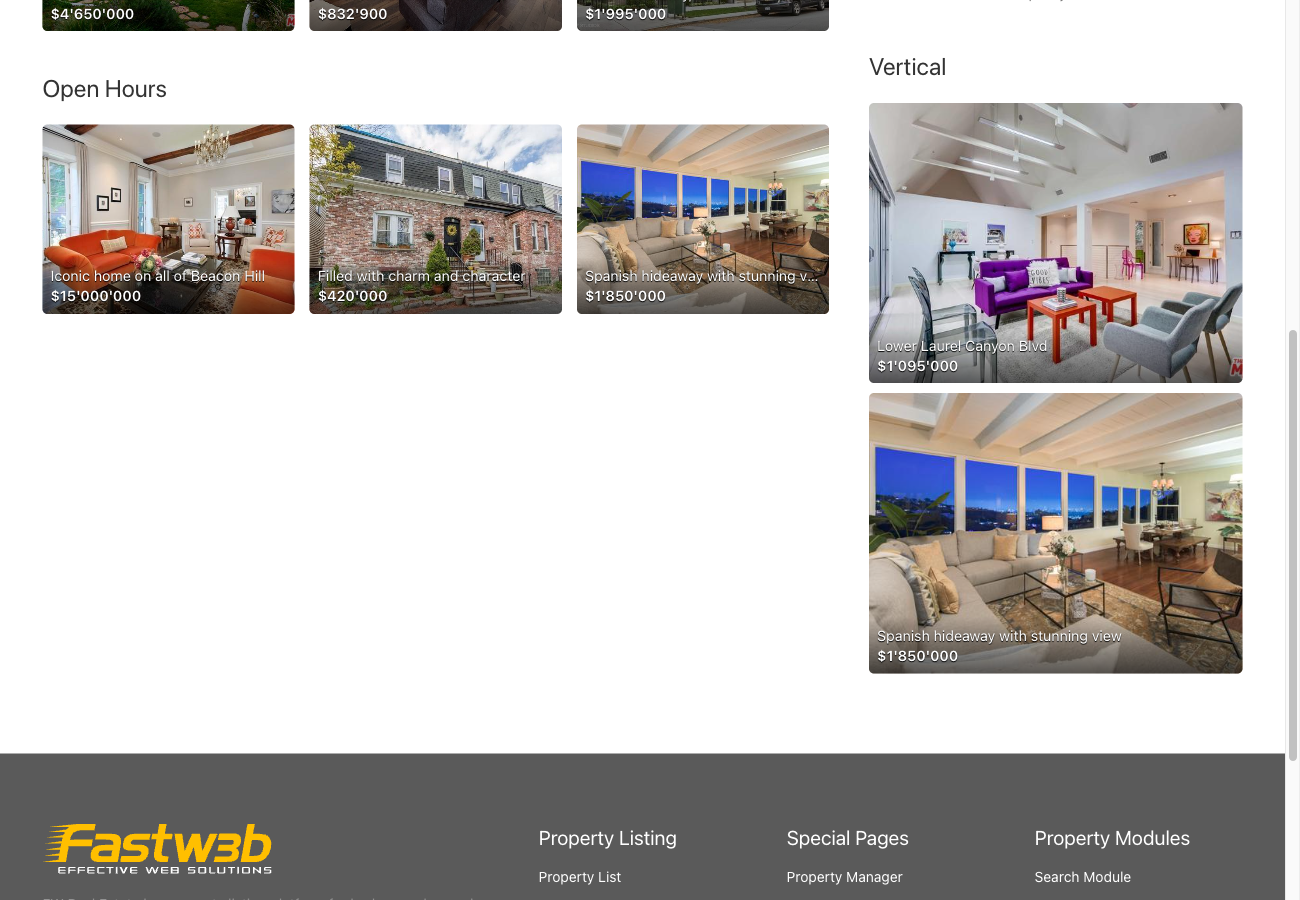
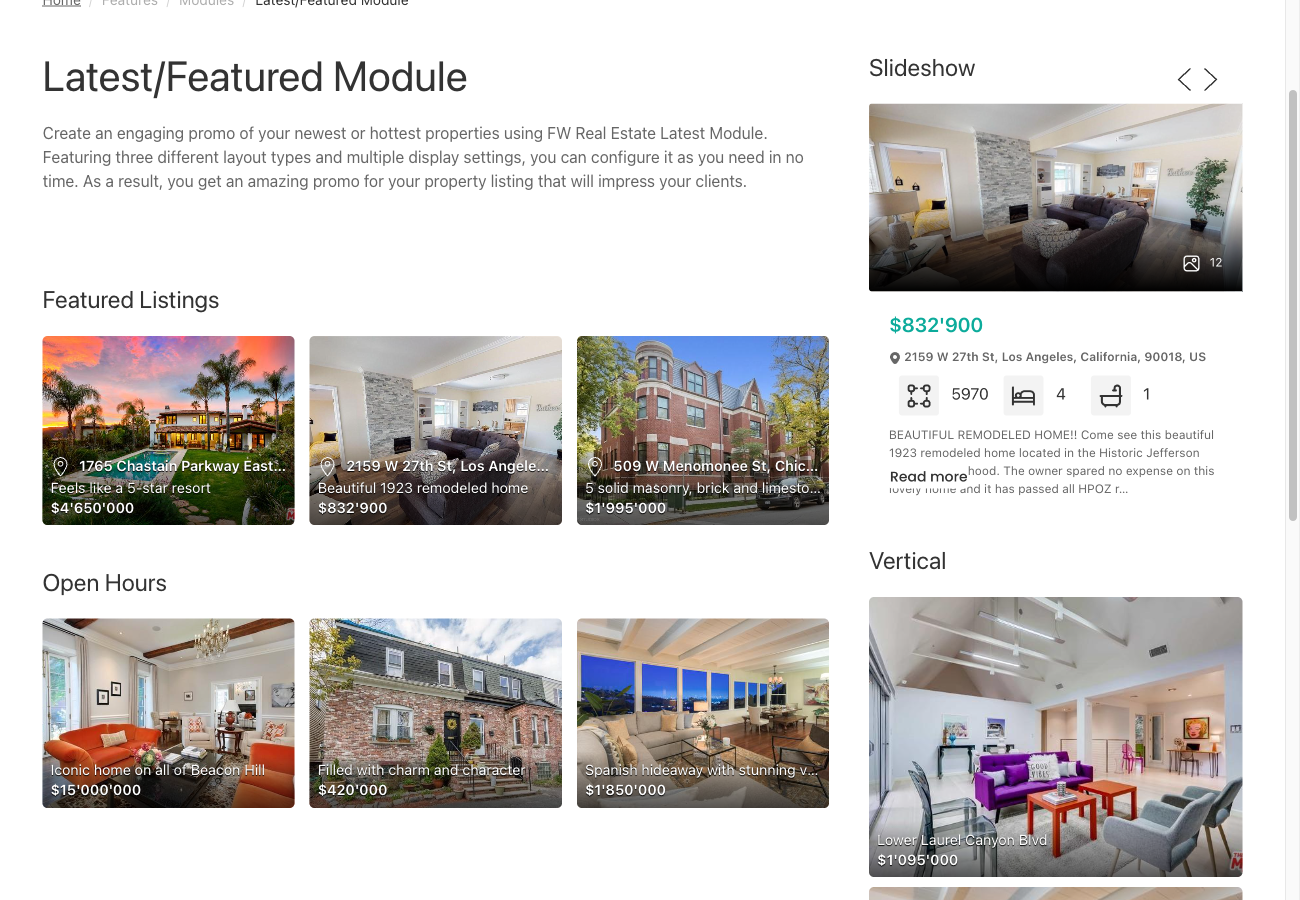
| Vertical | A stacked list — the natural fit for a narrow sidebar. |
| Horizontal | Cards side by side — suited to a full-width band across a page. |
| Cards | A responsive grid using the same property card as the listing's grid view: two across on a tablet, three on a wide screen. |
| Cards slider | The card grid as a single scrollable row with arrows; one to three cards in view depending on screen width. |
| Slideshow | One card at a time, auto-rotating on the Slideshow pause interval. |
| Map | A compact map with a pin per property; clicking a pin opens a mini property card. |
Notes
- Filters combine. Category, type, status, featured, and open house narrow the output together, so a module can show something as specific as "featured apartments for rent in one category, newest first".
- Recently sold / Recently leased ordering sorts by when the status last changed, keeping the strip current automatically. Both options require Status Labels, which owns the status values.
- The Map layout requires a map key — the same key used by the Map View add-on, configured in its settings. Without a key the map will not render.
- A property with no photo falls back to the default property image set in Configuration → General → Image settings, so no card ever renders blank.
To install this addon, open the Add-ons panel inside FW Real Estate. See Getting Started → Add-ons for details on free addons, paid addons, and site verification.
Was this article helpful?

