 FW Food Menu – Documentation
Ingredients
The FWFM Ingredients addon adds a structured ingredient list to each menu item, with the ability to tag individual ingredients with allergens. Guests viewing a meal's detail page can see exactly what a dish contains and which allergens are present, helping them make informed choices.
Use Cases
- Allergen transparency — highlight the 14 major allergens (gluten, nuts, dairy, and others) on each meal so guests with dietary restrictions can order safely.
- Ingredient display — list all ingredients of a dish in a readable format on the meal detail page.
- Legal compliance — many jurisdictions require allergen information to be displayed on food menus. This addon provides a structured way to meet that requirement.
Managing Allergens
Before assigning allergens to ingredients, build your master allergen list at FW Food Menu → Allergens. Each allergen you create here becomes available for tagging throughout the menu.
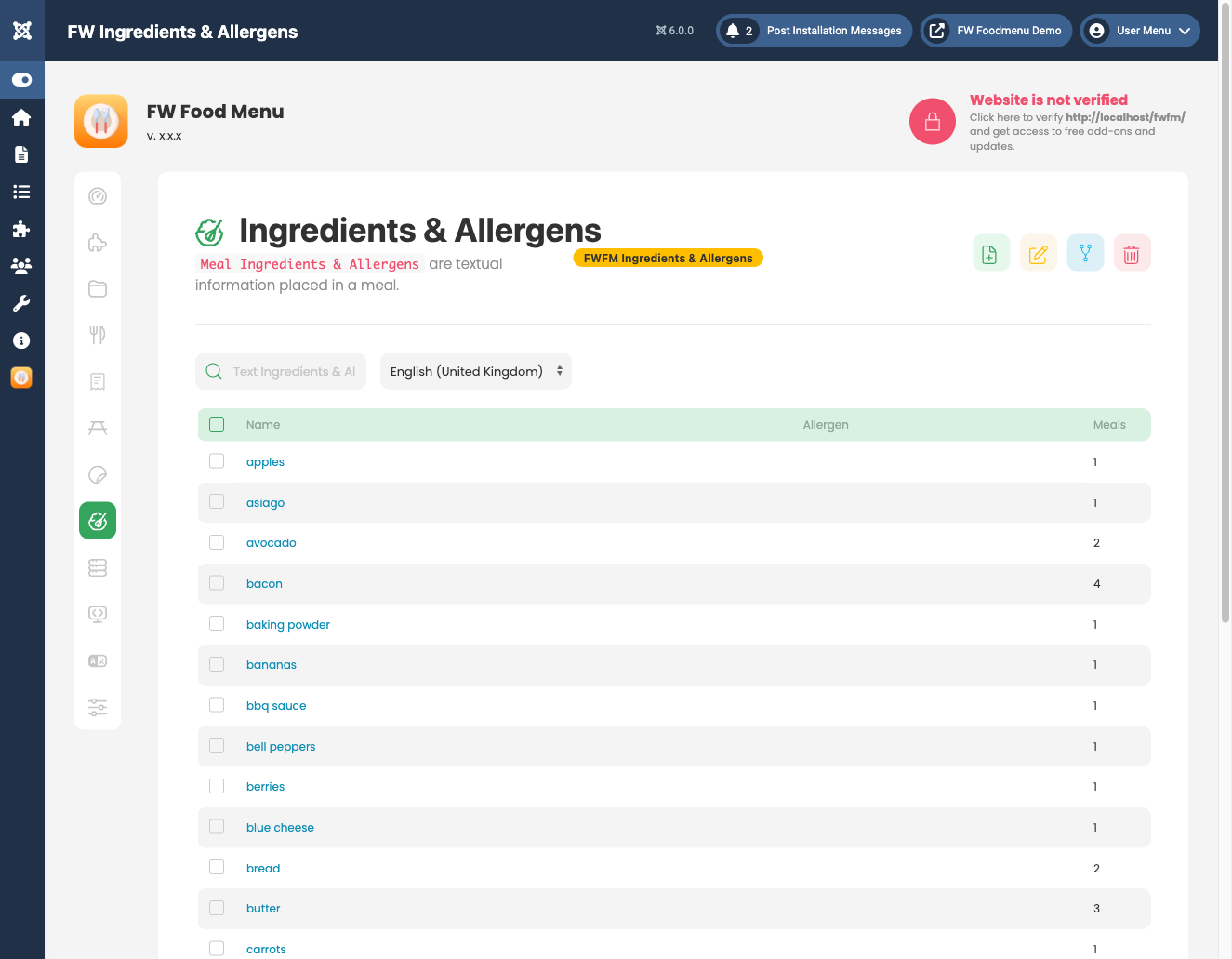
Each allergen record has the following fields:
- Name — the allergen label displayed to guests (e.g. "Gluten", "Peanuts", "Dairy").
- Icon — an optional image used for visual display alongside the allergen name.
- Status — set to Published or Unpublished to control visibility.
Adding Ingredients to a Menu Item
Once the addon is active, an Ingredients field appears in the meal edit form. Each ingredient entry can be linked to one or more allergens from your master allergen list. This creates a structured, per-dish record of what the item contains and which allergens apply.
Frontend Display
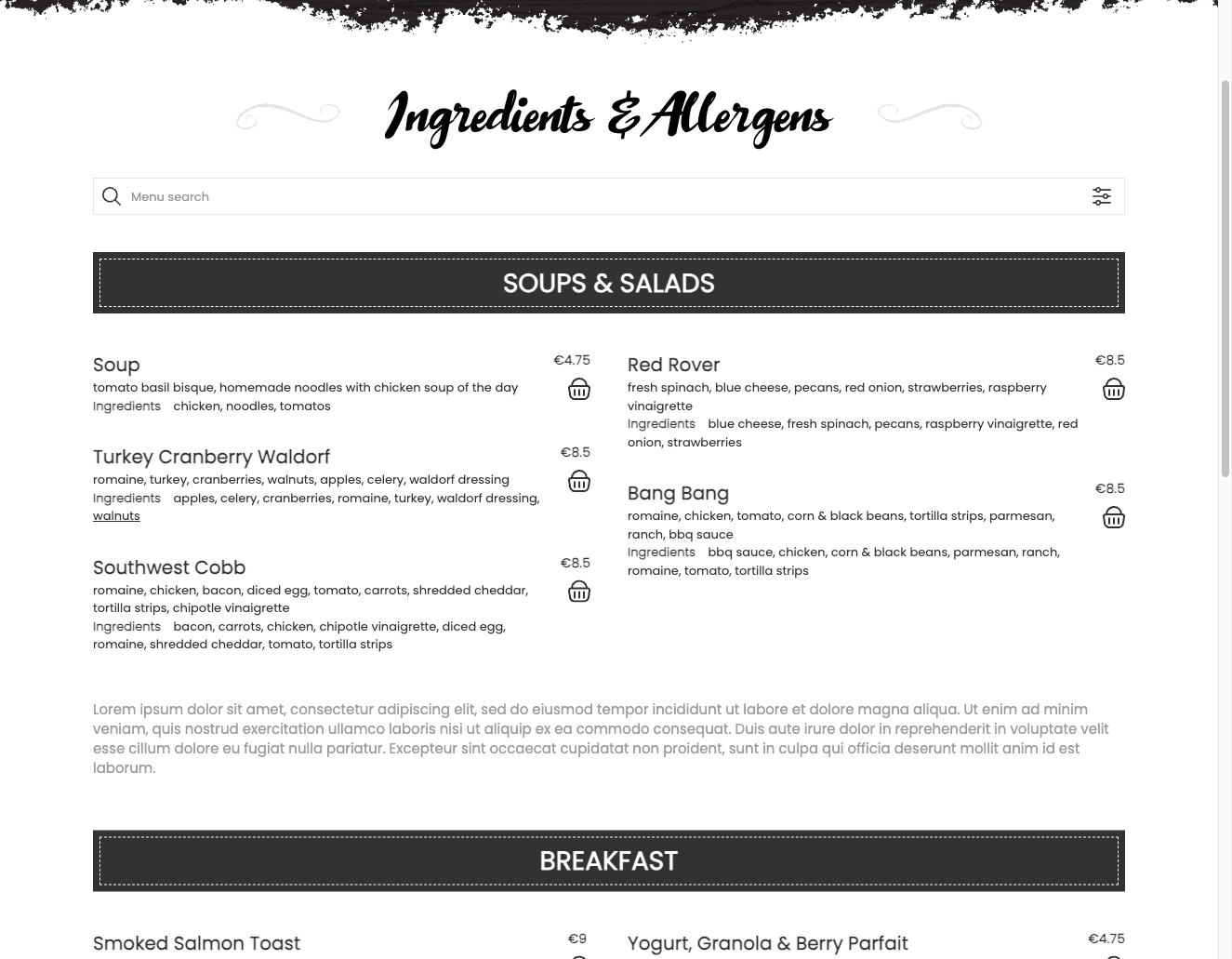
On the meal detail page, the ingredient list appears below the item description. Allergens are shown alongside each ingredient using icons, text labels, or both, depending on the active template. A compact allergen badge strip may also appear on listing cards, giving guests an at-a-glance summary before opening the full detail view.
Multilingual Support
When the FWFM Multilingual addon is also active, both ingredient names and allergen names can be translated per language, ensuring allergen information is accurate for all visitors regardless of their language setting.
Notes
- Allergens must be created in FW Food Menu → Allergens before they can be assigned to ingredients.
- Allergen icons are displayed using uploaded image files or text labels, depending on the active template.
To install this addon, open the Add-ons panel inside FW Food Menu. See Getting Started → Add-ons for details on free addons, paid addons, and site verification.