Layout Anywhere Module
The Layout Anywhere module lets you embed a gallery grid or a single gallery file into any position on your site — without needing a dedicated page or menu item. It delivers the full gallery experience (lightbox, metadata, sharing) wherever you place it.
Use Cases
- Inline gallery grid — embed a gallery inside a content area without creating a separate gallery page.
- Single image display — show a specific file with its lightbox and metadata in a sidebar or custom area.
- Cross-page galleries — surface files from any gallery on pages that are not gallery pages.
Embedding the Module
Assign the module to any position through your module management area. Select FWG Layout Anywhere, choose the position, and configure the parameters below. The module renders using your active design template, so its appearance matches the rest of your gallery.
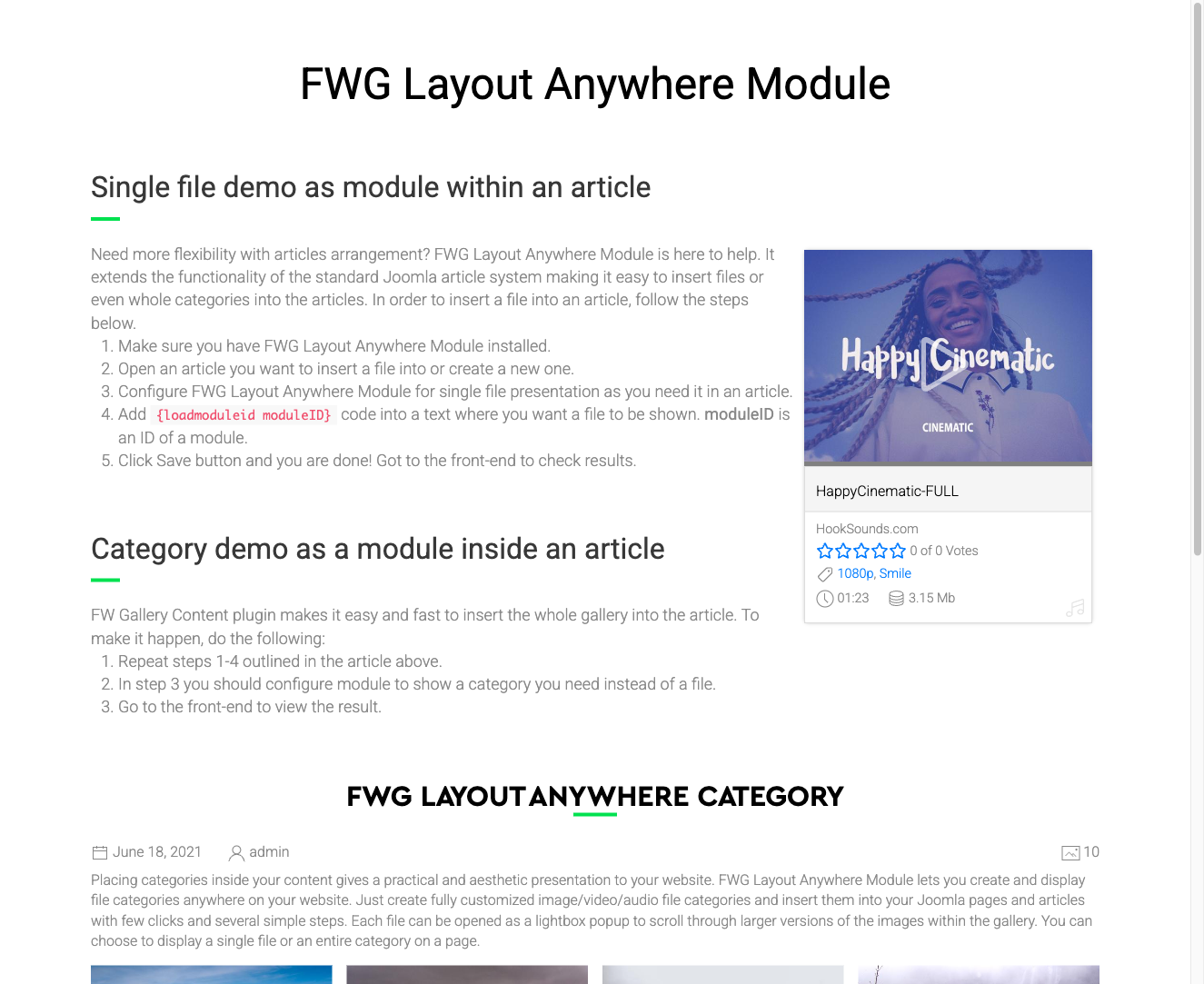
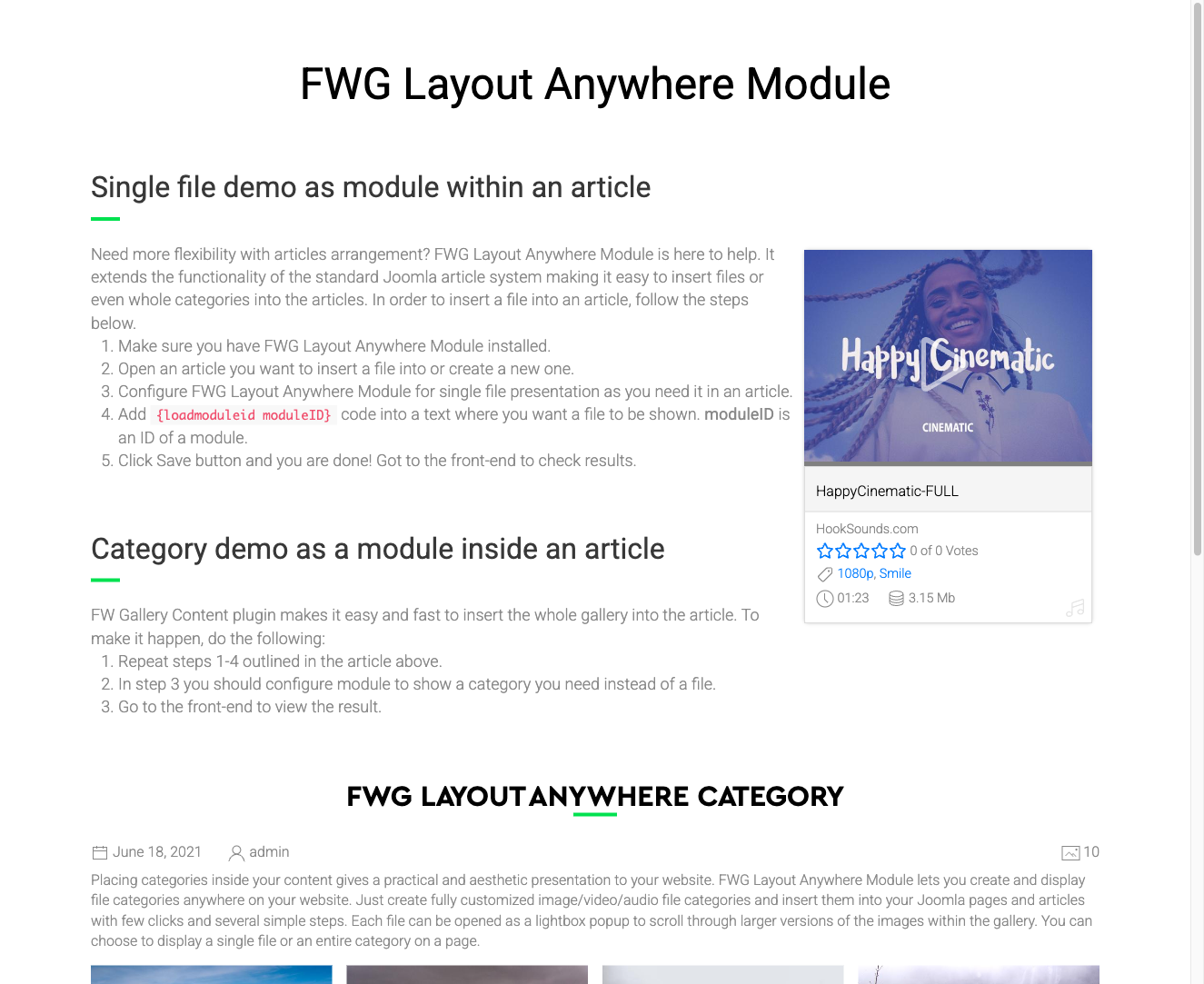
Displaying a Single File
Set the File parameter to a specific file ID to display one image instead of a full grid. Use Layout mode to control whether it appears as a grid card or a full detail view, and use Float to control how surrounding content wraps around it.
Module Parameters
| Parameter | Default | Description |
|---|---|---|
| Module class suffix | — | CSS class suffix appended to the module wrapper for custom styling. |
| File | — | The ID of a specific file to display. When set, a single file is shown instead of a grid. If both File and Gallery are set, File takes precedence. |
| Layout mode | Grid item | Grid item — renders the file as a standard grid card. Single file — renders the full file detail layout. |
| Float | Left | Controls how the single-file layout floats relative to surrounding content. Choose Left or Right to wrap inline text around the file. |
| Gallery | — | Displays all files from the selected gallery as a grid. Used when no specific File ID is set. |
To install this addon, open the Add-ons panel inside FW Gallery. See Getting Started → Add-ons for details on free addons, paid addons, and site verification.