Beauty Design
Beauty Design Template
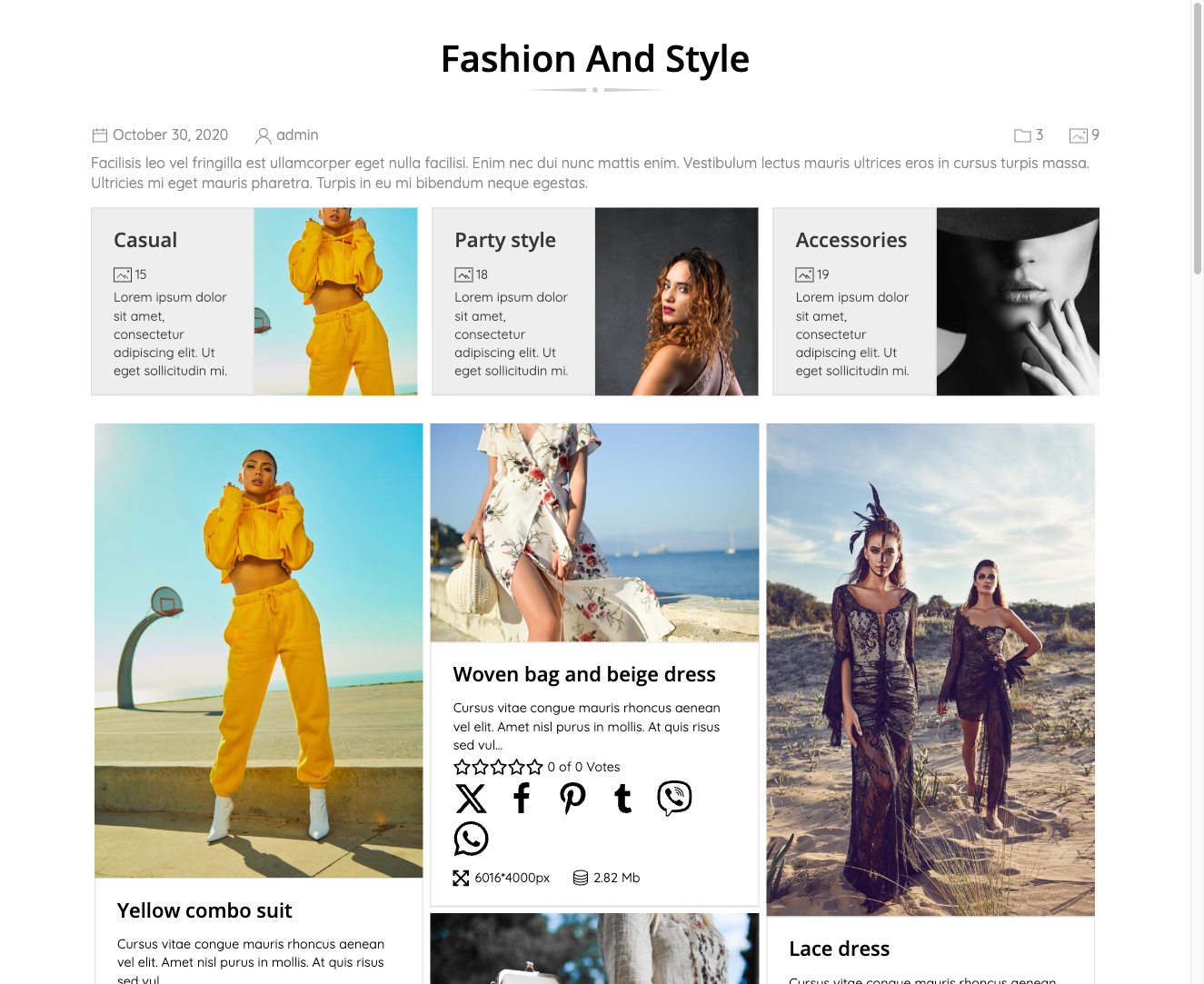
The Beauty design template gives your FW Gallery a clean, modern appearance built around the images themselves. It uses a light background with subtle drop shadows on grid items, smooth overlay animations on hover, and consistent spacing throughout — creating a polished presentation that works across devices and browsers.
Visual Style
Beauty uses a white or light background to let images stand out. Each grid item carries a subtle drop shadow, and hovering over an item triggers a smooth overlay animation. Typography and spacing are kept consistent across all views, and the column layout adjusts automatically to the visitor's screen width.
Gallery Presentation
Beauty covers all standard FW Gallery display contexts:
- Gallery category page (image grid)
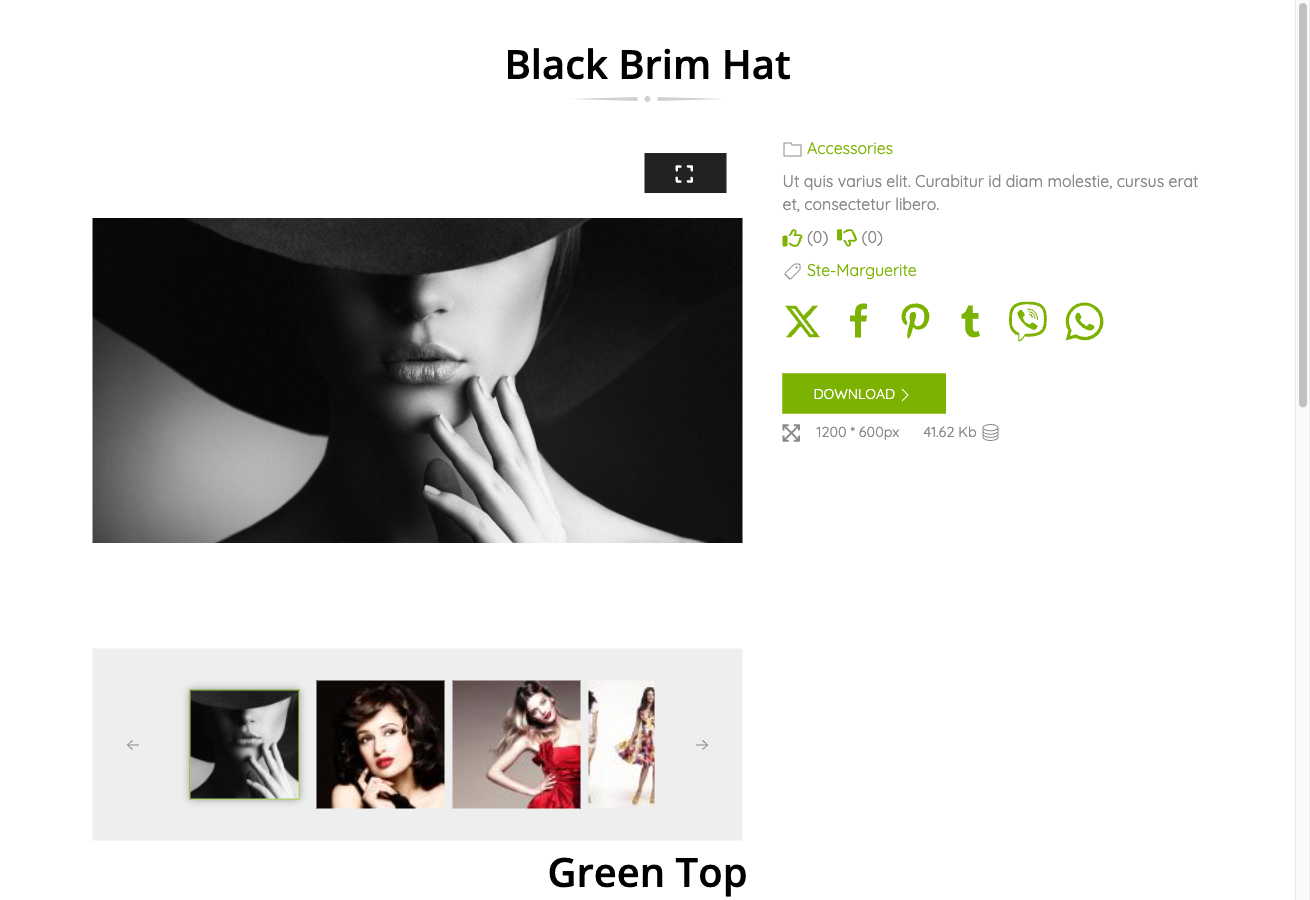
- Single file detail page
- User Section pages
- Module displays, including latest-files and carousel modules
- Audio and video grid items when the relevant type add-ons are active
Activating Beauty
Beauty is included in the main FW Gallery package. To activate it:
- Open the FW Gallery Add-ons panel and enable FW Gallery – Beauty.
- Go to Settings → Galleries tab and set Default design to Beauty.
You can also override the default on a per-gallery or per-menu-item basis, allowing different galleries on the same site to use different designs.
Customising the Appearance
Hover effect timing and other visual details can be adjusted through the Settings → CSS editor. Beauty ships with its own stylesheet assets, so any custom rules you add there will layer on top of the template's defaults without modifying core files.