Fancy Design
Fancy Design Template
The Fancy design template gives your gallery a premium, high-impact look with bold typography, layered hover effects, and animated transitions. It is the right choice when visual presentation is the priority and you want images to make a strong impression.
Visual Style
Fancy applies expressive overlays when visitors hover over gallery items, revealing titles and metadata through smooth animated transitions. High-contrast accent colours and rich typography distinguish it from simpler templates. Every interaction is designed to feel polished and deliberate rather than functional-only.
Gallery Presentation Strengths
- Bold hover overlays draw attention to each image without cluttering the resting state
- Animated reveals make browsing feel dynamic and engaging
- High-contrast accents keep titles readable against any image content
- Suited to portfolios, creative showcases, and galleries where aesthetics drive engagement
Activating Fancy
Fancy is included in the main FW Gallery package. Install it through the in-app Add-ons panel — no separate download is required.
Once installed, apply the template in one of three ways:
- Go to Settings → Galleries → Default design and select Fancy to apply it site-wide.
- Override the design on an individual gallery by editing that gallery's settings and choosing Fancy from the design selector.
- Override per menu item by selecting Fancy in the menu item's display options.
Layout Coverage
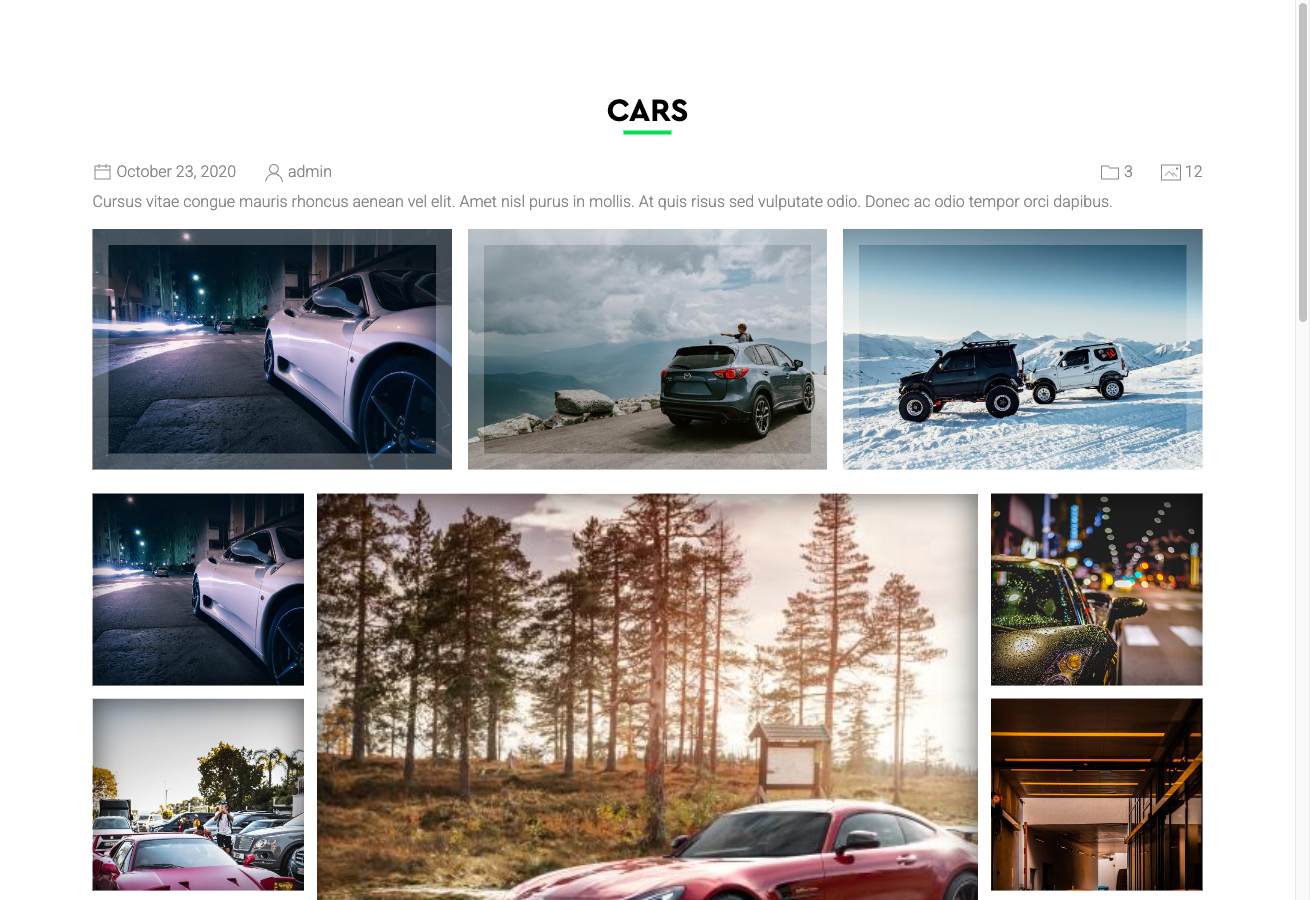
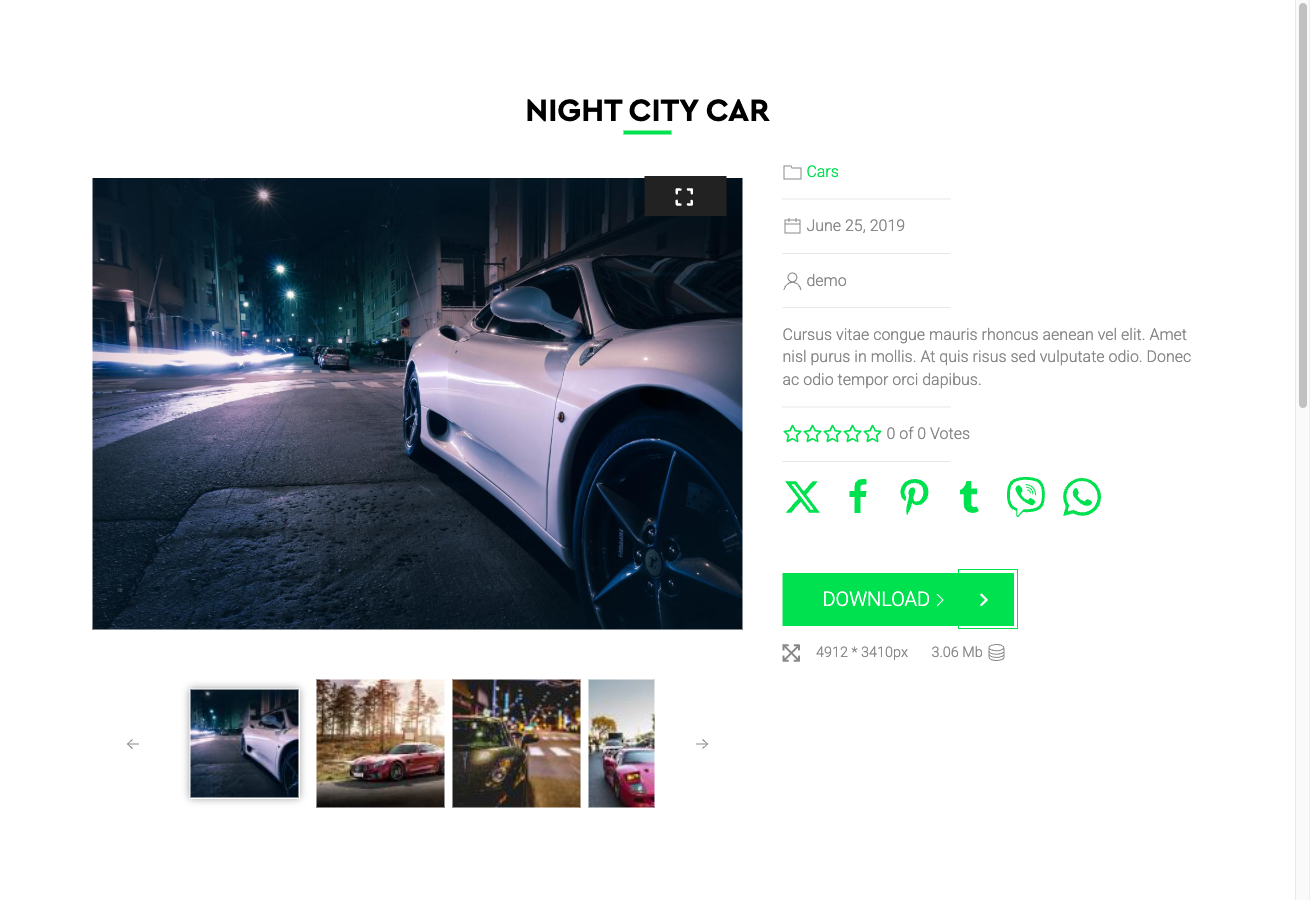
The Fancy template provides styled layouts for every standard FW Gallery context:
- Category page — the main file grid view
- Single file detail page — the expanded view for an individual image or file
- User Section pages — front-end user management screens
- Module displays — gallery modules placed in widget areas
Customising the Design
Fancy loads additional CSS and JavaScript to power its hover effects and transitions. If your gallery contains a large number of high-resolution images, test the template on representative devices to confirm performance meets your requirements.
To adjust or extend the visual styling without editing template files directly, use the built-in CSS editor at Settings → CSS. Any rules you add there override the template defaults and are preserved through updates.