Audio Type
The FW Gallery Audio addon extends FW Gallery with support for audio files as a distinct media type. Once active, MP3 and other audio formats can be uploaded, organized into galleries, and played directly in the browser through an HTML5 audio player — no third-party embeds required.
Use Cases
- Music galleries — organize and share audio tracks in themed collections.
- Podcast episodes — display episode listings with in-browser playback.
- Sound libraries — provide downloadable sound effects or audio samples.
- Mixed media galleries — combine photos and audio files in the same gallery.
Supported Formats
- MP3 (
.mp3) — widest browser support; recommended for general use. - OGG Vorbis (
.ogg) - WAV (
.wav) - Other HTML5 audio-compatible formats
Frontend Display
In the gallery grid, audio files appear with an audio icon and play button overlay so visitors can identify them at a glance.

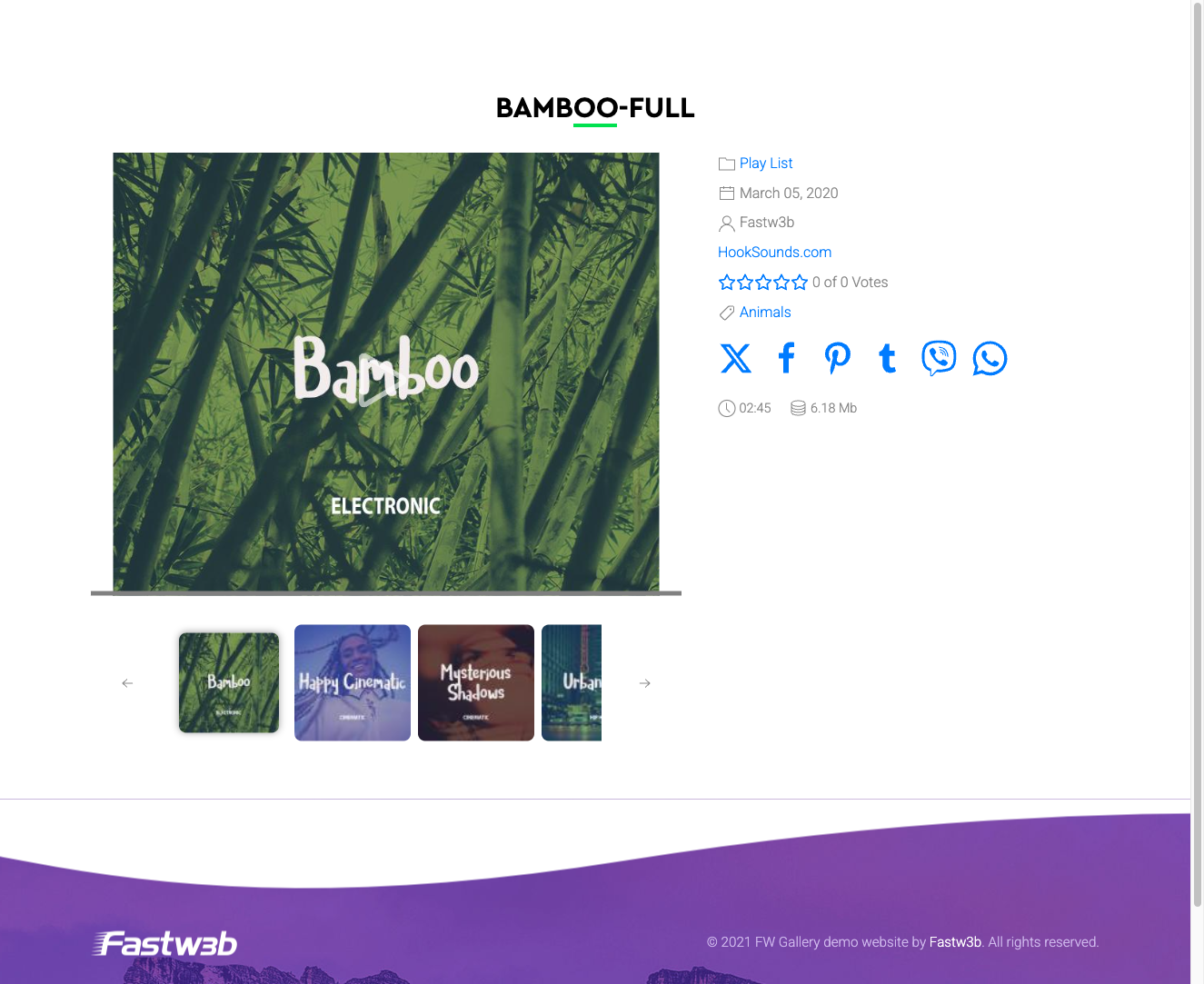
On the individual file detail page, a full HTML5 <audio> player is rendered, allowing in-browser playback without leaving the page. If the Download option is enabled in FW Gallery settings, a download button also appears alongside the player.
Upload Considerations
Audio file uploads are subject to your server's PHP upload_max_filesize and post_max_size limits. If large audio files fail to upload, increase these values in your PHP configuration or contact your host. HTML5 playback compatibility depends on the visitor's browser — MP3 is supported by all modern browsers and is the safest choice for broad compatibility.
To install this addon, open the Add-ons panel inside FW Gallery. See Getting Started → Add-ons for details on free addons, paid addons, and site verification.