Meta
What the Meta Add-on Does
The FW Gallery Meta add-on extends each gallery file with a set of EXIF and IPTC-style metadata fields — camera model, shutter speed, aperture, ISO, focal length, author, copyright, keywords, and more. These fields appear in the file edit form and, when populated, are displayed to visitors on the single file detail page.
Use Cases
- Photography portfolios — display technical shooting data alongside each image so visitors can see the camera, lens, and exposure settings used.
- Stock and archival galleries — record licensing, copyright, and authorship information on a per-file basis.
- Professional photography sites — give technically minded visitors the full image specification without cluttering the main gallery view.
Metadata Fields in the File Edit Form
Once the add-on is active, every file in FW Gallery gains a dedicated metadata section within its edit form. Available fields include camera, author, copyright, description, and keywords, among other IPTC and EXIF-style entries. Only fields you populate are stored; empty fields are ignored.
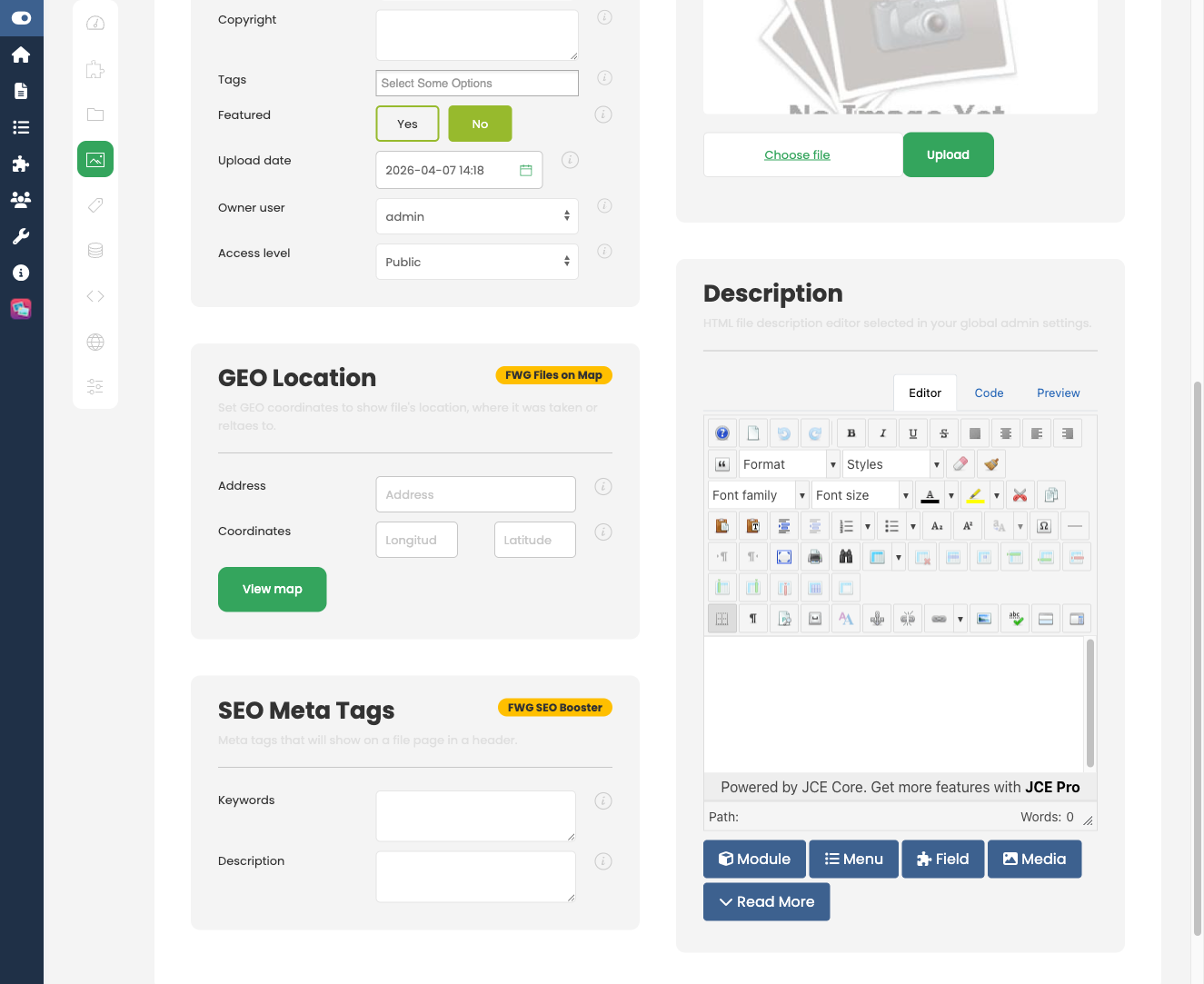
For JPEG uploads, the add-on can automatically extract EXIF data from the image file and pre-populate the relevant fields, saving manual entry. This requires the PHP exif extension to be enabled on your server. If that extension is unavailable, fields can still be filled in manually.
Frontend Display
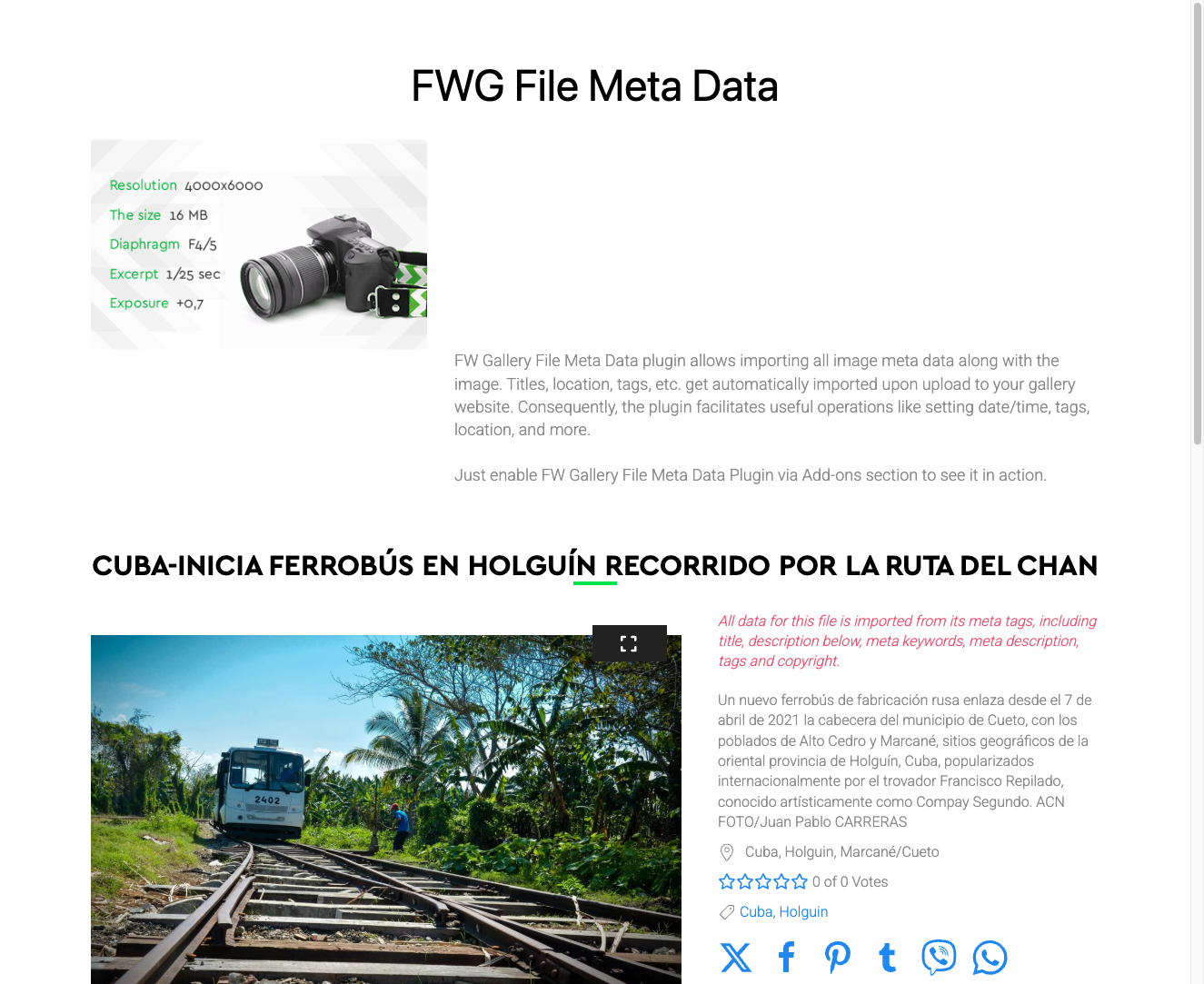
When a file has stored metadata, a metadata table or card appears on the single file detail page, listing all populated technical and editorial fields. Fields with no stored value are not shown, keeping the display clean for files that carry only partial information.
Key Points
- EXIF auto-extraction works with JPEG images only and depends on the PHP exif extension being available on the server.
- Only fields that contain a stored value are rendered on the frontend — no blank rows or placeholders are shown to visitors.
- All metadata is stored in FW Gallery's own database tables, separate from any core CMS metadata fields.
To install this addon, open the Add-ons panel inside FW Gallery. See Getting Started → Add-ons for details on free addons, paid addons, and site verification.