Video Type
Video Type
The FW Gallery Video addon extends FW Gallery with video as a native media type. Once active, you can upload video files directly to your server or link videos from YouTube and Vimeo, organize them in galleries, and play them in-browser — all within the same FW Gallery interface you use for photos.
Supported Sources
- Direct upload — MP4 (
.mp4), WebM (.webm), and OGV (.ogv) files hosted on your own server. - YouTube — paste any YouTube video URL into the file URL field; no file upload required.
- Vimeo — paste any Vimeo video URL into the file URL field; no file upload required.
YouTube and Vimeo thumbnails are fetched automatically from the external platform, so no manual thumbnail upload is needed for those sources.
Use Cases
- Dedicated video galleries organized by theme, project, or topic.
- Embedding externally hosted videos without using server storage.
- Mixed-media galleries combining photos and videos in a single collection.
- Tutorial or course sites presenting video lessons organized by gallery or category.
Frontend Display
In the gallery grid, video items appear with a play button overlay on the thumbnail so visitors can identify them at a glance.
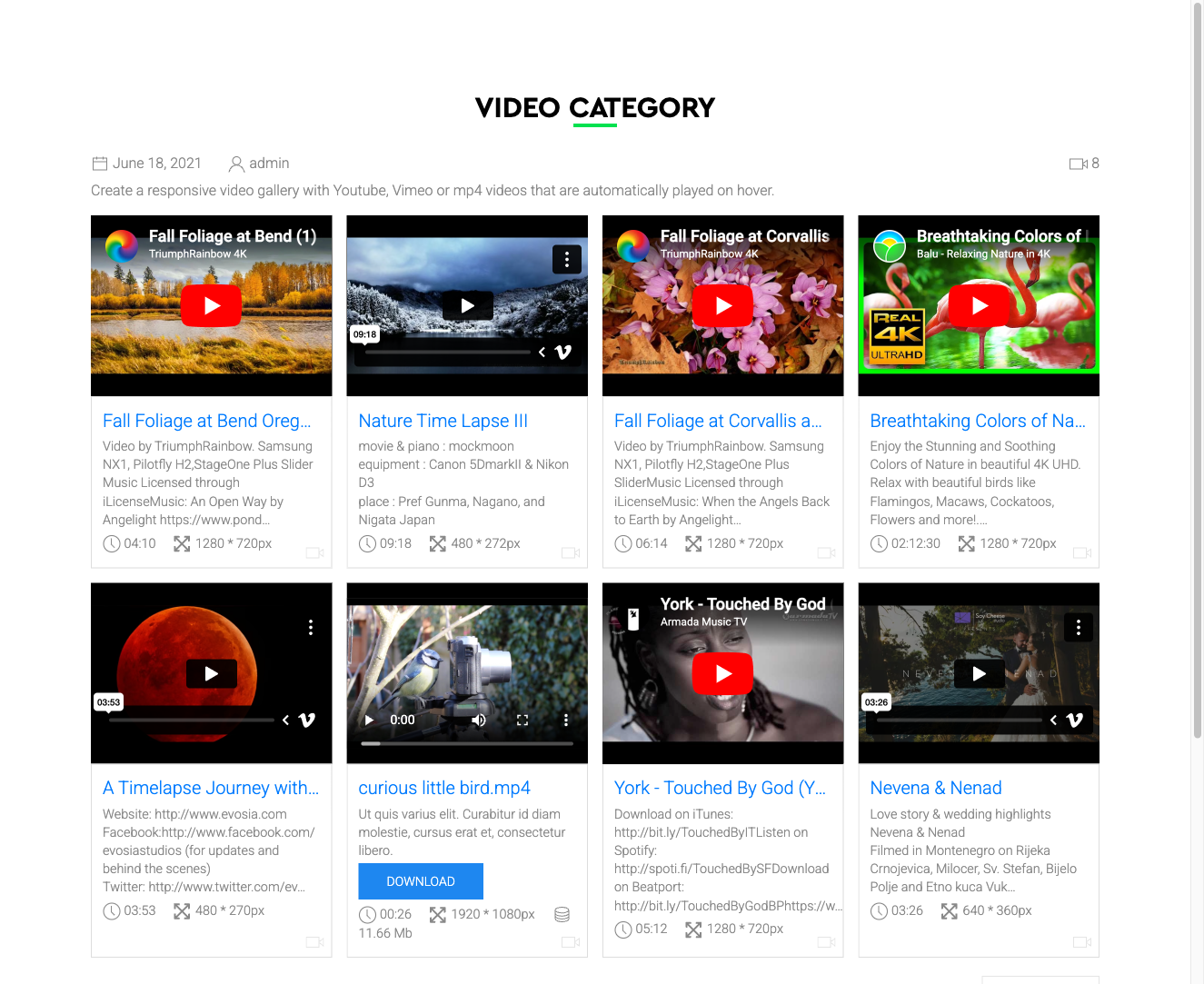
On the file detail page, self-hosted videos play in an HTML5 <video> player rendered directly on the page. YouTube and Vimeo videos play inside an embedded iframe.
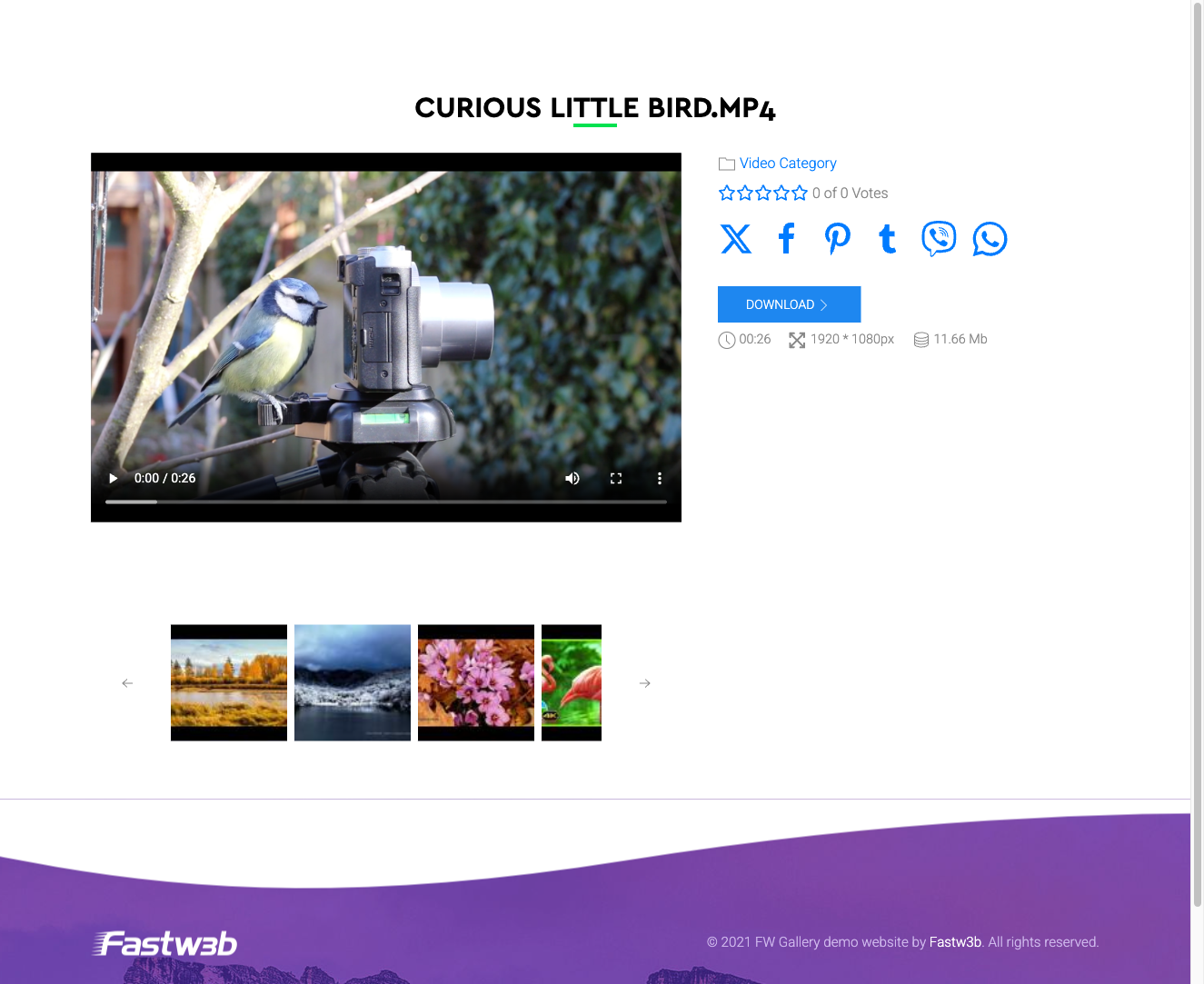
Adding a Video File
When the addon is active, a Video option appears when adding or editing a file in a gallery. Choose your source:
- Upload a file — select an MP4, WebM, or OGV file from your computer.
- External URL — paste a YouTube or Vimeo URL into the file URL field. FW Gallery will handle embedding and thumbnail retrieval automatically.
Notes on Self-Hosted Video
- MP4 has the widest browser support. Always encode files at a web-optimised bitrate before uploading.
- Upload size is limited by your server's PHP
upload_max_filesizesetting. For large video files, upload directly to the server filesystem and use the folder-import feature instead.
Notes on YouTube and Vimeo Embeds
- Embedded YouTube and Vimeo players load third-party JavaScript from those platforms. If your audience is in the EU or another region with privacy regulations, review your GDPR or cookie-consent obligations before enabling external embeds.
To install this addon, open the Add-ons panel inside FW Gallery. See Getting Started → Add-ons for details on free addons, paid addons, and site verification.