Classic Design
Classic Design Template
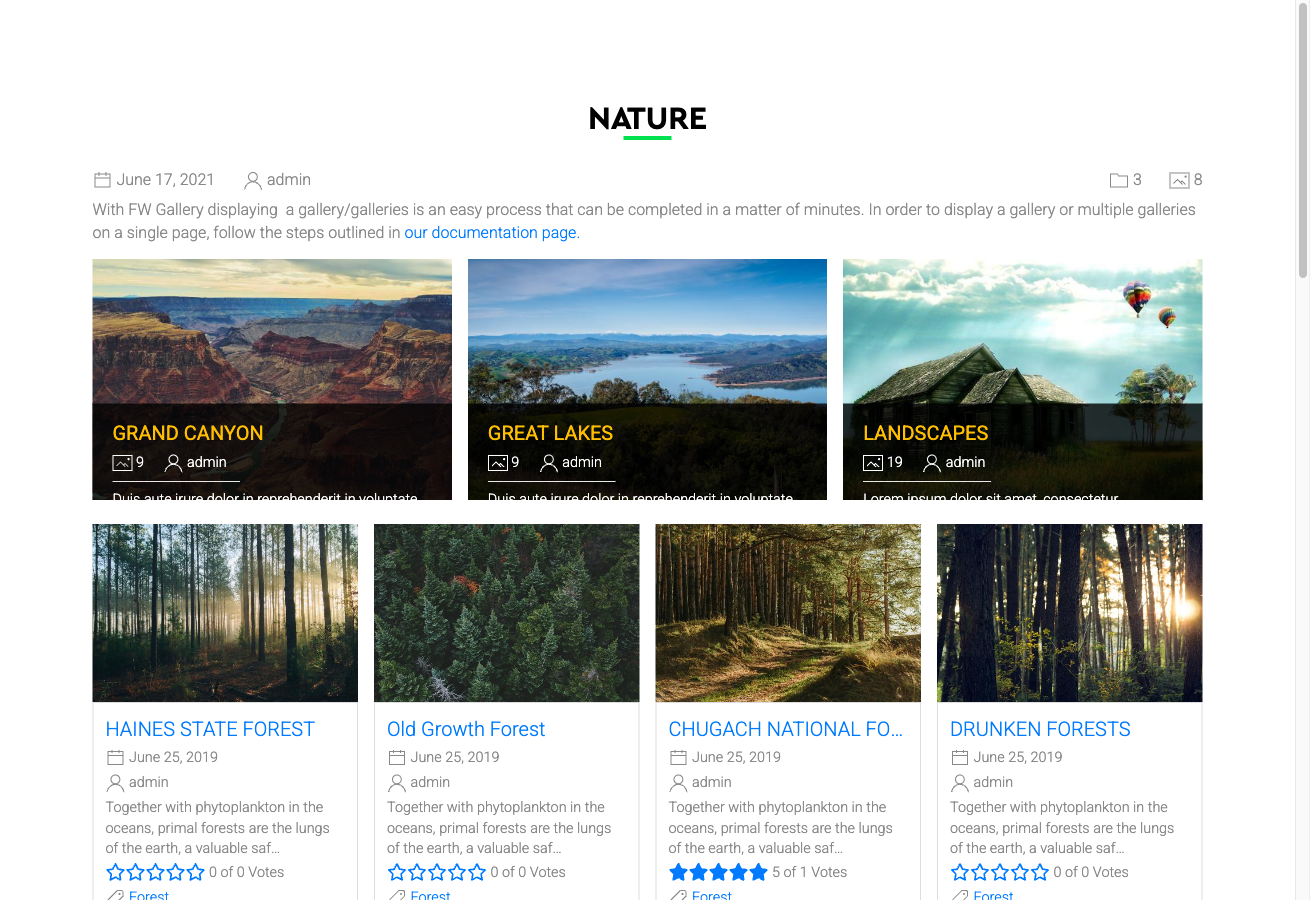
The Classic design template gives FW Gallery a traditional, uniform grid layout. It prioritises clarity and compatibility over decorative styling, making it a reliable choice for sites where straightforward presentation matters most.
Visual Style
Classic arranges images in a fixed-height grid where every thumbnail cell is the same size. Subtle borders frame each image, and a simple hover highlight draws attention to the selected item without distracting animations. Pagination controls follow a conventional style that visitors recognise immediately. The template handles both portrait and landscape images equally well within the uniform grid.
When to Use Classic
- Sites where simplicity and broad theme compatibility are priorities
- Galleries with mixed image orientations that need consistent cell sizing
- Projects where a familiar, no-fuss layout suits the audience better than a decorative design
Activating Classic
Classic is included in the main FW Gallery package — no separate download is needed. To activate it, open Settings → Galleries → Default design and select Classic. This applies the template to all galleries site-wide. You can override the default on a per-gallery or per-menu-item basis using the same design selector within each gallery's own settings.
Layout Coverage
The Classic template provides styled layouts for every major display context in FW Gallery:
- Gallery category page — the main file grid visitors browse
- Single file detail page — the expanded view for an individual image
- User Section pages — front-end upload and management screens
- Module displays — gallery modules placed in widget positions
Customising the Appearance
Template CSS can be edited directly in Settings → CSS. Changes made there override the default Classic styles without modifying core files, so your adjustments are preserved across updates.