Frontend Manager
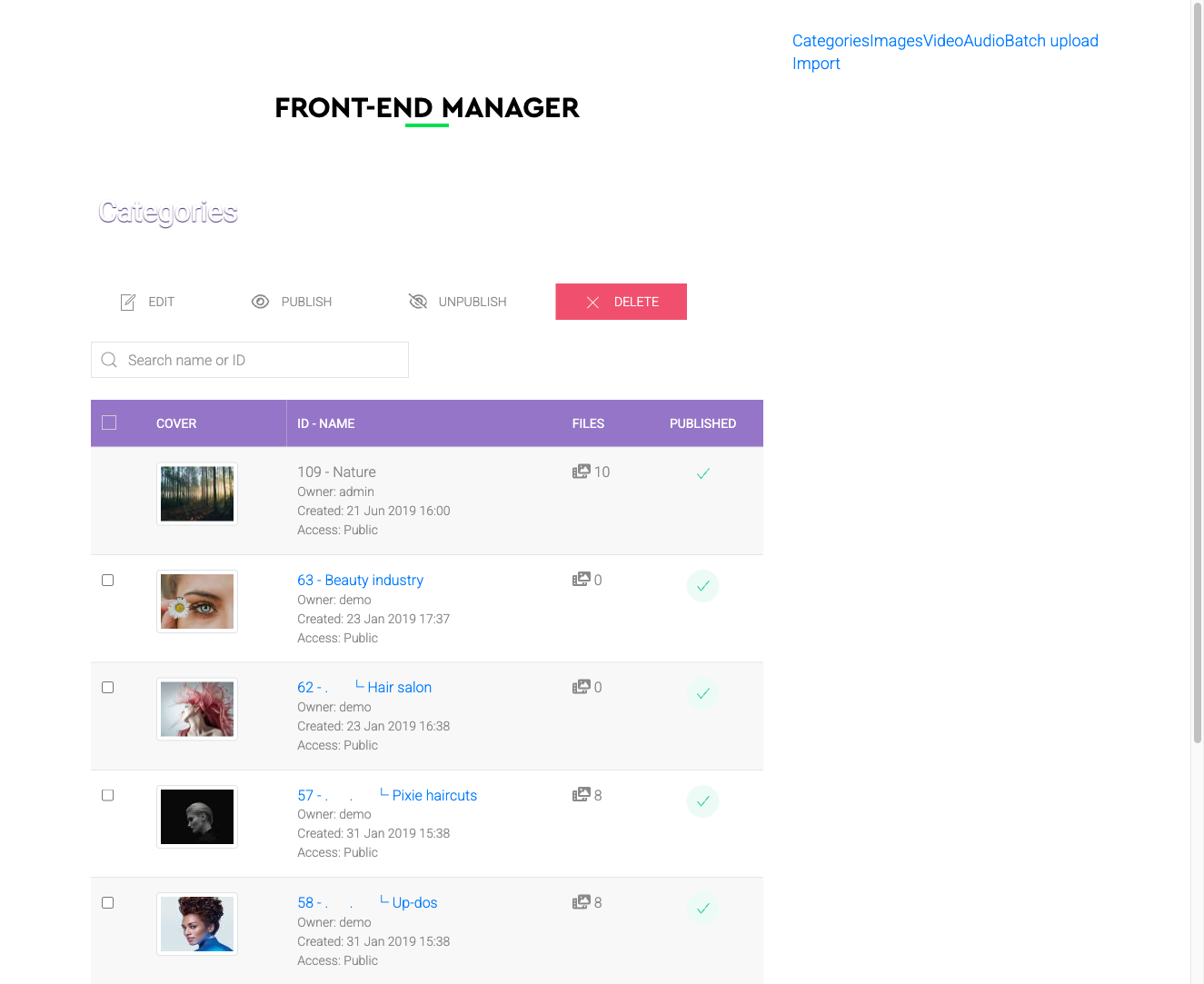
The Frontend Manager addon gives registered users a dedicated frontend interface for managing their own galleries and files — no WordPress admin access required. When active, it adds a User Section view to the frontend where users can upload files, create galleries, and edit their own content.
Use Cases
- Community galleries — allow registered members to create and manage their own photo galleries on the site.
- User-generated content — photographers, event organizers, or contributors can upload and organize their media independently.
- Restricted backend access — give content creators gallery management capability without exposing the site backend.
Displaying the User Section
To make the User Section accessible on the frontend, create a menu item and set its type to FW Gallery → User Section. Only authenticated (logged-in) users can access this view. Users can only edit or delete their own files unless they have been granted elevated permissions.
User Section Views
Once the addon is active, the User Section can include the following areas:
- My Files — lists all files uploaded by the current user, with edit and delete controls.
- My Galleries — displays galleries owned by the current user.
- Add File — an upload form for adding new files.
- Add Gallery — a form to create a new gallery.
Settings
The Frontend Manager has no standalone settings panel. Its behaviour is controlled through the main FW Gallery component settings. To enable gallery management in the User Section, turn on Allow frontend gallery management in the component settings — this adds a Categories option to the User Section menu.
To install this addon, open the Add-ons panel inside FW Gallery. See Getting Started → Add-ons for details on free addons, paid addons, and site verification.