 FW Gallery – Documentation
Latest Files Module
The FWG Latest module (mod_fwg_latest) displays a compact gallery widget in any Joomla module position. You can configure it to show the newest uploads, a random selection, or gallery cover images, making it a flexible way to surface gallery content across your site.
Use Cases
- Sidebar widget — show the latest photos in a narrow side column alongside your main content.
- Homepage teaser — display recently added or random images to encourage visitors to explore your galleries.
- Featured images block — filter to only featured files to create a curated highlight area.
Creating a Module Instance
Go to Extensions → Modules in the Joomla administrator and click New. Select FWG Latest from the module type list. Give the module a title, assign it to a module position, and set the menu assignment. All gallery-specific options are available in the module's Options tab.
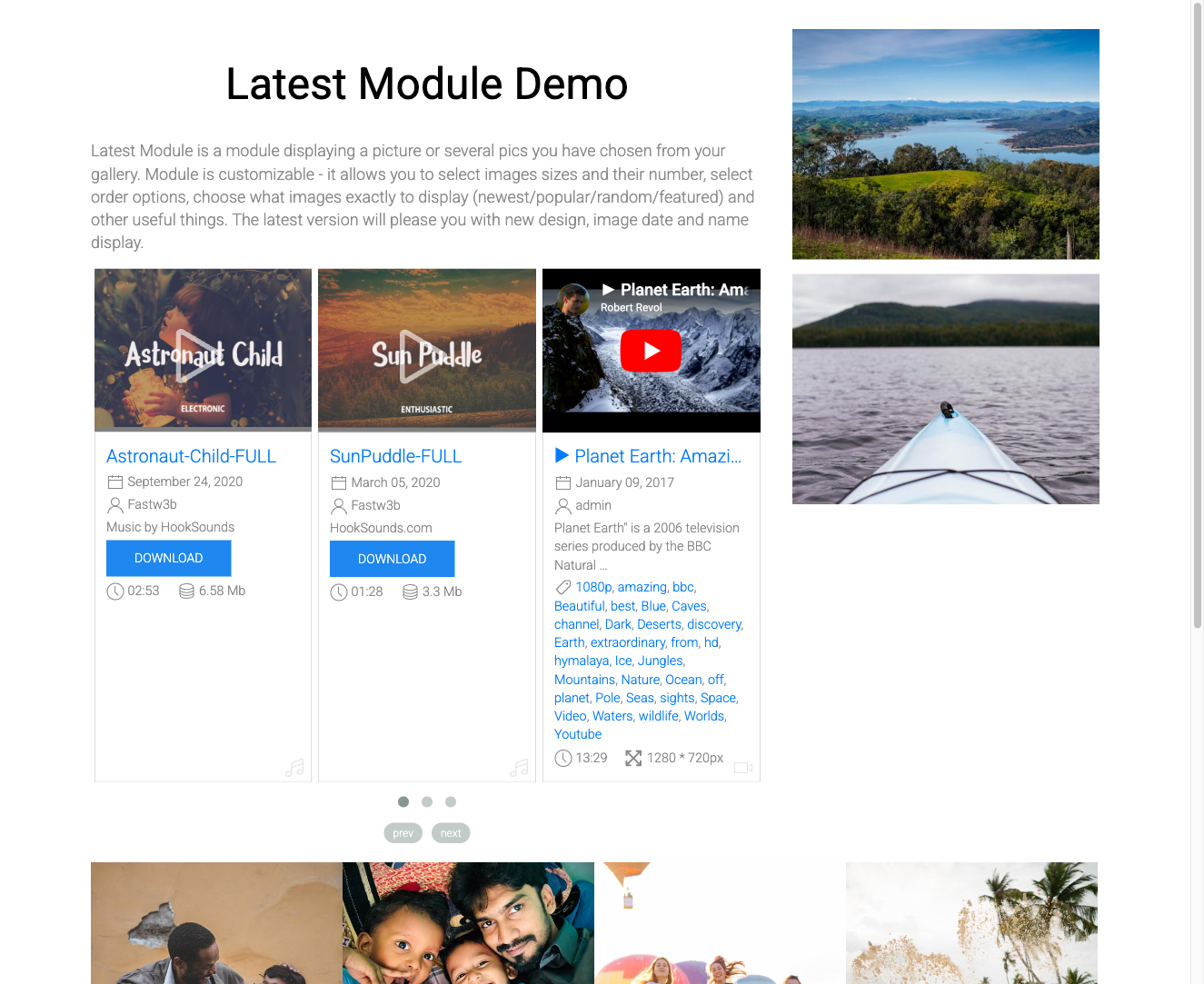
Module Parameters
| Parameter | Default | Description |
|---|---|---|
| Module class suffix | — | A CSS class suffix appended to the module wrapper, allowing custom styling without modifying core files. |
| Gallery | — | Restrict output to files from a specific gallery. Leave empty to pull from all galleries. |
| Display | Files | Choose Files to show individual images (each linking to its detail page), or Categories to show gallery cover images with the gallery name linking to the gallery page. |
| Quantity | — | The number of items to display in the module. |
| Ordering | Newest first | Sort order for displayed items: Newest first, Alphabetically, Random, or Manual order. |
| Featured filter | All | Control which files appear: All, Only featured, or Hide featured. |
Appearance
The module's visual output follows whichever design template plugin is active for FW Gallery (such as Beauty or Classic). Each template plugin provides its own module layout files, so the widget integrates naturally with the look of your galleries.