 FW Gallery – Documentation
Audio Type
The FW Gallery – Audio addon registers audio files as a native media type inside FW Gallery, allowing visitors to browse and play audio tracks directly in the browser without leaving the page.
What It Adds
Once active, the addon makes audio files a first-class media type alongside images and video. You can upload audio files through the standard gallery file manager, organize them into galleries, and display them to visitors with an inline HTML5 player. Audio files can also appear alongside other media types inside the same gallery.
Supported Formats
- MP3 (
.mp3) — widest browser support, recommended for public galleries - OGG Vorbis (
.ogg) - WAV (
.wav) - Other HTML5 audio-compatible formats
Use Cases
- Music galleries — organize and share audio tracks in themed collections
- Podcast episodes — display episode listings with in-browser playback
- Sound libraries — offer downloadable sound effects or audio samples
- Mixed media galleries — combine photos and audio files in the same gallery
Frontend Display
In the gallery grid, audio files appear with an audio icon and play button overlay so visitors can identify them at a glance.

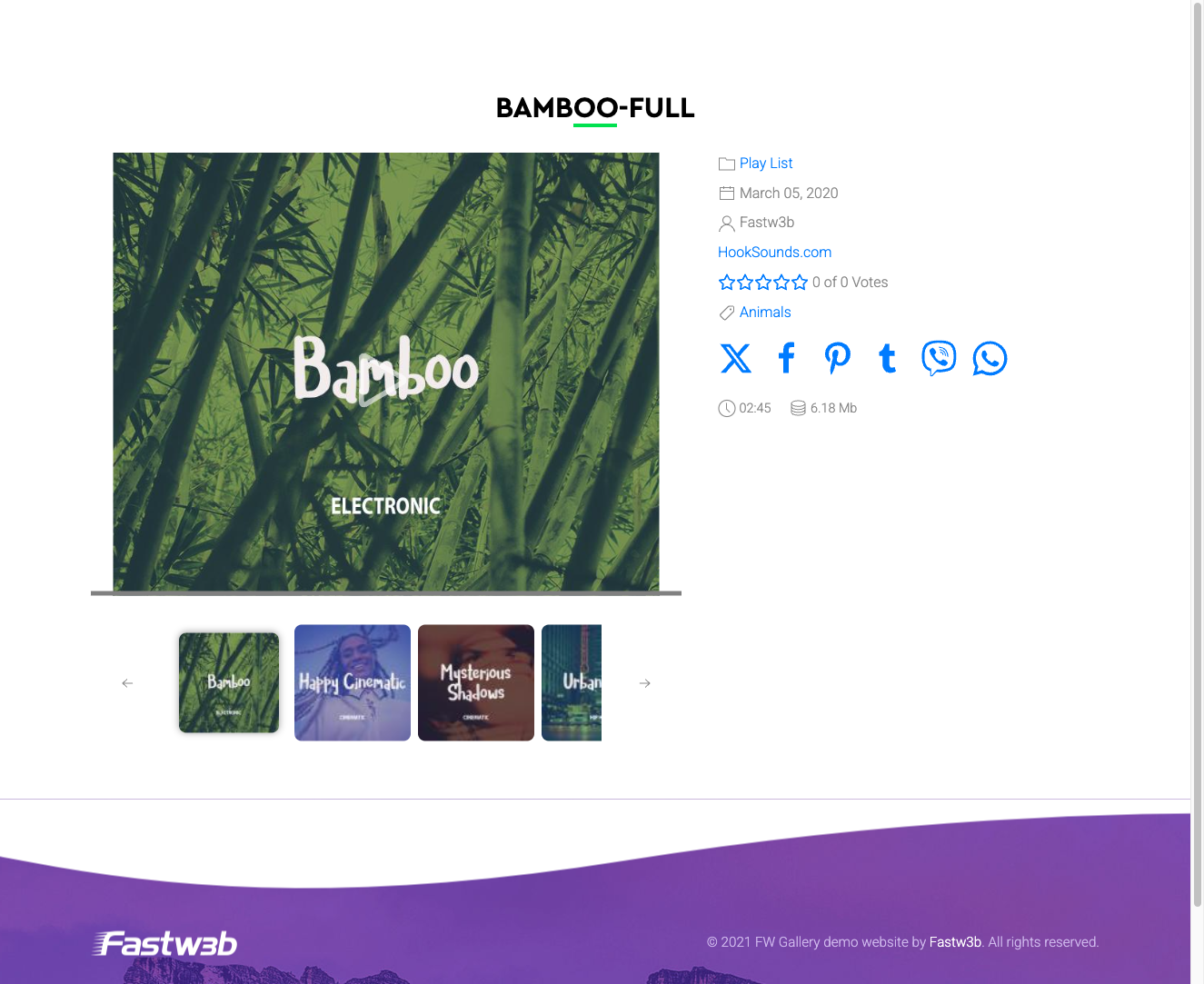
On the file detail page, a full HTML5 <audio> player is rendered, allowing in-browser playback with standard transport controls. If the Download option is enabled in your gallery settings, a download button is shown alongside the player.
Upload Considerations
Audio file upload limits are controlled by your server's PHP configuration — specifically the upload_max_filesize and post_max_size directives. If uploads fail for large audio files, ask your hosting provider or system administrator to increase these values. HTML5 playback compatibility depends on the visitor's browser; MP3 is the safest choice for broad compatibility.
To install this addon, open the Add-ons panel inside FW Gallery. See Getting Started → Add-ons for details on free addons, paid addons, and site verification.