 FW Gallery – Documentation
Layout Anywhere Module
FW Gallery tutorial for Joomla!
The Layout Anywhere module (mod_fwgallery) embeds a full gallery grid or a single file — complete with lightbox, metadata, and sharing — into any Joomla module position. It lets you place gallery content on pages that have no dedicated gallery menu item, without writing custom code.
Use Cases
- Inline gallery grid — add a gallery to a homepage section, content area, or custom HTML position without a separate menu item.
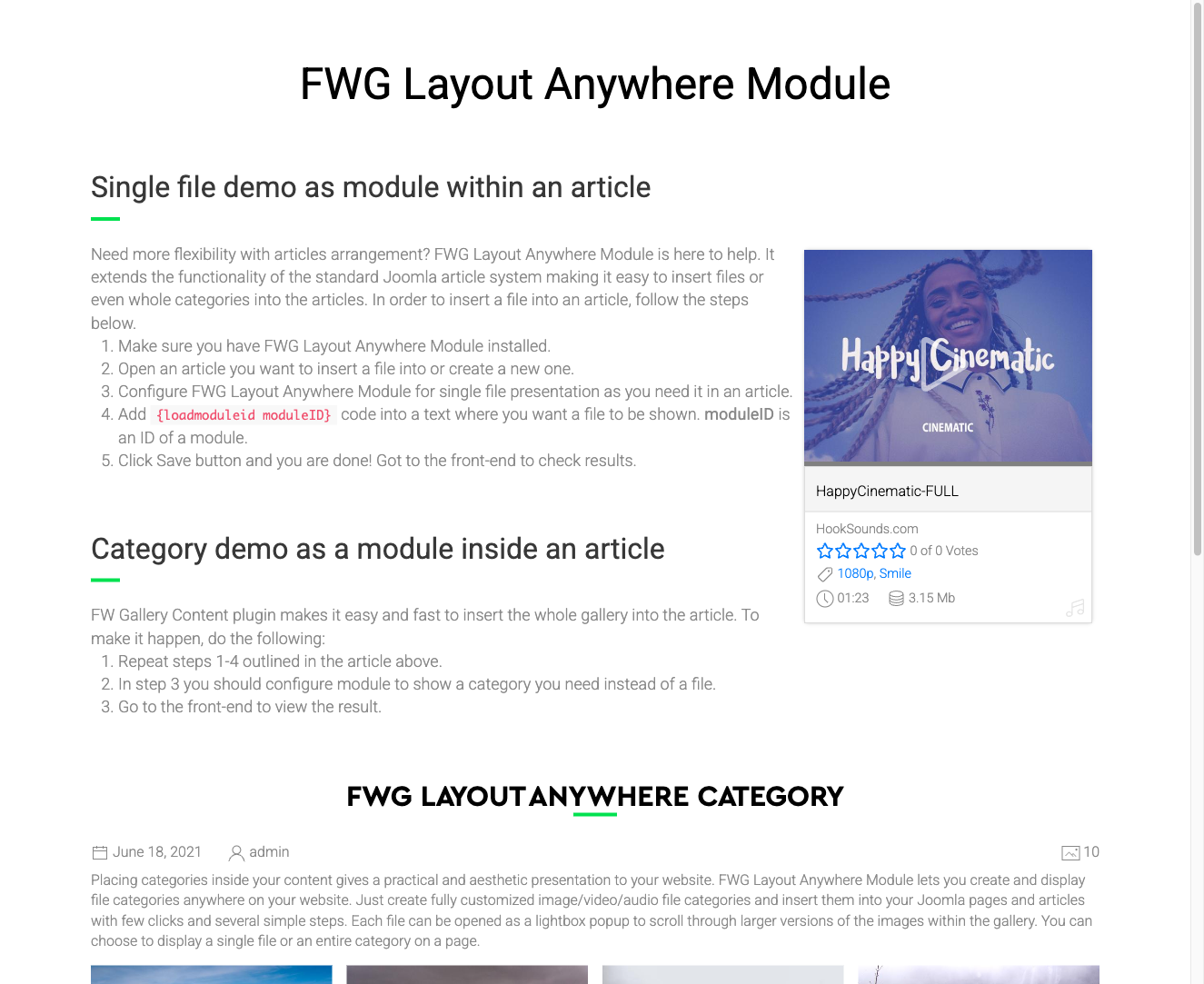
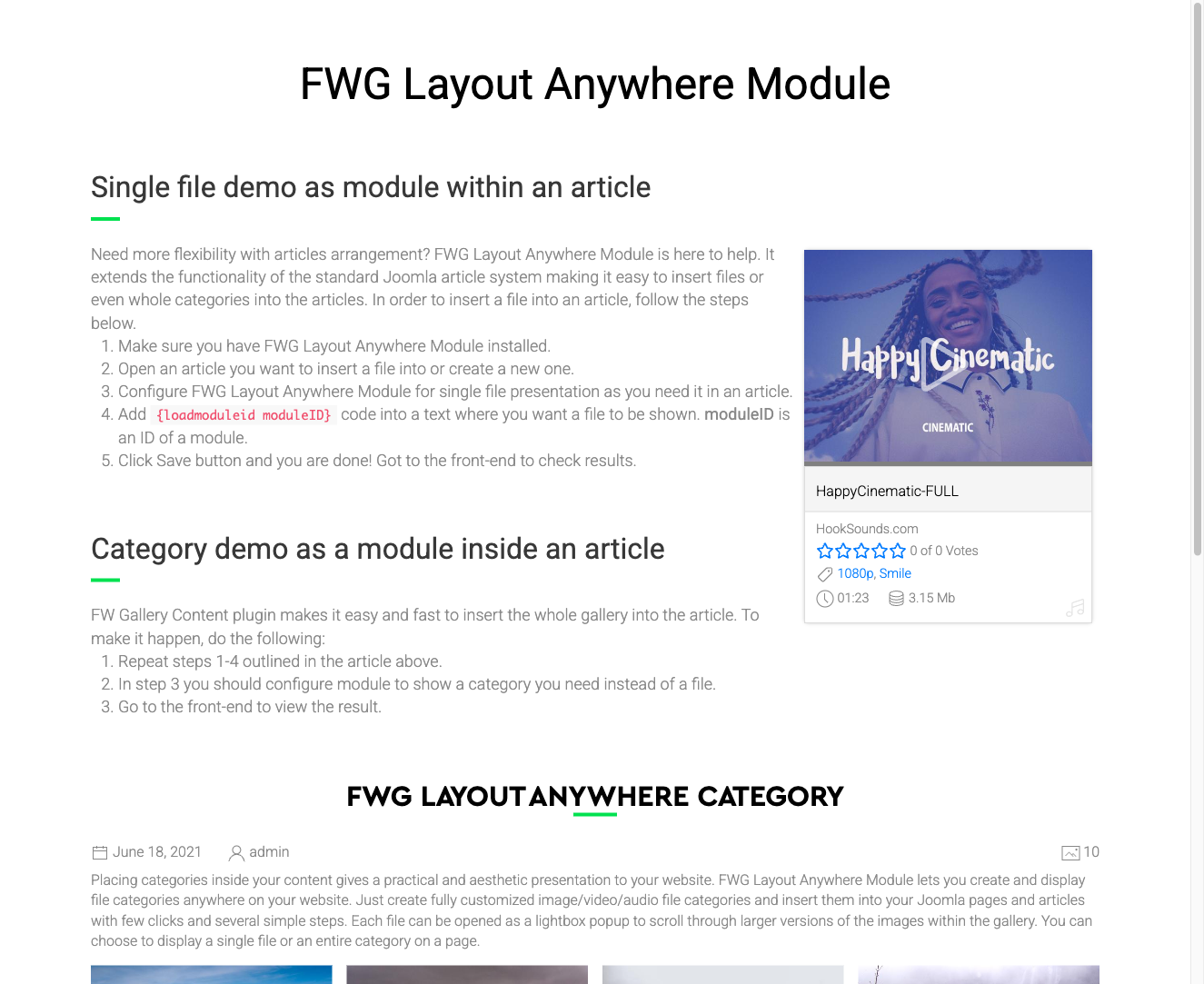
- Single file widget — display one specific image or file with its full lightbox and metadata in a sidebar or footer zone.
- Cross-page gallery — surface files from any gallery on pages that are not gallery pages, such as a blog post or a landing page.
Creating a Module Instance
- Go to Extensions → Modules in the Joomla administrator.
- Click New and select FWG Layout Anywhere from the module type list.
- Give the module a title, assign it to a module position, and set the menu assignment as needed.
- Open the Module tab and configure the parameters described below.
- Save and check the front end.
To embed the module inside an article, use Joomla's built-in {loadmodule} content plugin with the module title as the argument.
Module Parameters
| Parameter | Default | Description |
|---|---|---|
| Module class suffix | — | Appends a CSS class to the module wrapper for custom styling. |
| File | — | Select a specific file ID to display. When set, a single file is shown instead of a gallery grid. Takes precedence over the Gallery setting if both are configured. |
| Layout mode | Grid item | Grid item renders the file as a grid card. Single file renders the full file detail layout. |
| Float | Left | Controls how the single-file layout floats — Left or Right — affecting text wrapping when used inline inside an article. |
| Gallery | — | Select a gallery to display all its files as a grid. Used when no specific file is selected. |
Notes
- If both File and Gallery are set, the File setting takes precedence.
- The grid display uses the active design template plugin for styling, so the output matches the rest of your gallery pages automatically.
Was this article helpful?