 FW Gallery – Documentation
Slideshow View
FW Gallery tutorial for Joomla!
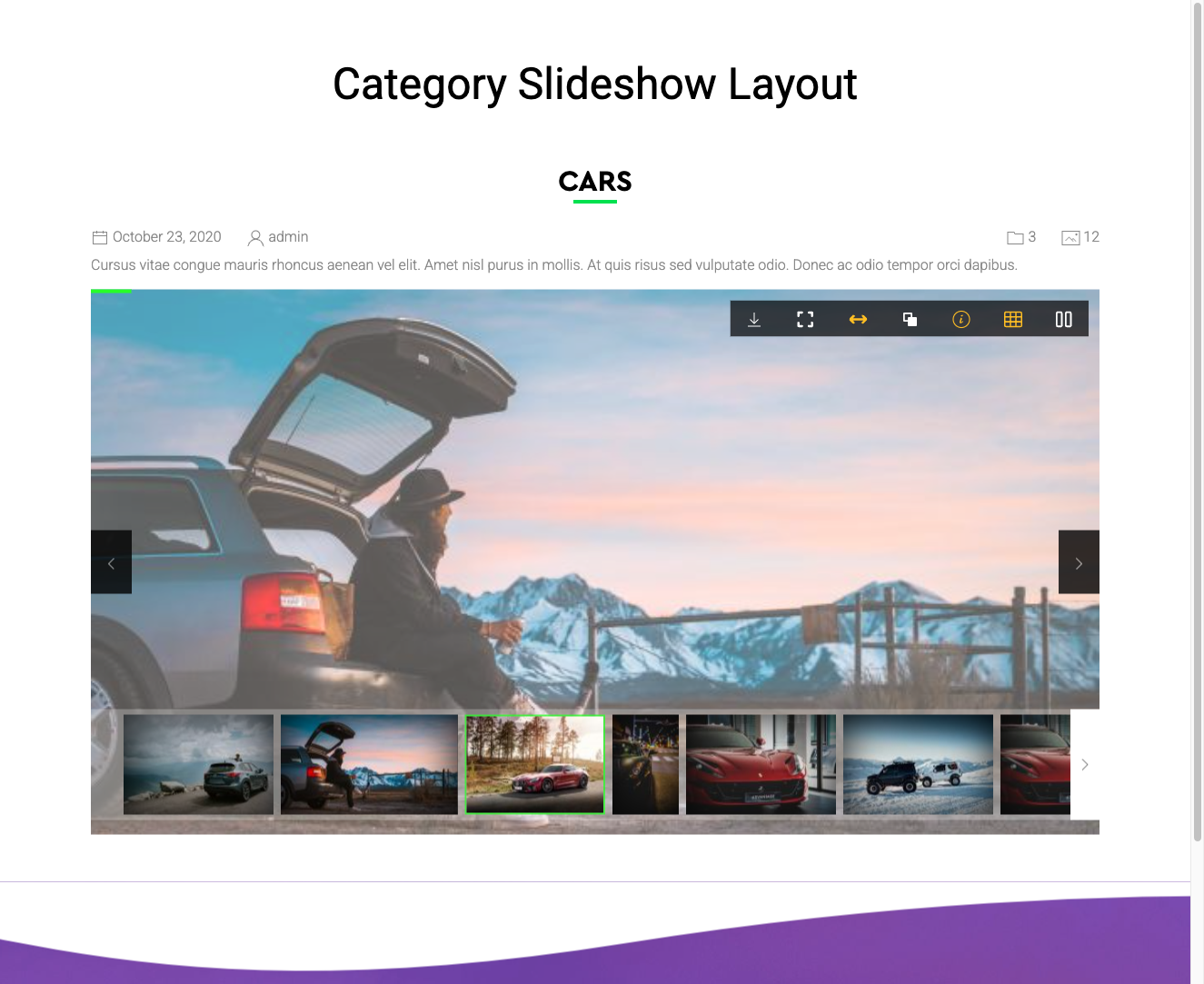
The Slideshow View addon adds a full-page slideshow layout to FW Gallery category pages. Instead of displaying images in a grid, the slideshow layout presents files one at a time with automatic transitions, navigation controls, and keyboard support — replacing the grid entirely when active.
Use Cases
- Presentation galleries — display an event photo series as an auto-playing slideshow.
- Portfolio showcases — give visitors an immersive, distraction-free viewing experience.
- Kiosk / display screens — run gallery slideshows on embedded screens or displays.
Selecting the Slideshow Layout
Once the addon is enabled, the Slideshow option becomes available in the gallery layout selector. You can apply it at three levels:
- Global default — go to Settings → Galleries tab → Default design and select Slideshow to apply it across all galleries by default.
- Per-gallery override — open an individual gallery's edit screen and select Slideshow in the layout field to apply it to that gallery only.
- Menu item — set the slideshow layout for a specific gallery menu item through the menu item parameters.
Frontend Features
When the slideshow layout is active, visitors see the following controls and behaviour:
- Auto-play with a configurable transition interval
- Previous / Next navigation arrows for manual browsing
- Keyboard arrow key navigation for hands-free browsing
- Fullscreen mode (where supported by the visitor's browser)
- Thumbnail strip (optional) for quick image selection
Important Notes
- The slideshow layout replaces the grid layout entirely — images are not shown in a grid when slideshow mode is active.
- The layout works with all standard image file types. Audio and video type addons may have limited compatibility with slideshow mode.
To install this addon, open the Add-ons panel inside FW Gallery. See Getting Started → Add-ons for details on free addons, paid addons, and site verification.
Was this article helpful?