 FW Gallery – Documentation
Video Type
The FW Gallery – Video addon extends FW Gallery with video as a supported media type. Once active, you can upload video files directly to the server, or link videos hosted on YouTube or Vimeo. Videos are organized in galleries just like photos and play back in the browser without leaving the page.
Supported Video Sources
- Direct upload — MP4 (
.mp4), WebM (.webm), and OGV (.ogv) files uploaded to your server. - YouTube — paste a YouTube video URL into the file URL field; no file upload needed.
- Vimeo — paste a Vimeo video URL into the file URL field; no file upload needed.
Use Cases
- Dedicated video galleries organized by theme, topic, or category.
- Embedding YouTube or Vimeo content without storing files on your server.
- Mixed-media galleries that combine photos and videos in one collection.
- Tutorial or course sites where video lessons are grouped by gallery.
Frontend Display
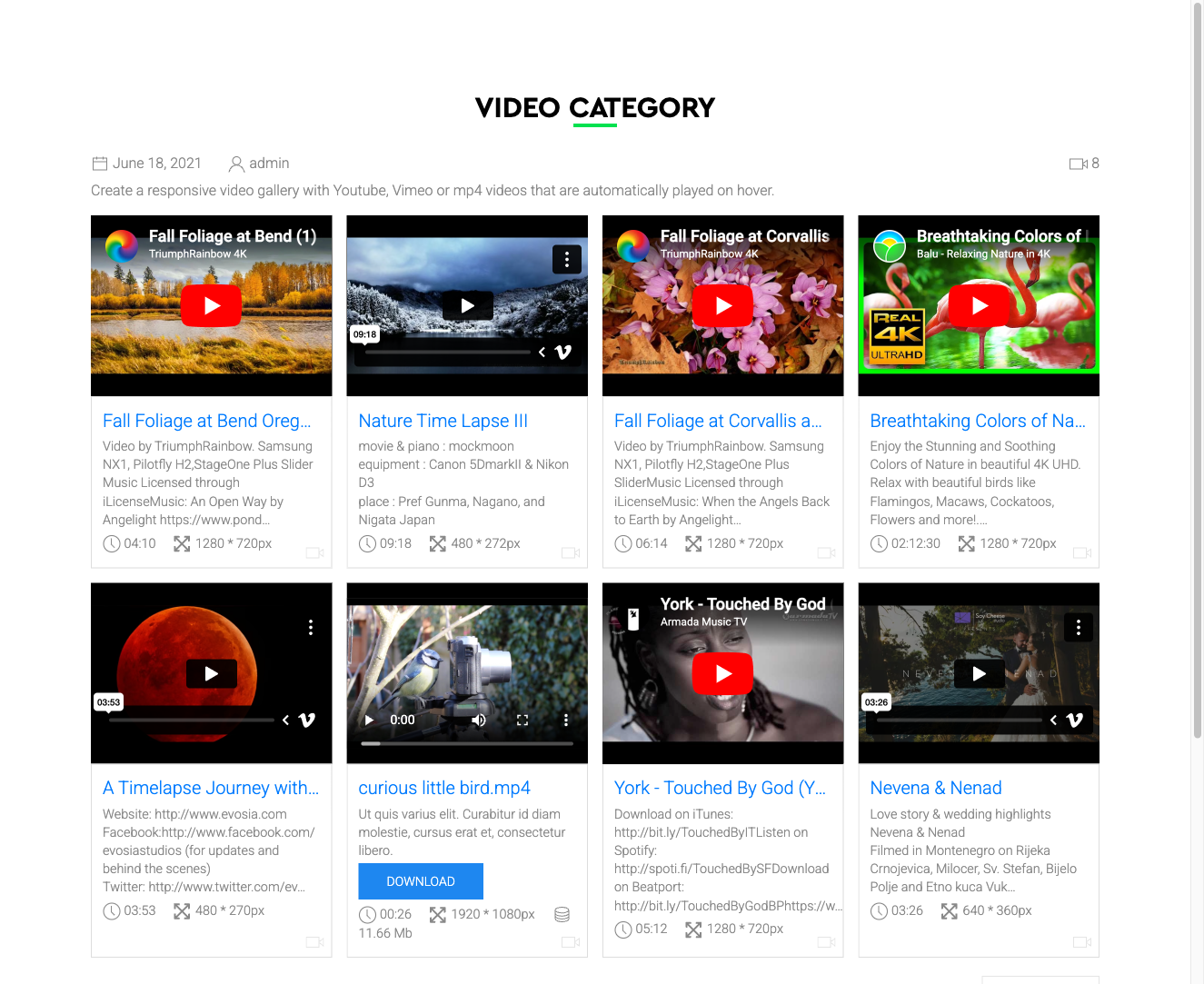
In the gallery grid, video items display with a play button overlay on the thumbnail. For YouTube and Vimeo items, the thumbnail is fetched automatically from the external platform.
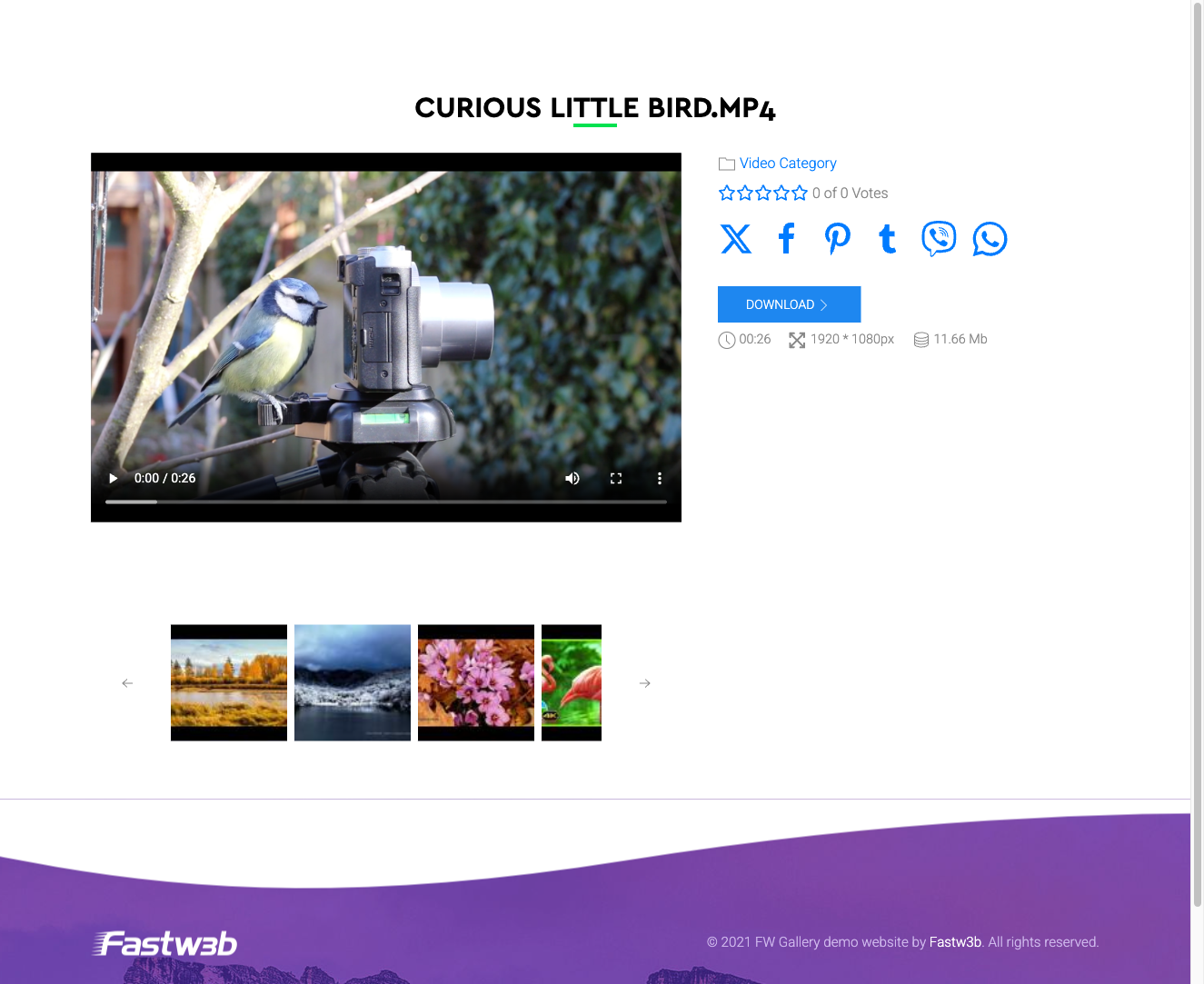
On the file detail page, self-hosted videos play in an HTML5 <video> player. YouTube and Vimeo videos are displayed in an embedded iframe.
Adding a Video File in the Admin
When the addon is active, a Video option becomes available when adding or editing a file. For self-hosted video, upload the file through the file form. For YouTube or Vimeo, leave the upload field empty and paste the full video URL into the File URL field instead.
Notes
- MP4 has the widest browser support for self-hosted video. Encode files at a web-optimised bitrate before uploading.
- Video upload size is controlled by your PHP
upload_max_filesizesetting. For large files, upload directly to the server filesystem and use the folder import feature. - YouTube and Vimeo embeds load third-party scripts from those platforms. If your audience is in the EU, review the GDPR implications before using external embeds.
To install this addon, open the Add-ons panel inside FW Gallery. See Getting Started → Add-ons for details on free addons, paid addons, and site verification.