 FW Gallery – Documentation
Fancy Design
Fancy Design Template
The Fancy design template gives your gallery a premium, high-impact appearance. It pairs bold typography with layered hover overlays and animated transitions, making it well suited to galleries where visual presentation is the primary focus.
Visual Style
Fancy is built around expressive aesthetics. Key characteristics include:
- Bold hover overlays — rich decorative effects appear when visitors mouse over gallery items
- Animated transitions — smooth state changes between default and hover views
- Rich typography — titles and metadata are rendered with strong, legible styling
- High contrast accents — colour choices are designed to draw the eye and reinforce a polished look
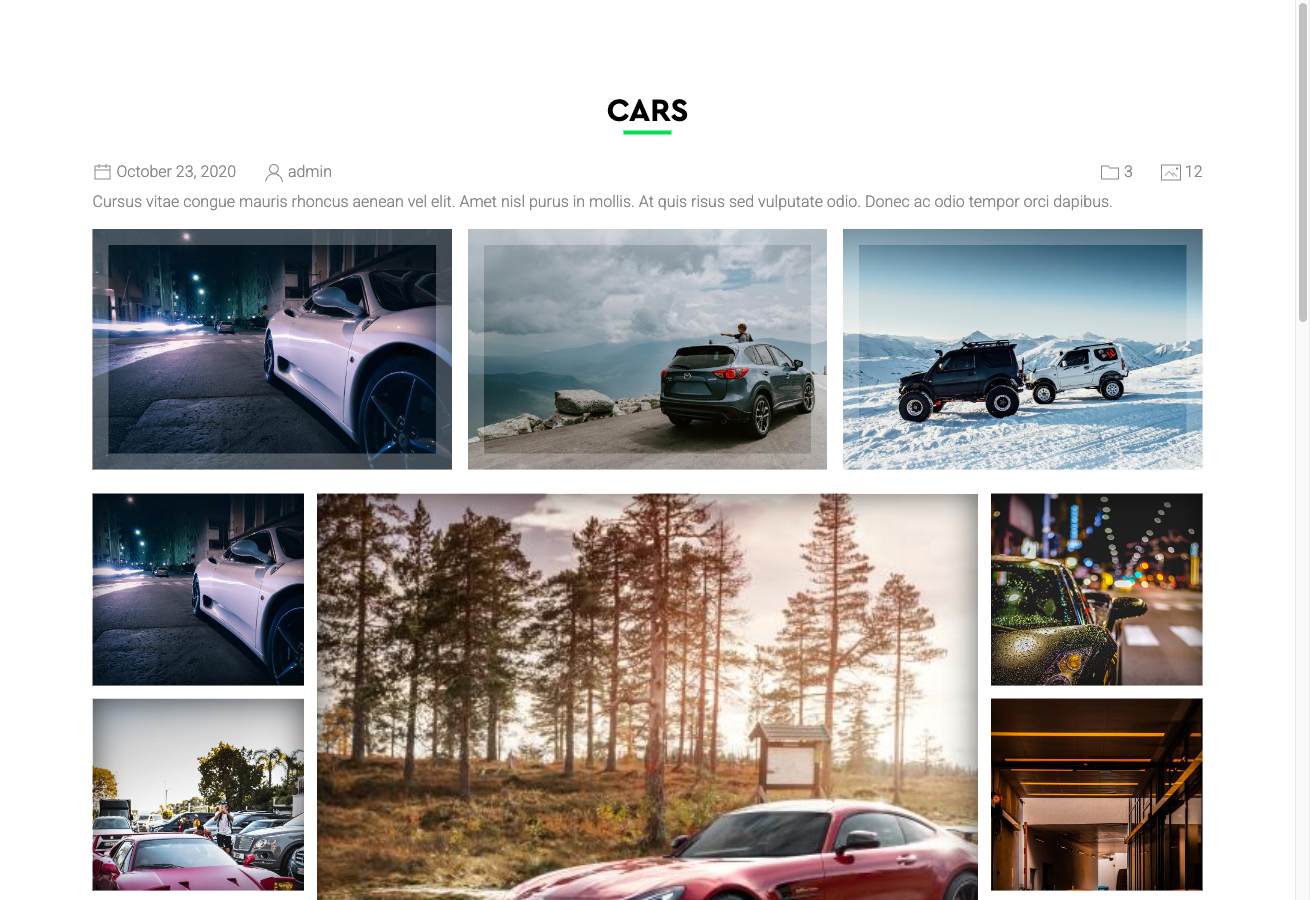
The template covers all standard display contexts: the gallery category grid, individual file detail pages, User Section pages, and module displays.
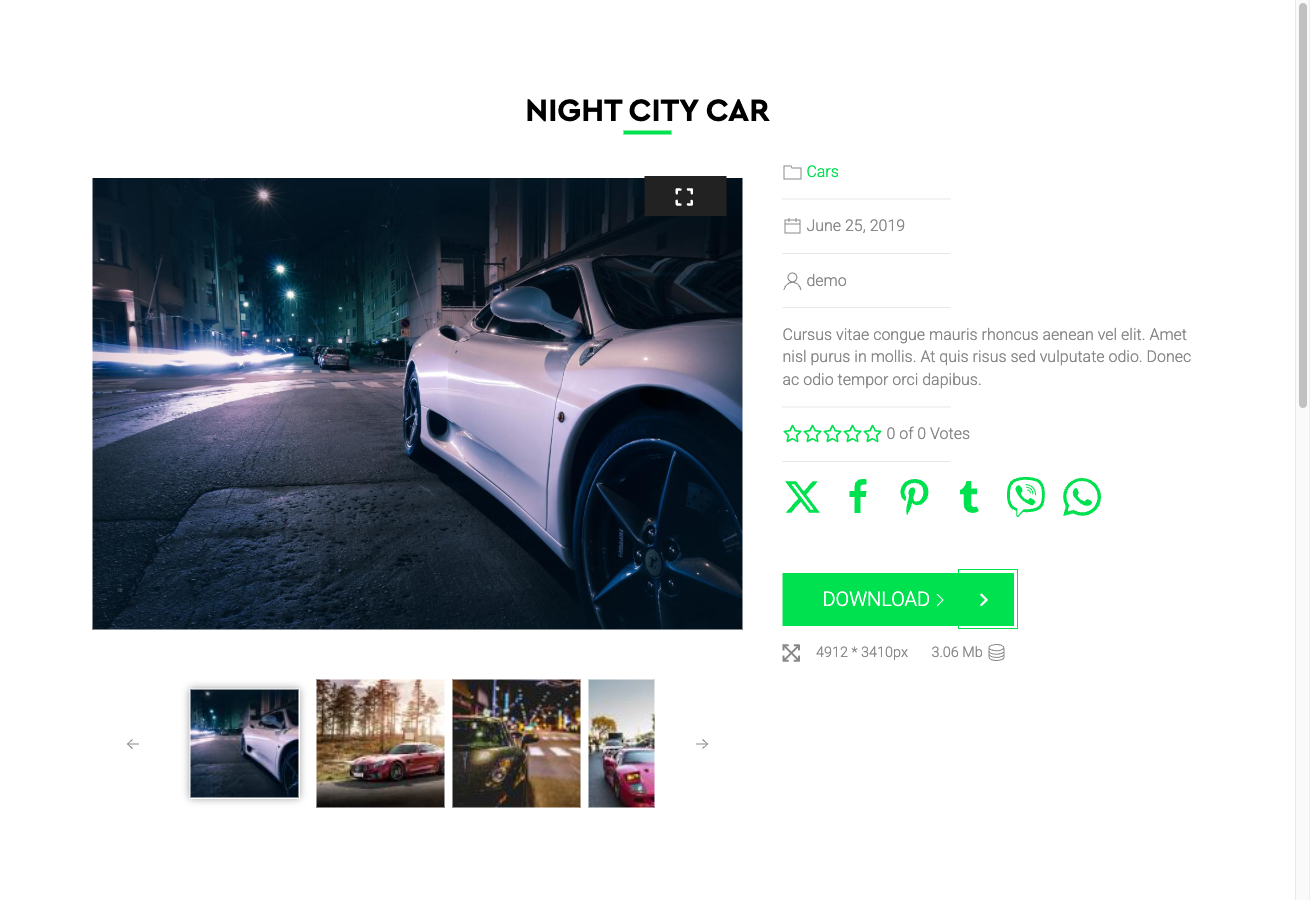
Activating the Fancy Template
The Fancy template is included in the main FW Gallery package and is activated through the in-app Add-ons panel — no separate download is needed.
Once the FW Gallery - Fancy addon is enabled, apply it in one of the following ways:
- Go to Settings → Galleries tab → Default design and select Fancy to apply it site-wide as the default.
- Override the design on a per-gallery basis inside the individual gallery settings.
- Override the design on a per-menu-item basis in the relevant menu item parameters.
Performance Considerations
Because Fancy applies richer CSS and JavaScript than simpler templates, test your gallery on target devices when it contains a large number of high-resolution images. If you need to adjust or extend the visual styling, use the Settings → CSS editor to add overrides without modifying template files directly.