 FW Gallery – Documentation
Social Share
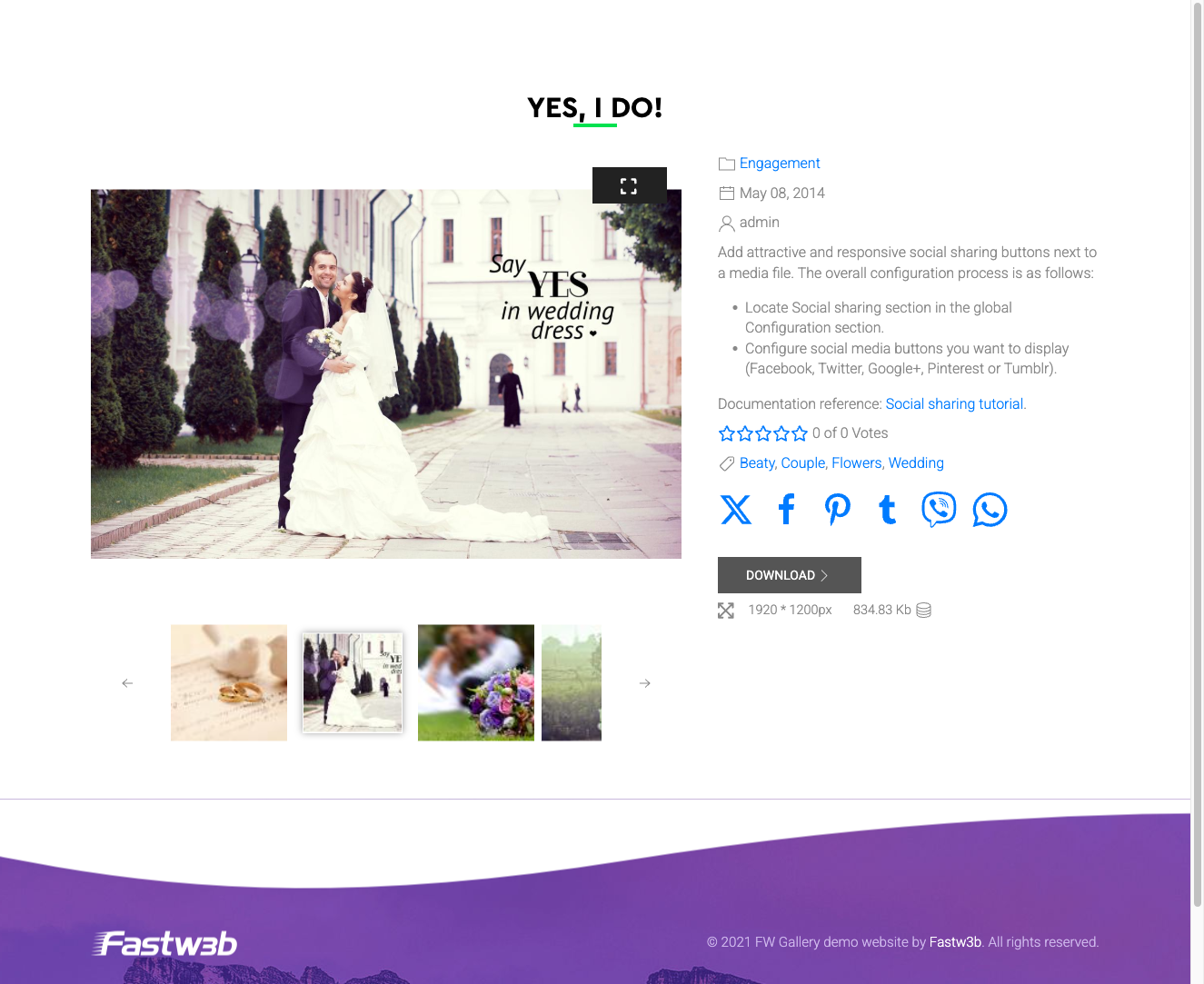
The Social Share addon adds sharing buttons to individual file detail pages in your gallery. Visitors can share images directly to social networks with a single click, linking back to your site each time.
Supported Networks
- Facebook — share the file detail page to a Facebook feed or story.
- Twitter / X — post a link with optional custom text.
- Pinterest — pin the image, passing the image URL and description automatically from the file data.
- WhatsApp — send the link directly via WhatsApp (disabled by default).
Sharing uses native platform share URLs. No JavaScript SDKs are loaded from social networks, which avoids the tracking concerns associated with embedded social widgets.
Where Buttons Appear
Sharing buttons are displayed on the single file detail page, positioned below or alongside the main image. The exact placement depends on which design template is active for your gallery.
Settings
Configure the Social Share addon under Settings → Add-ons → Social Share. Each network can be toggled on or off independently.
- Facebook — show or hide the Facebook share button.
- Twitter / X — show or hide the Twitter/X share button.
- Pinterest — show or hide the Pinterest pin button.
- WhatsApp — show or hide the WhatsApp share button.
- Sharing text template — enter custom text to prepend to the share URL on supported networks. Use
{file_title}to insert the file's title and{gallery_name}to insert the gallery name.
To install this addon, open the Add-ons panel inside FW Gallery. See Getting Started → Add-ons for details on free addons, paid addons, and site verification.