 FW Gallery – Documentation
Tags
The Tags addon adds a tag system to FW Gallery, letting you assign descriptive labels to individual files and giving visitors a way to browse related content across all your galleries.
What Tags Adds
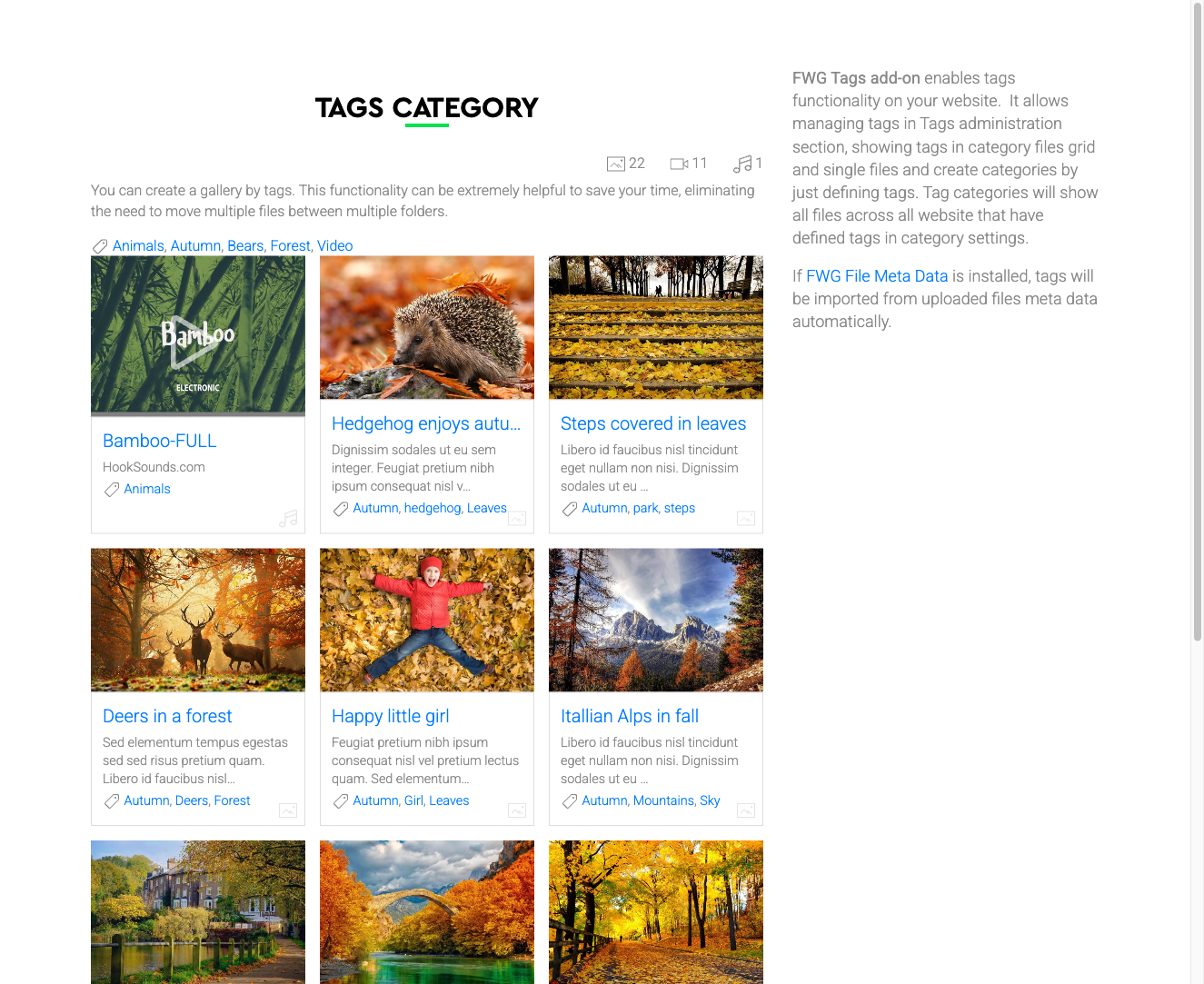
Once active, a Tags field appears when editing any file. Assign one or more tags to a file, and those tags become clickable links on the file's detail page. Visitors who click a tag see a filtered view of every file in your site that shares that tag — regardless of which gallery those files belong to.
Use Cases
- Topic filtering — label images by subject (for example, "sunset", "architecture", or "portrait") so visitors can explore a theme across all galleries.
- Event tagging — apply the same event name to photos spread across multiple galleries and surface them together in one view.
- SEO — tags create additional browsable URL paths for groups of related content. Enable SEF URLs in Joomla to produce clean tag-filter URLs.
Managing Tags in the Admin Panel
Tags are managed from FW Gallery → Tags. Create and organize your tags here before assigning them to files. The list view shows all defined tags and how they are ordered.
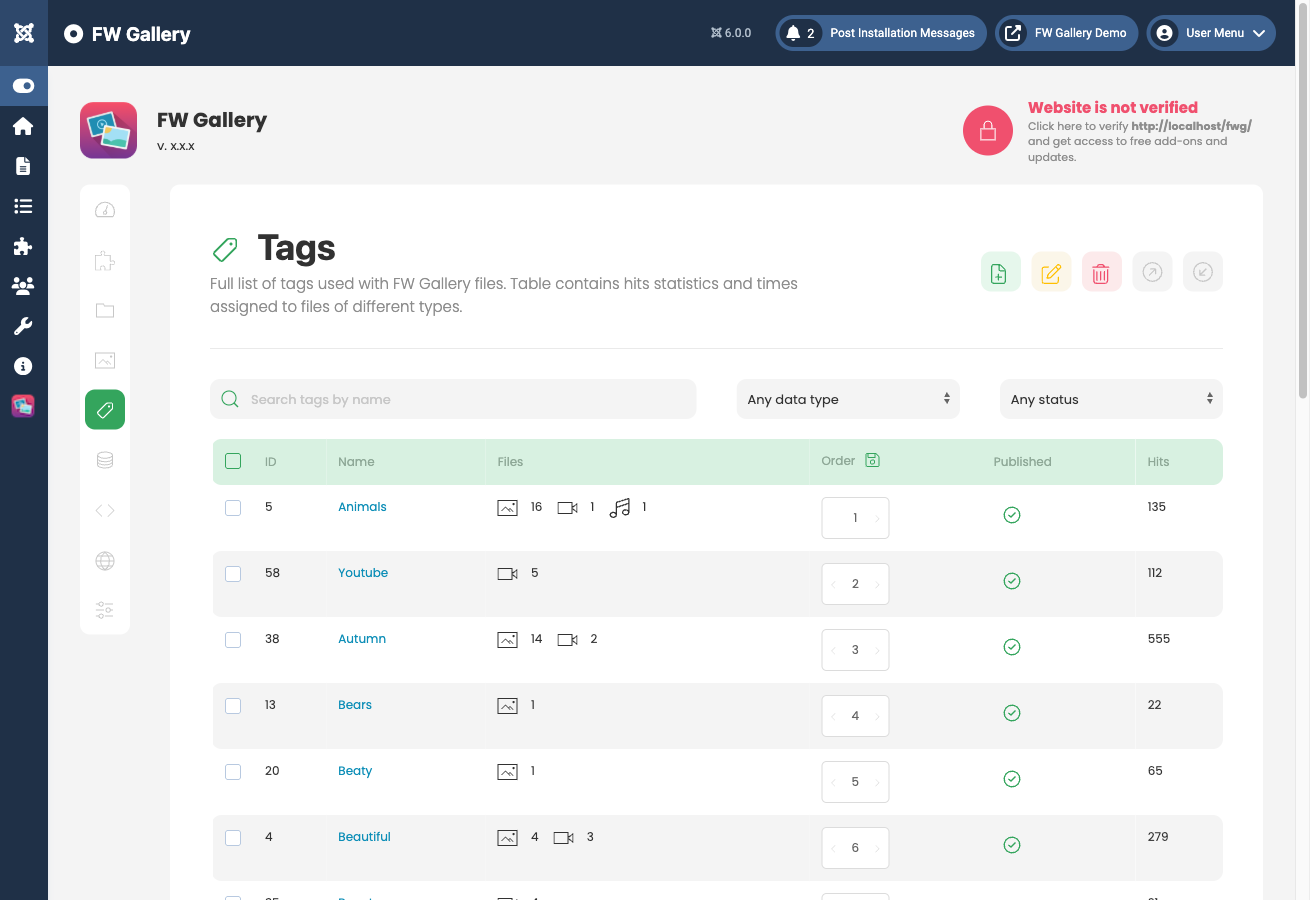
To assign tags to a file, open the file for editing and use the Tags field to select one or more tags. A single file can carry multiple tags.
Plugin Settings
The following setting is available in Joomla Plugin Manager → FW Gallery - Tag.
- Tags sorting — controls how tags are ordered in the tag cloud or tag list displayed on gallery pages. Choose Alphabetically to sort by name, or Ordering to use the manual order set in FW Gallery → Tags.
Frontend Behavior
Tags appear as clickable links on the single file detail page. Clicking any tag loads a filtered gallery view containing all files that share that tag. A tag cloud or tag list can also be displayed on gallery pages to help visitors discover content by topic.
To install this addon, open the Add-ons panel inside FW Gallery. See Getting Started → Add-ons for details on free addons, paid addons, and site verification.