 FW Gallery – Documentation
Beauty Design
Beauty Design Template
The Beauty design template gives your gallery a clean, modern appearance built around the images themselves. It uses a light background with subtle drop shadows on grid items, smooth overlay animations on hover, and consistent typography and spacing throughout. Columns adapt automatically to the visitor's screen width, making the layout fully responsive across devices and browsers.
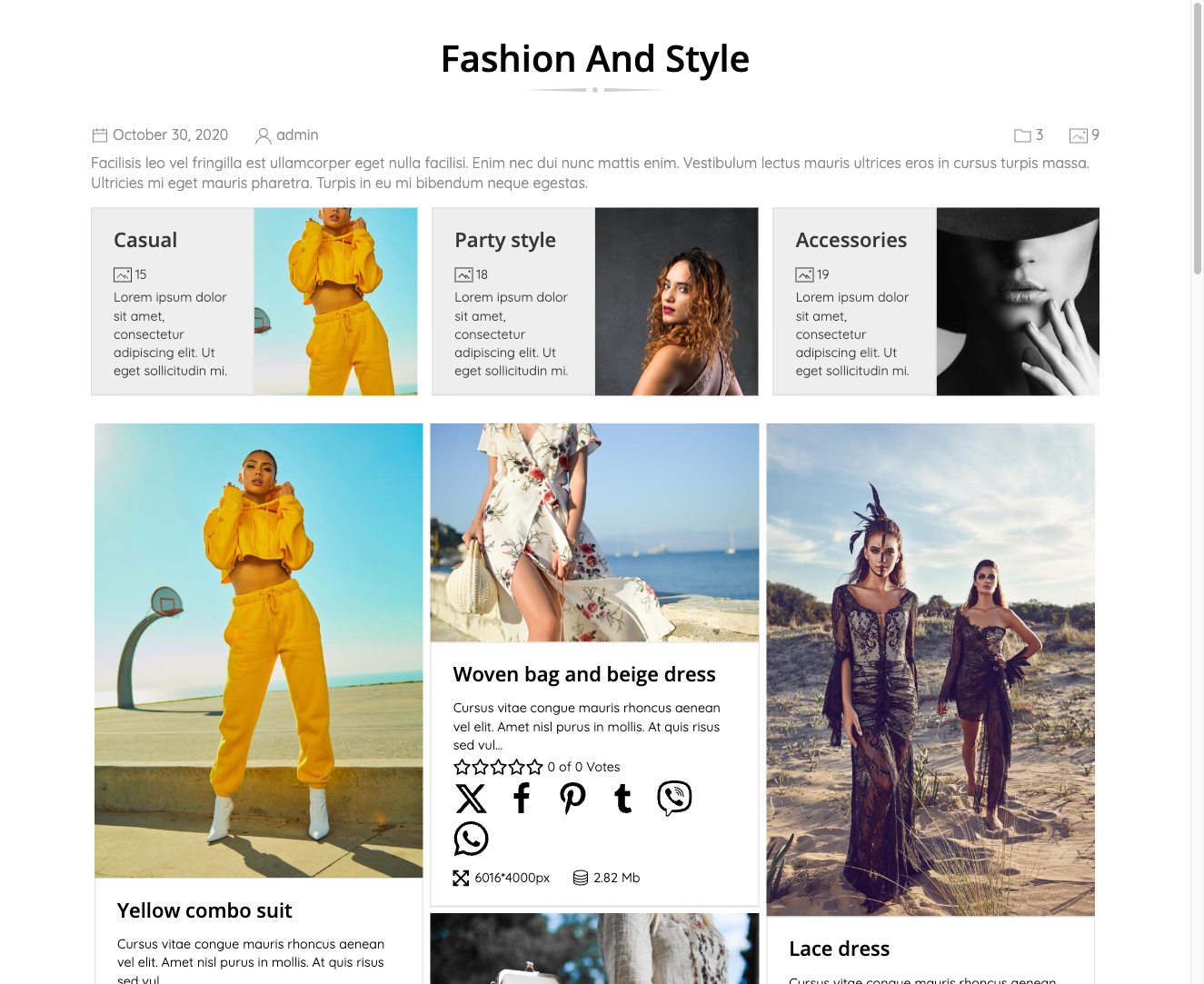
When a visitor hovers over an image, a smooth overlay animation reveals additional information without disrupting the overall layout. The restrained use of whitespace keeps the presentation focused and uncluttered.
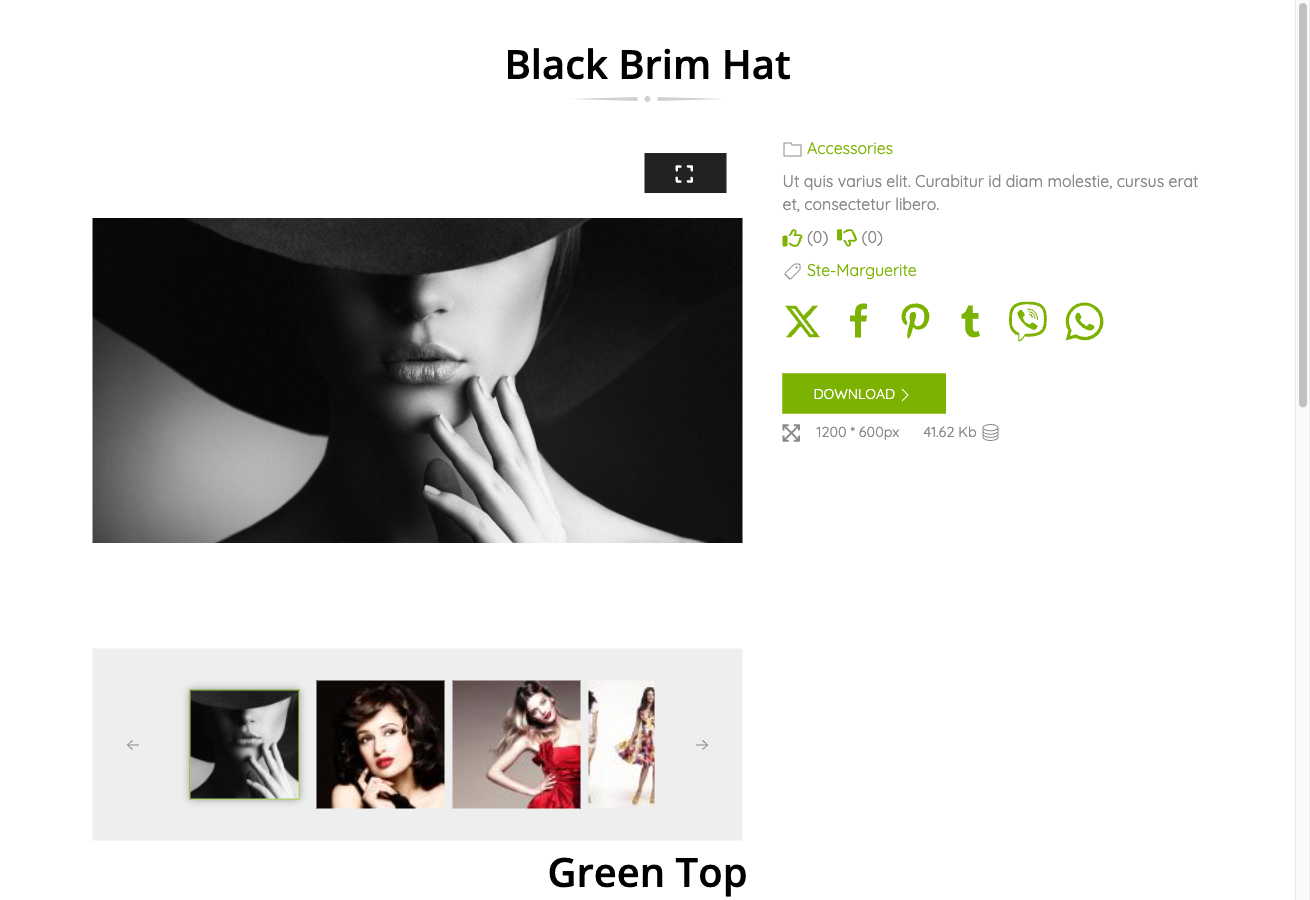
What Beauty Covers
The Beauty template provides styled layouts for every part of the gallery experience:
- Gallery category page (image grid)
- Single file detail page
- User Section pages
- Module displays, including latest files and carousel modules
- Audio and video file grid items (when the relevant type add-ons are active)
Activating Beauty
Beauty is included in the main FW Gallery package. Once installed, activate it through the FW Gallery Add-ons panel — locate FW Gallery - Beauty and enable it from there.
After enabling the add-on, set Beauty as your active design:
- Open FW Gallery → Settings.
- Go to the Galleries tab.
- Find the Default Design option and select Beauty.
- Save your settings.
You can also override the design at the individual gallery level or per menu item, so different sections of your site can use different designs simultaneously.
Customising the Appearance
Hover effect timing and other visual details can be adjusted without editing template files directly. Navigate to FW Gallery → Settings → CSS and add your custom rules there. This keeps your changes separate from the template's own stylesheet, so they are preserved when the add-on is updated.
The Beauty template ships with its own CSS assets bundled inside the add-on, so no additional files need to be copied or linked manually.