 FW Gallery – Documentation
Slideshow Module
FW Gallery tutorial for Joomla!
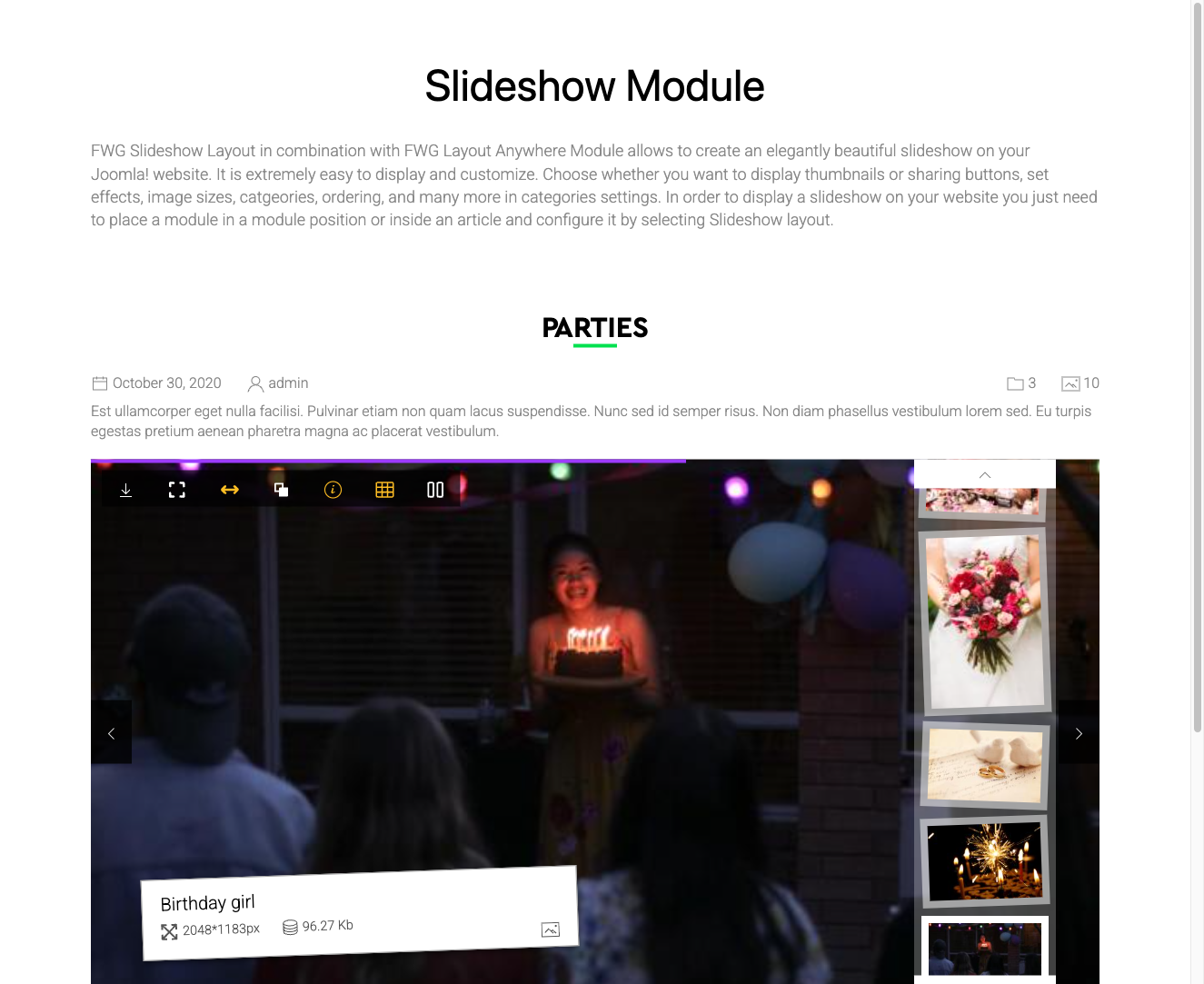
The FWG Slideshow module (mod_fwg_slideshow) displays an auto-playing image slideshow in any Joomla module position. Images from a selected gallery cycle automatically with transition effects, making it well-suited for hero banners, homepages, sidebar widgets, or any position that benefits from a dynamic visual element.
Use Cases
- Hero banner — rotate gallery images across the full width of a homepage.
- Sidebar slideshow — compact image rotator placed in a sidebar or widget area.
- Gallery preview — give visitors an auto-playing preview of images from a specific gallery.
Creating a Module Instance
Go to Extensions → Modules and create a new module of type FWG Slideshow. Assign it to the desired module position and menu items, then configure the parameters described below.
Module Parameters
| Parameter | Default | Description |
|---|---|---|
| Gallery | — | The source gallery from which images are pulled. |
| Quantity | 0 | Number of images to include. Set to 0 to include all images from the selected gallery. |
| Ordering | Newest first | Controls image order: Newest first, Alphabetically, Random, or Manual order. |
| Autoplay interval | — | Time in milliseconds between automatic slide transitions. |
| Show navigation | Yes | Show or hide previous/next navigation arrows. |
| Show dots | Yes | Show or hide slide indicator dots. |
Notes
- The slideshow relies on JavaScript for transitions. Visitors must have JavaScript enabled in their browser for the module to function.
- Very large images can affect page load time. Use the image size settings in the FW Gallery component configuration to resize images before they are served to the slideshow.
Was this article helpful?