 FW Real Estate – Documentation
Joomla Installation
Installing FW Real Estate
FW Real Estate installs as a single package — pkg_fwrealestate.zip. Upload it through System → Install → Extensions → Upload Package File, exactly as you would any Joomla extension.
What the Package Contains
The package bundles two extensions that install, update and uninstall together as one unit:
- com_fwrealestate — the component itself: every admin screen and every front-end view.
- mod_fwre_link — a small administrator module that places FW Real Estate in the Joomla admin menu with a notification badge. The badge counts unread inbox messages plus any pending component update, so you can see at a glance from anywhere in the admin that something needs attention.
Keeping both extensions in one package means there is never a version mismatch between them — installing or removing the package handles everything in one step.
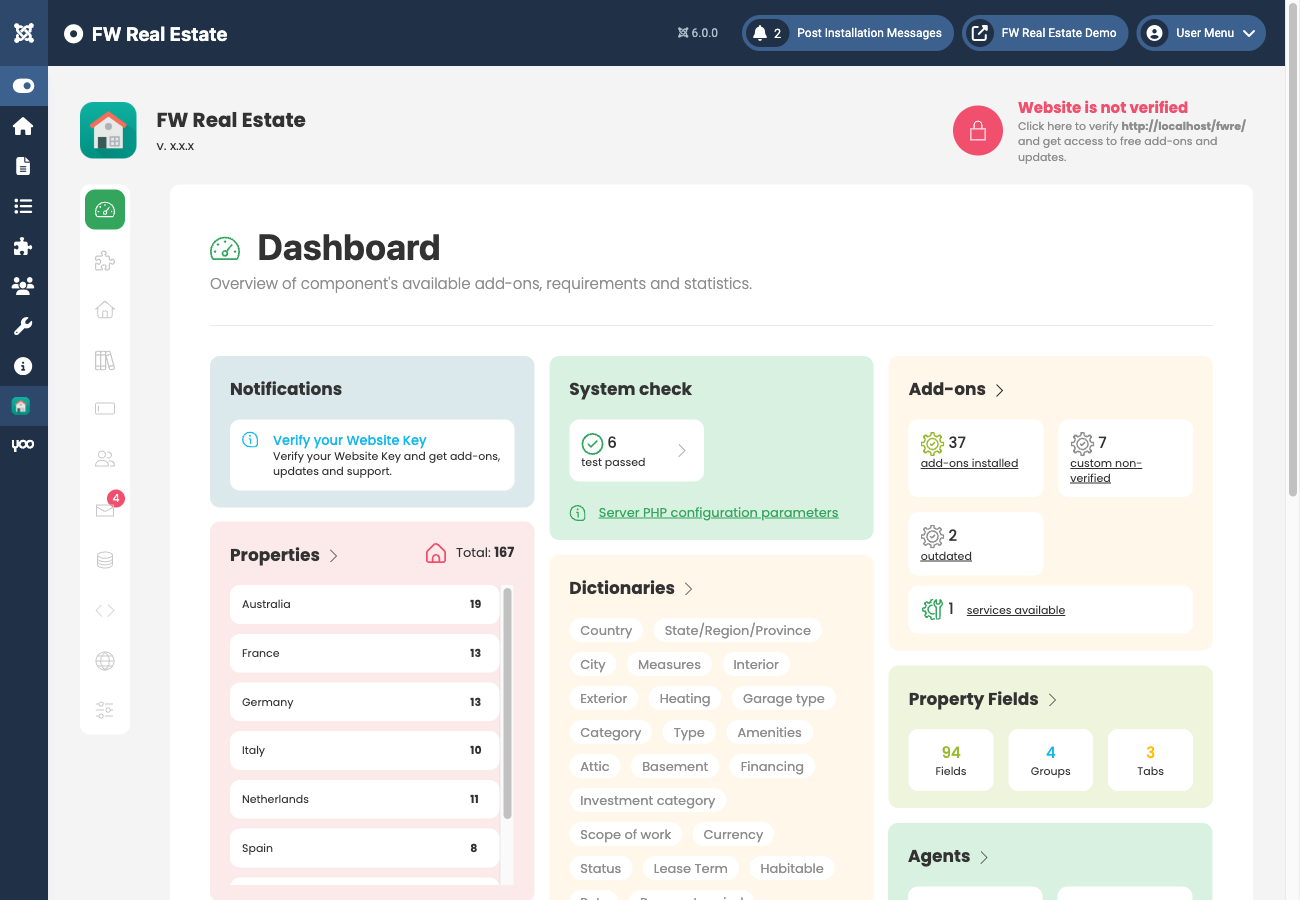
What Installation Does
When the package installs — whether for the first time or as an update — it performs the same sequence of safe operations:
- Creates or updates the database schema. Tables and columns that are missing are added; nothing is ever dropped, retyped or overwritten. This means an upgrade and a fresh install end in exactly the same place.
- Seeds default content — the inquiry-email templates and the currency list — only where those values are still unset. Any edits you have made are never touched.
- Registers the bundled design and, for every module add-on that is currently enabled, installs the matching Joomla site module so it appears under Content → Site Modules like any other module.
Every manifest in the package uses method="upgrade", which means re-installing the package over an existing installation is a normal update — not a clean wipe. Your data, settings and add-ons remain intact.
Where Files Live
| Path | What is in it |
|---|---|
administrator/components/com_fwrealestate/, components/com_fwrealestate/ |
The component itself — replaced on update |
media/com_fwrealestate/lib/ |
The shared engine — replaced on update |
media/com_fwrealestate/addons/ |
Your installed add-ons and designs — kept across updates |
images/fwre/ |
Property photos, agent portraits and their generated thumbnails |
Backups
When backing up, include media/com_fwrealestate/addons/ and images/fwre/ alongside the database. Those three together represent everything that cannot be restored simply by reinstalling the package.