 FW Real Estate – Documentation
Contact Form
The enquiry form and the Messages inbox are part of the core FW Real Estate product. A site without this add-on still shows an enquiry form on its properties, still stores every enquiry in FW Real Estate → Messages, and still emails the property address and the assigned agents. This add-on is what you install when the standard form is not enough — it does not switch enquiries on.
Use Cases
- Asking what you actually need to know. A viewing request needs a preferred date; a commercial enquiry needs a company name. Add the field rather than reading it out of the message body.
- Replying instantly, at 2am. An auto-reply confirms the enquiry arrived and buys you the working hours to answer properly — which is often the difference between a lead and somebody who enquired everywhere and went with whoever answered first.
- Feeding a CRM. The webhook posts each enquiry to your own endpoint, so it lands where your team already works.
What Is Core and What This Add-On Adds
The settings for enquiry behaviour live in two places. The table below clarifies which settings exist in the core product and which require this add-on.
| Setting | Where | Available without this add-on |
|---|---|---|
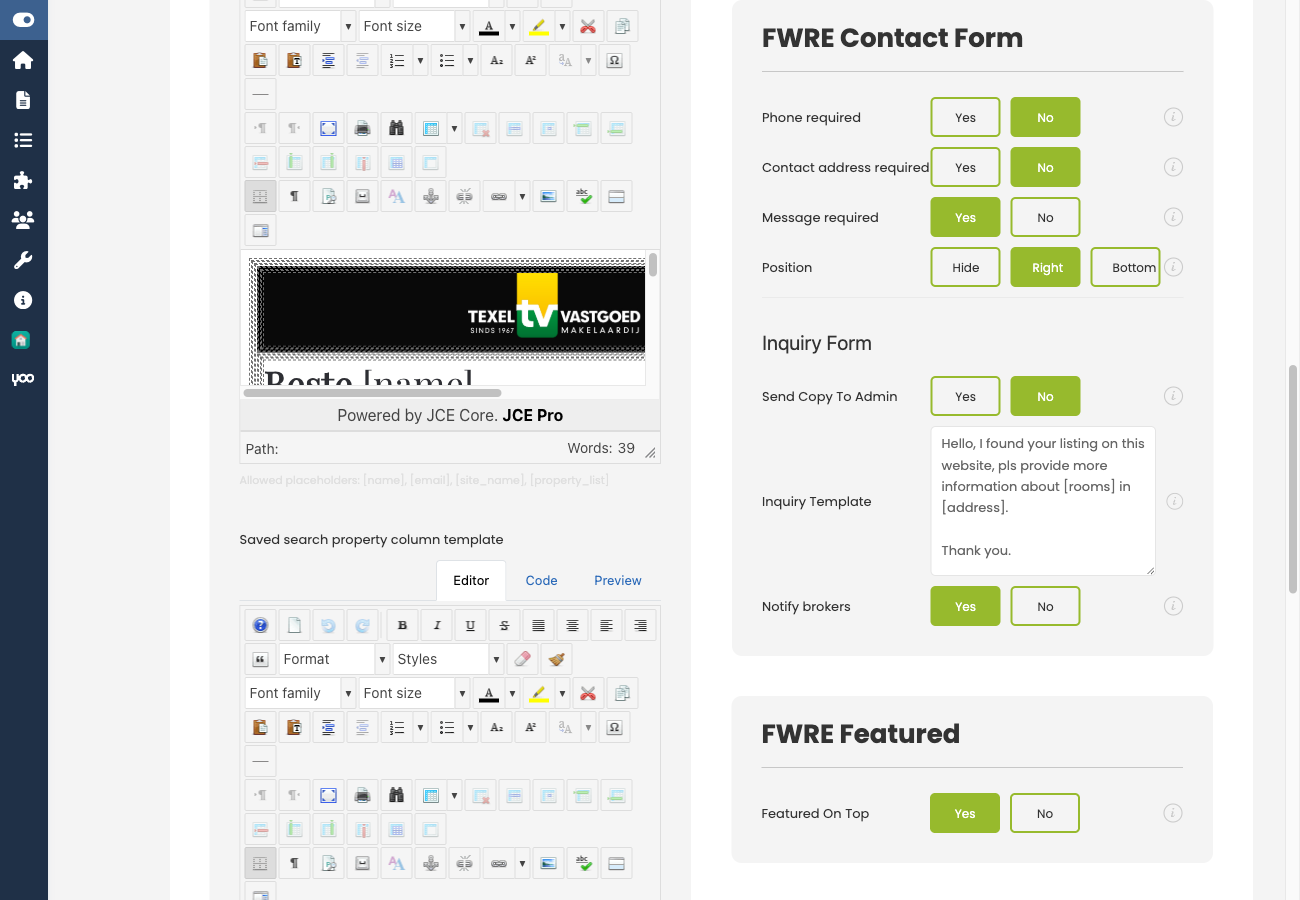
| Phone / address / message required | Configuration → General → Contact Form | Yes |
| Position on the property page (hide / right / bottom) | Configuration → General → Contact Form | Yes |
| Send copy to admin, notification subject and body | Configuration → General → Contact Form | Yes |
| Captcha on the enquiry form | Configuration → General → Captcha | Yes |
| Auto-reply to the enquirer | Configuration → Add-ons → Contact Form | No |
| Extra form fields | Configuration → Add-ons → Contact Form | No |
| Webhook | Configuration → Add-ons → Contact Form | No |
Add-On Settings (Configuration → Add-ons → Contact Form)
Auto-Respond
Enable Send an auto-reply to email the enquirer as soon as they submit the form. Set the Subject and Body of that reply. The body supports placeholders for property values; use [cf:alias] to insert any of that property's custom field values by alias.
The auto-reply is a promise about response time. Write it so it is still true on a Sunday.
Custom Fields
Add extra fields to the enquiry form. Each field has a label, a type, and an optional Required flag. The available field types are:
- Text
- Textarea
- Select — provide the options as a comma-separated list
- Checkbox
Keep the list short. Every field added is a reason not to finish the form, and an enquiry with a name and an email address is worth more than a blank one with six well-designed inputs.
Webhook
Enter a Webhook URL to have each submitted enquiry posted to that address. Use this to push enquiries directly into a CRM or any other system your team works in.
Notes
- The enquiry form only appears when there is somebody to send to — a property email address or an assigned agent. This is core behaviour and is the most common reason a form is missing from a property page.
- Every enquiry is stored in Messages whether or not the email is delivered, so a mail-server problem loses nothing.
- Disabling this add-on removes the extra fields, the auto-reply, and the webhook. The form, the emails, and the inbox carry on, because they were never this add-on's responsibility.
To install this addon, open the Add-ons panel inside FW Real Estate. See Getting Started → Add-ons for details on free addons, paid addons, and site verification.