FW Real Estate – Documentation
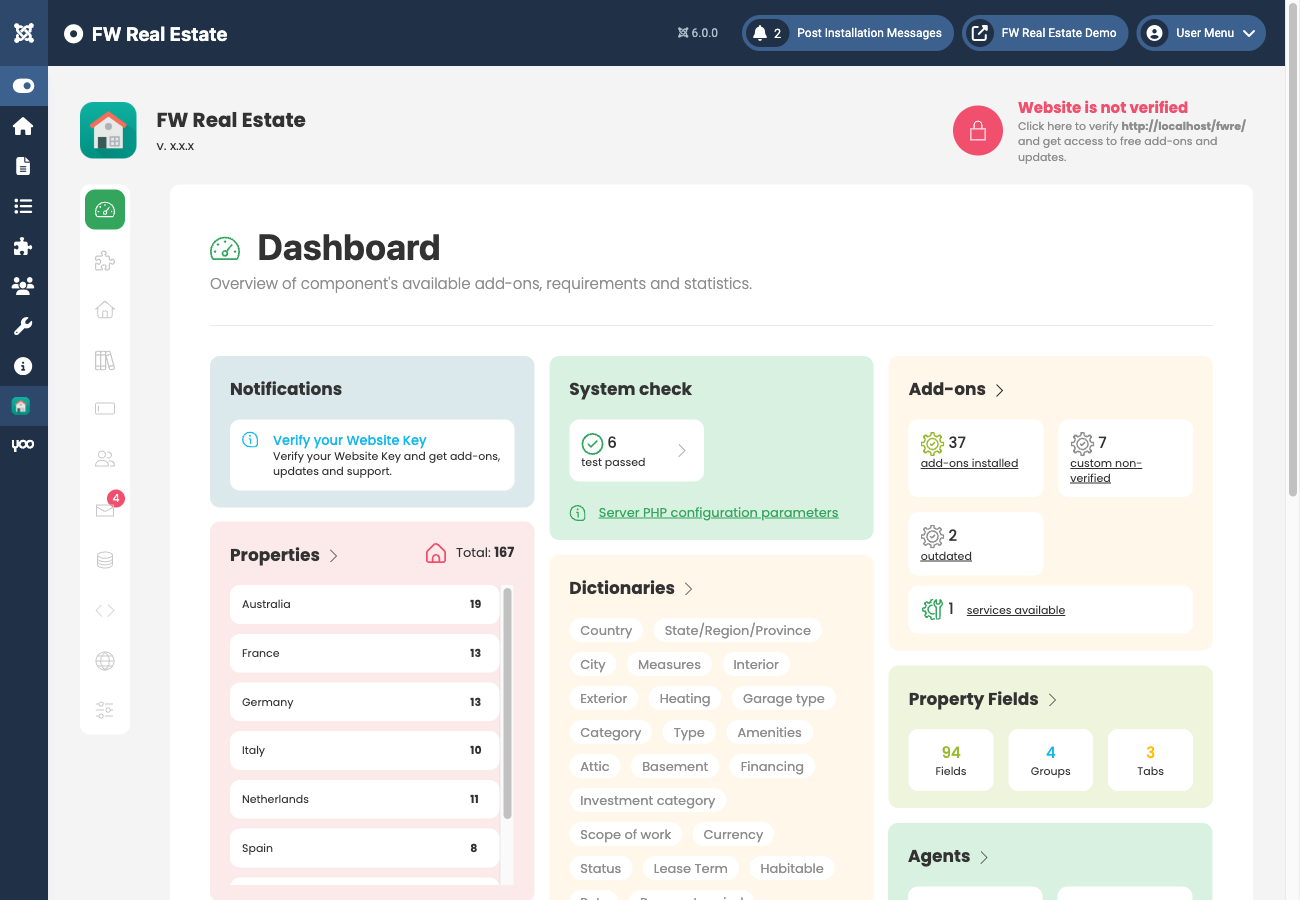
Understanding the Dashboard
The FW Real Estate Admin Panel
Once installed, FW Real Estate adds a FW Real Estate menu to the Joomla administrator. The sections below are always visible in the sidebar. Whether a section is fully functional depends on which add-ons you have enabled — if a section requires an add-on that is not installed, opening it displays a red warning banner directing you to the Add-ons screen.
Properties
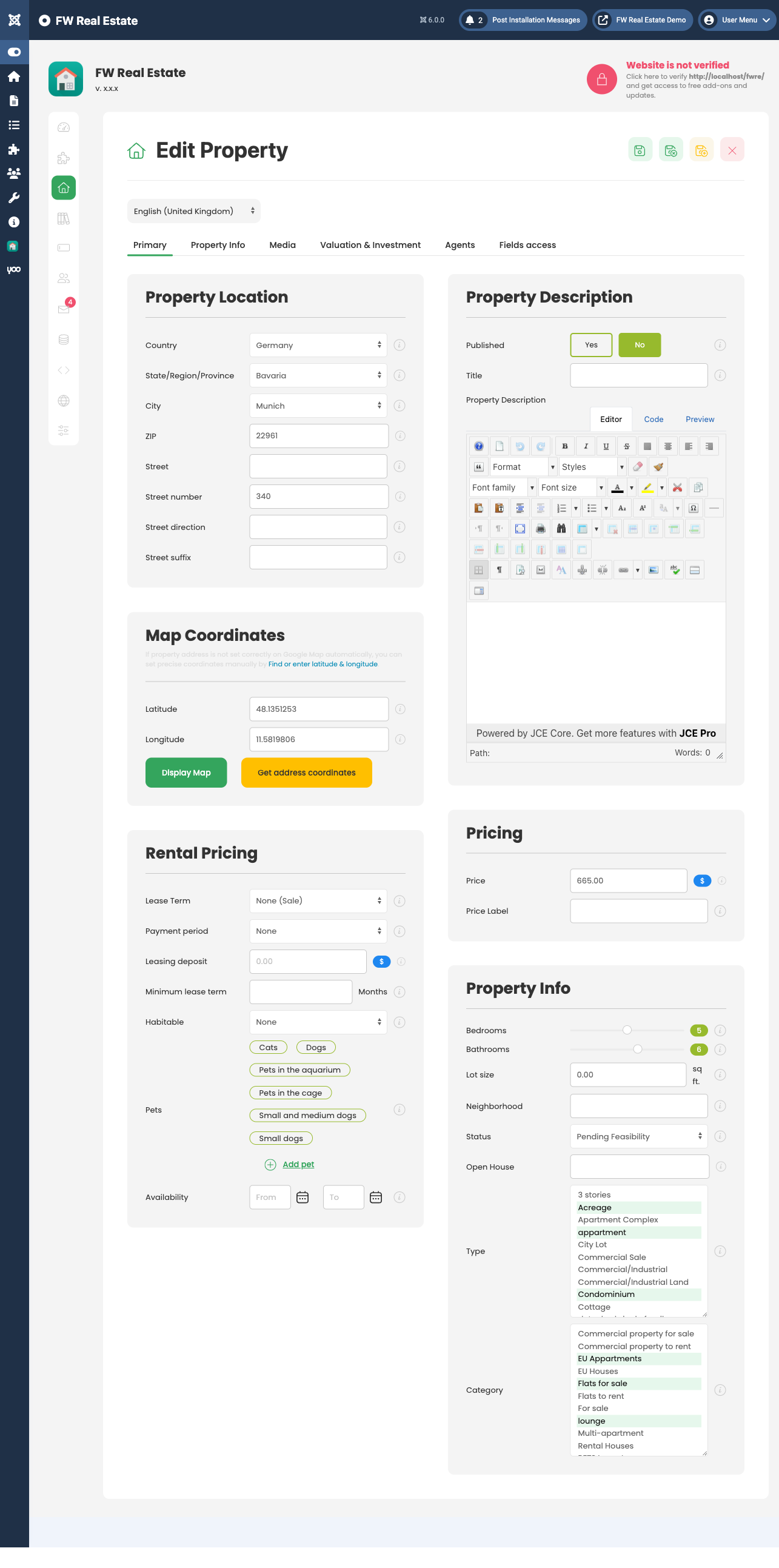
Properties is the main listing manager. From here you add, edit, publish and delete properties, manage photo galleries, set map locations, assign agents, and control field visibility on a per-property basis. This section is always fully available — it is the core of the component.
Agents
Agents is always visible in the sidebar. If the Agents plugin is not installed and enabled, opening the section displays the following warning:
"FWRE Agents Plugin must be installed and enabled for this section to function. Check Add-ons section for more info."
This same pattern applies to any other section that depends on a specific add-on. Install and enable the required add-on from the Add-ons screen to activate the section.
Dictionaries
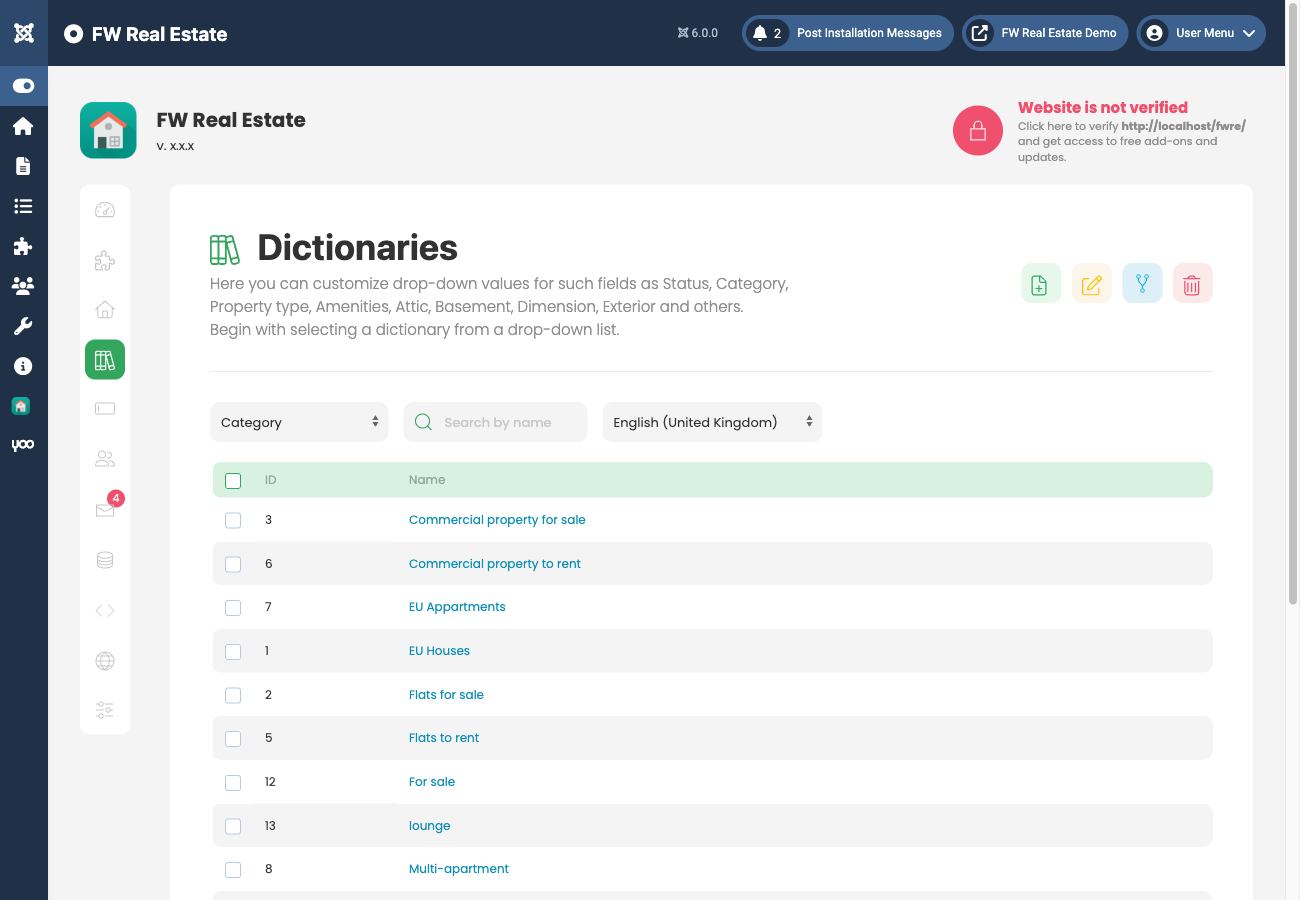
Dictionaries manages all the dropdown values used across the component — types, categories, statuses, amenities, countries, regions, cities, measures, and more. The list of available dictionaries is dynamic: when you install certain add-ons, they contribute their own dictionaries, which appear here while those add-ons are enabled.
You do not need to pre-populate every dictionary before you start adding properties. Dictionary values can be added on the fly directly from the property edit form without leaving it — simply type a new value where a dropdown appears and save it in place.
Fields
The Fields section gives you control over every built-in property field. Any field can be unpublished to hide it from both the property form and the front end, or have its access level changed so it is only visible to certain users (for example, registered users only).
With the Custom Fields plugin enabled, this section also allows you to:
- Create custom field groups and tabs
- Add fields of any supported type
- Place fields within specific groups and tabs
- Delete custom fields you no longer need
Leads
Leads stores all messages and enquiries sent by visitors from any property page. This section requires the Contact Form plugin to be installed and enabled. Without it, the same red warning banner described above is shown when you open the section.
Settings
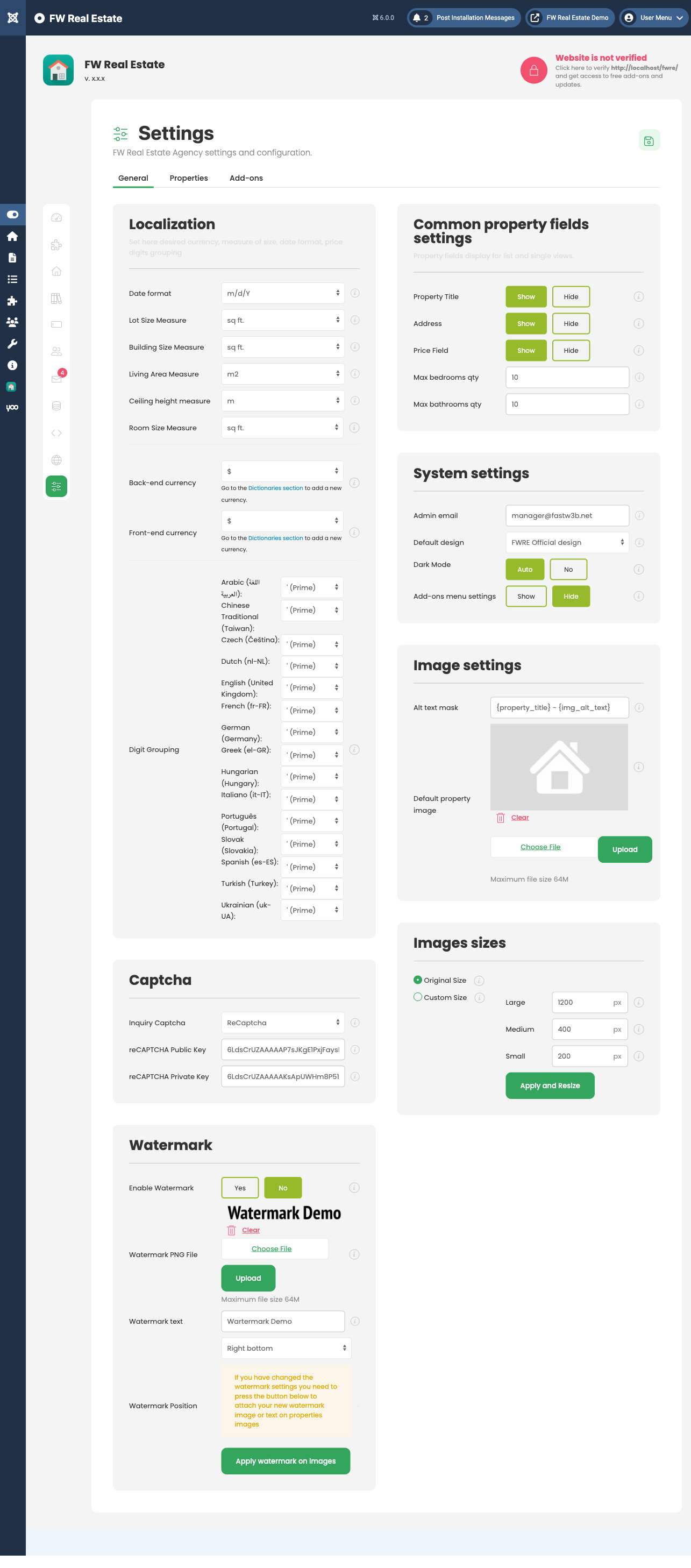
Settings (labelled Configuration in the menu) holds the global component configuration across three tabs: General, Properties, and Add-ons. Changes here apply site-wide unless overridden at the menu-item or per-property level.
Data Management
Data Management contains three tabs:
- MLS/IDX/XML — displays information about the custom integration service, along with an "Order a free quote from Fastw3b" button. Once a custom integration has been set up for your site, its details appear here.
- Backup — exports all property data as a backup file. Use this before migrating to another site or to keep a local copy of your data.
- Restore — imports a backup file previously created using the Backup tab.
Add-ons
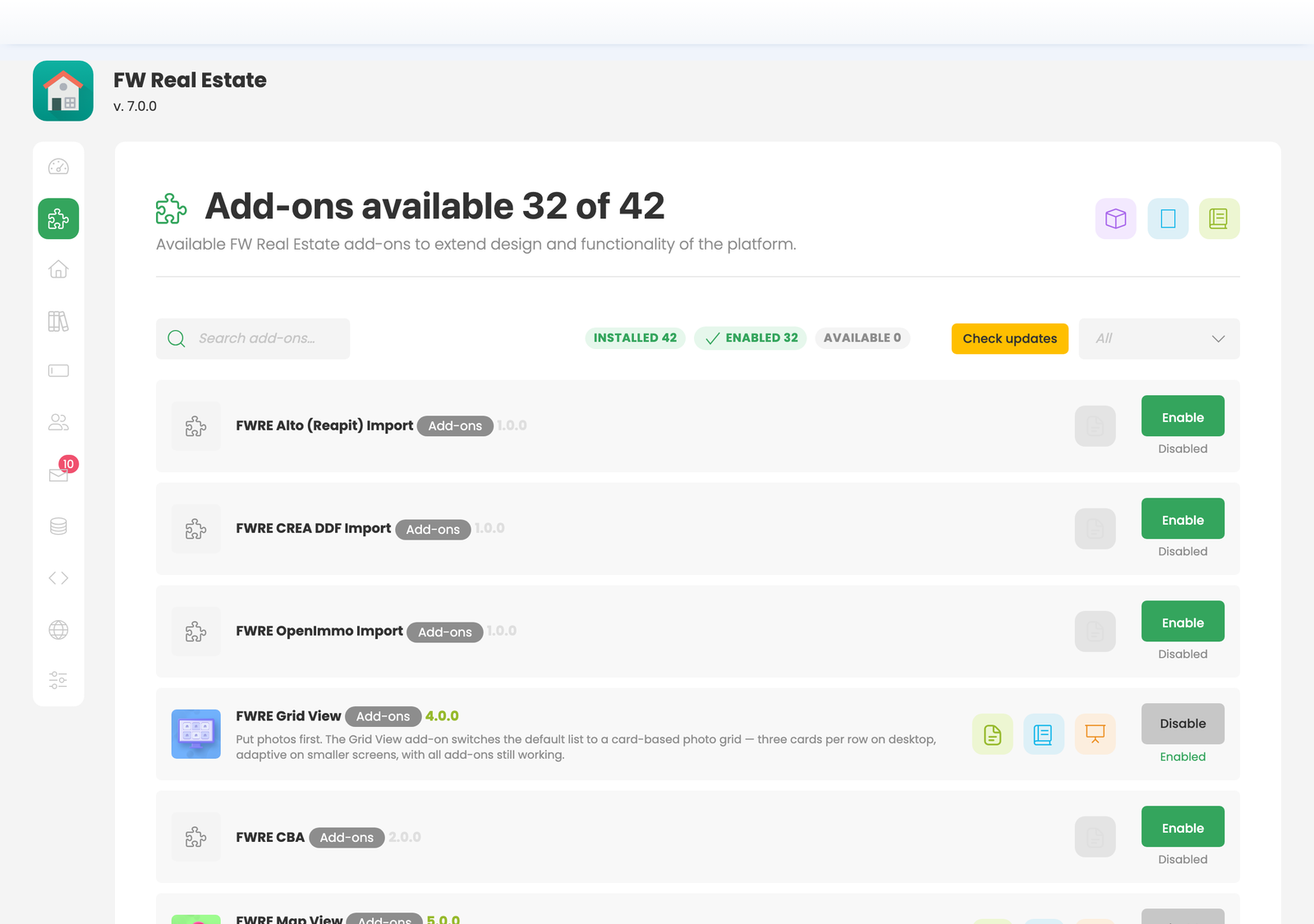
The Add-ons screen is where all add-ons are managed — enabled, disabled, and updated. This is the only place to manage add-ons; they do not appear in Joomla's Plugin Manager. Any section that depends on a specific add-on will prompt you here if that add-on is not yet active.