Install on WordPress
FW Real Estate tutorial for WordPress
Installing FW Real Estate on WordPress takes a few minutes through the built-in Plugins screen. You only need the single ZIP you just downloaded, with no manual file copies and no database changes.
Upload and Activate
- Sign in to your WordPress admin at
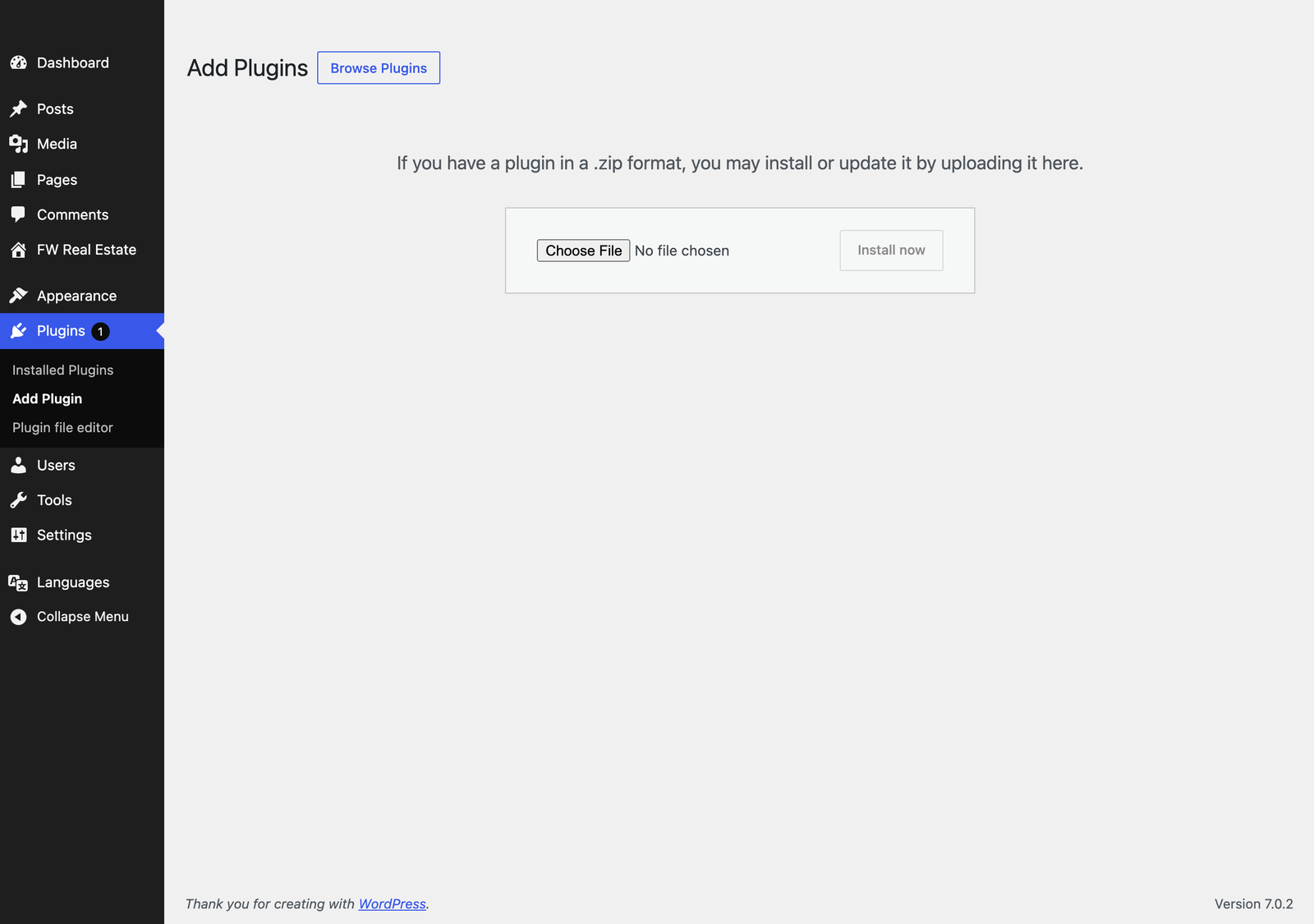
yoursite.com/wp-admin - Go to Plugins → Add New → Upload Plugin
- Click Choose File, select the FW Real Estate ZIP (version 7.0.0), then click Install Now
- When you see the success message, click Activate Plugin
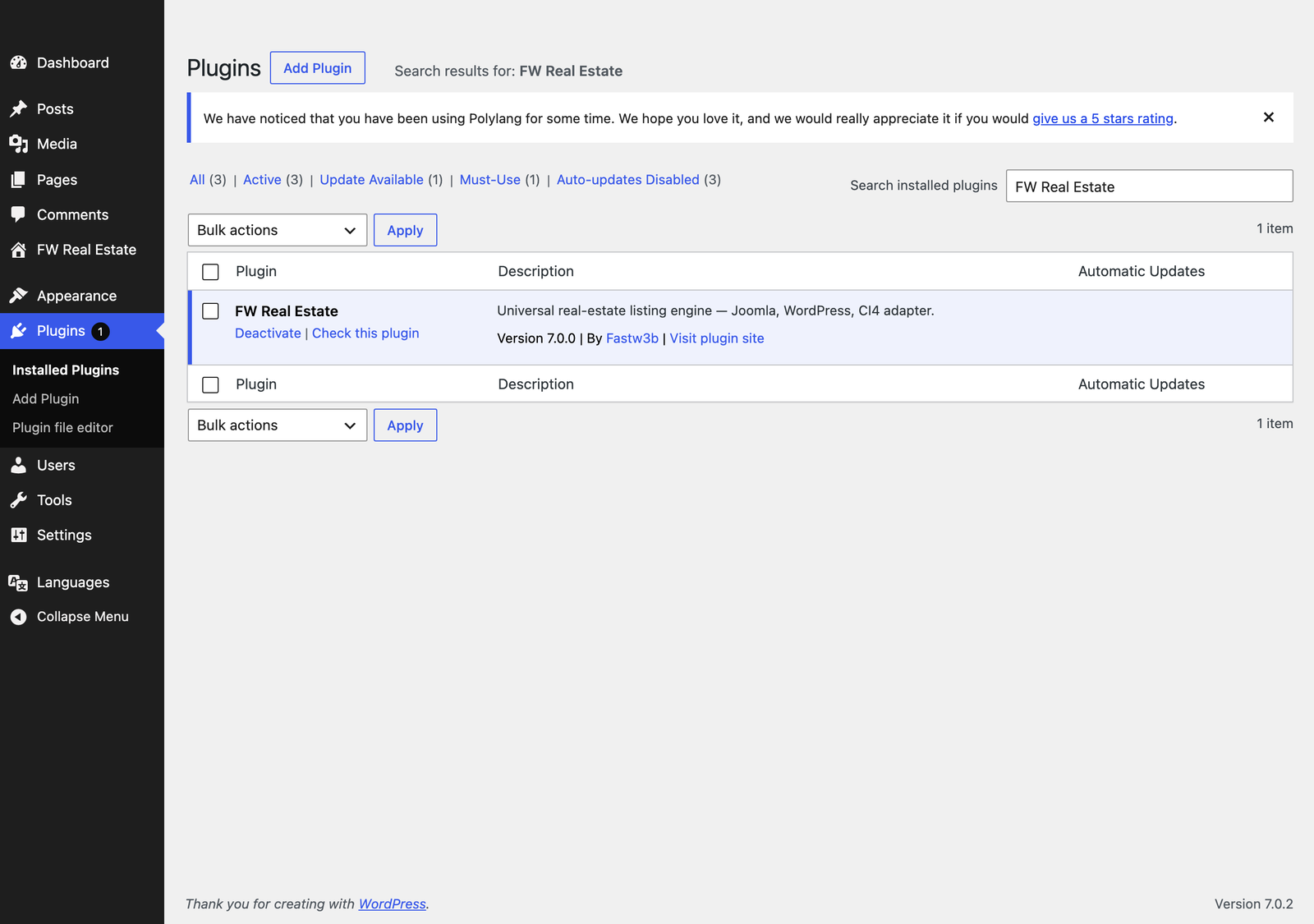
Find FW Real Estate in the Admin
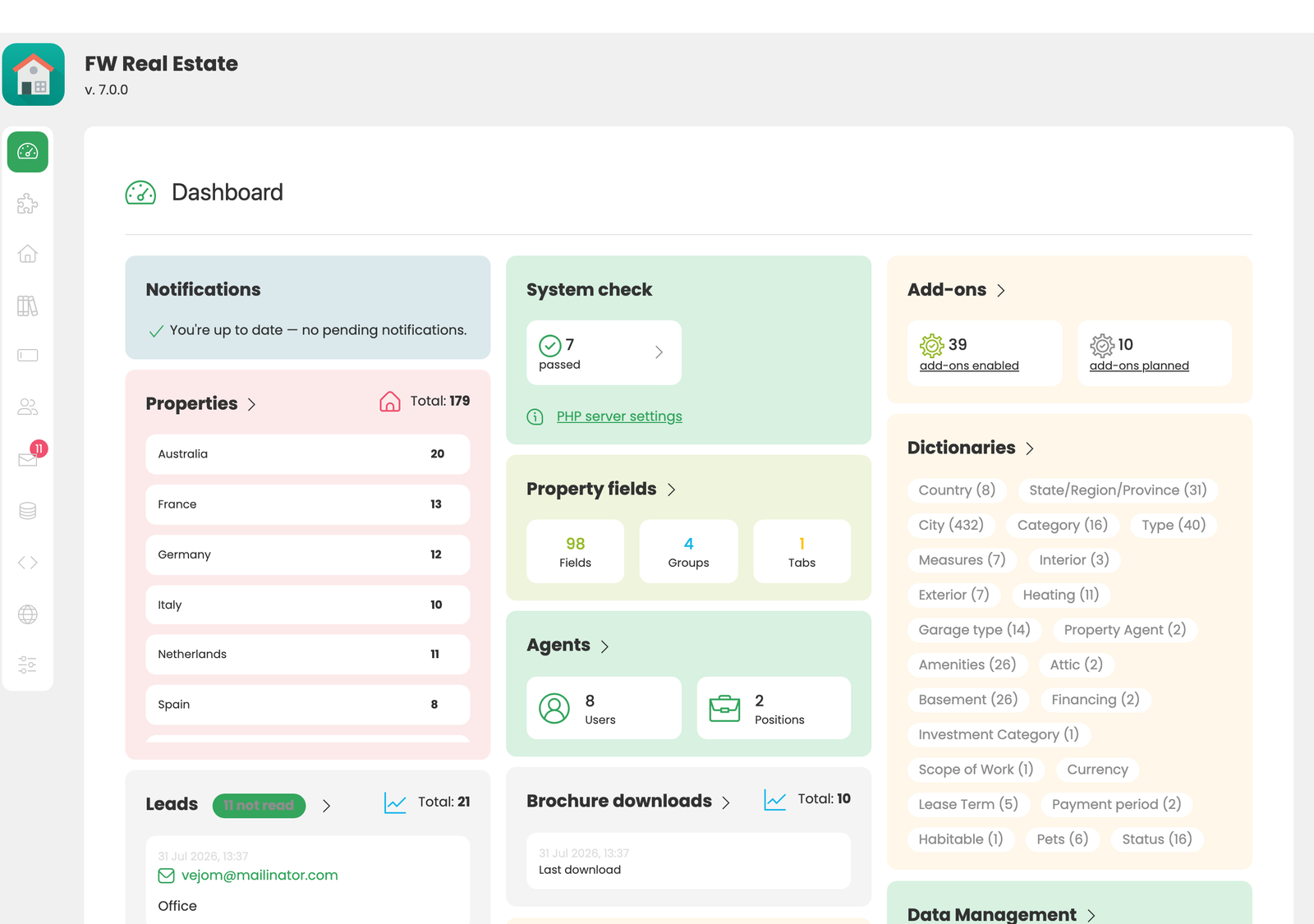
Once activated, a new FW Real Estate item appears in the WordPress admin sidebar. Open it to land on the dashboard, your home base for managing properties, settings, and add-ons.
Troubleshooting Install Failures
- "The link you followed has expired": your PHP
upload_max_filesizeorpost_max_sizeis below the package size. Raise both to32Mor higher and retry. - "Installation failed: PCLZIP_ERR_BAD_FORMAT": the ZIP got corrupted in transit. Redownload from the Client Section and try again.
- White screen after activation: your PHP
memory_limitmay be too low. Raise to256Minwp-config.phpwithdefine('WP_MEMORY_LIMIT', '256M');.
Next step: activate your license so updates and add-ons unlock.
Was this article helpful?