Property Manager
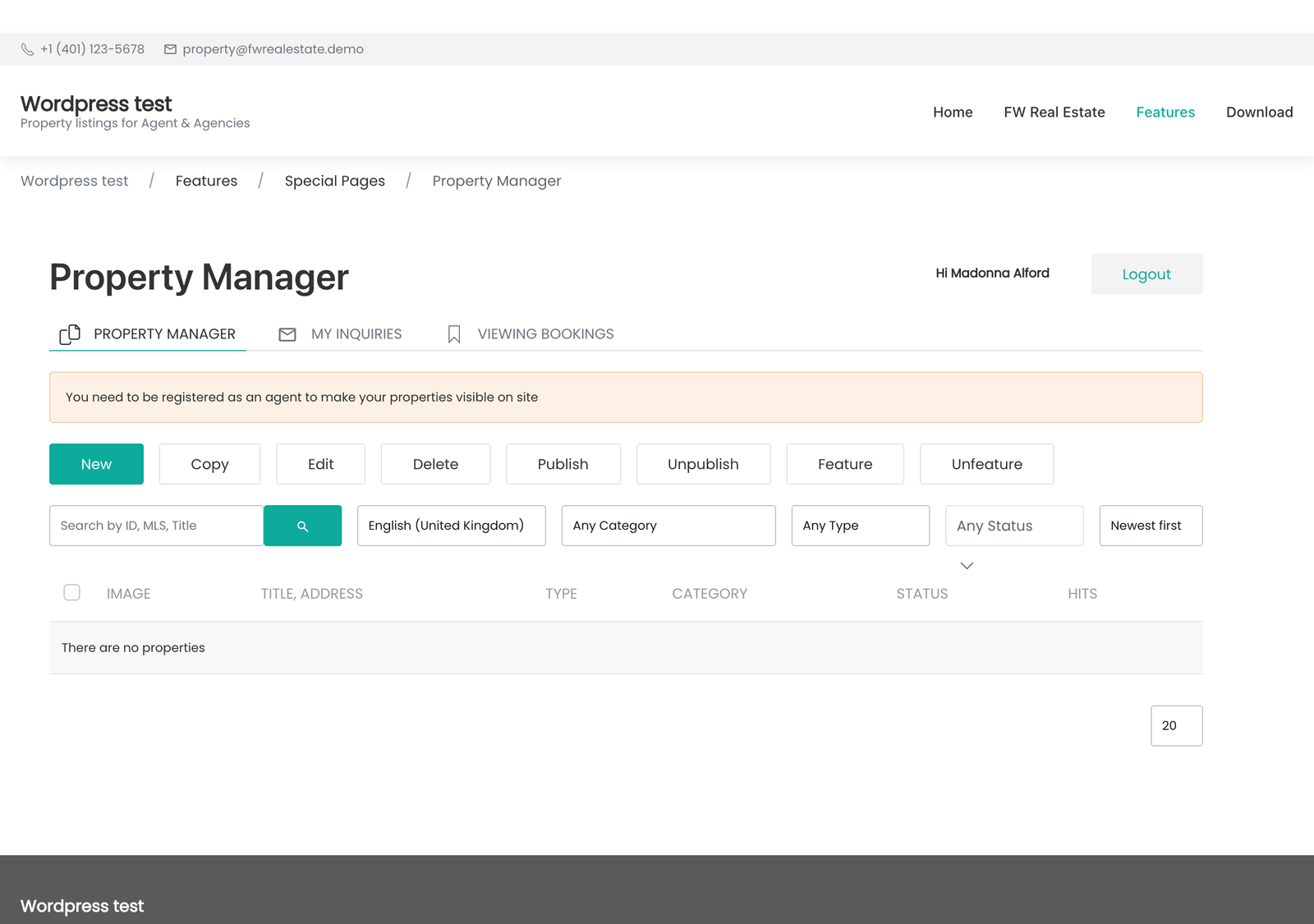
Property Manager gives agents a self-contained front office: they add and edit their own listings and handle their own enquiries without an administrator account and without ever touching the admin panel.
Without it, every listing change goes through whoever holds the admin login. That is a bottleneck on a good day and a reason listings go stale on a bad one. Property Manager removes that dependency entirely.
Use Cases
- A branch office. Each agent maintains their own stock; the administrator reviews rather than types.
- Landlords or developers submitting listings. Give them an account and they enter their own properties, on your form, with your required fields enforced.
- Enquiries answered by the person who knows the property. Each agent sees only the enquiries on their own listings, so nothing falls through the cracks.
Requirement
Property Manager requires the Agents add-on. Property Manager gives agents a place to work; Agents is what makes them agents in the first place.
What the Agent Gets
Three sections appear in the agent's account area, reached on the My Account page (via the [fwre_usersection] shortcode or the User Section block):
| Section | What it does |
|---|---|
| My Properties | The agent's own listings, with controls to add, edit, and delete. |
| Property Editor | The property form itself, rendered on the front end. |
| My Enquiries | All enquiries received on the agent's properties. |
One Form, Not Two
The front-end property form is the same form as the admin one. It renders from the same definition, so every field any add-on contributes to the admin property form appears here automatically — the Property Fields valuation tab, Floor Plans room fields, your own custom fields. There is no second form to maintain and no field that exists in one place but not the other.
Settings
Settings are found under Configuration → Add-ons → Property Manager.
| Setting | Description |
|---|---|
| Email the admin about a new submission | Sends you a notification whenever an agent submits a property. |
| New-property notification — subject and body | The content of that notification email. |
| Agent search-match email — subject and body | The email an agent receives when a newly listed property matches a search they have saved. |
Review Before Publishing
A property submitted by an agent still obeys the site's own publishing rules, so submissions can be held for review before they go live. Combined with the new-submission notification email, this gives you a real workflow: the agent submits when it suits them, you approve when it suits you.
Notes
- Agents only ever see their own properties and their own enquiries. The account sections are scoped to the signed-in agent, and signing in is required to reach any of them.
- Required fields apply on the front end too. If a field is marked required in Configuration, an agent cannot submit without completing it — the rule lives with the field, not with the screen.
- Uploaded photos go through the same image pipeline as admin uploads, so an agent's phone photo is resized and processed exactly like everything else.
- Disabling the add-on removes the agent's account sections. Their properties remain in place and stay editable from the admin panel.
To install this addon, open the Add-ons panel inside FW Real Estate. See Getting Started → Add-ons for details on free addons, paid addons, and site verification.