Welcome to FW Real Estate
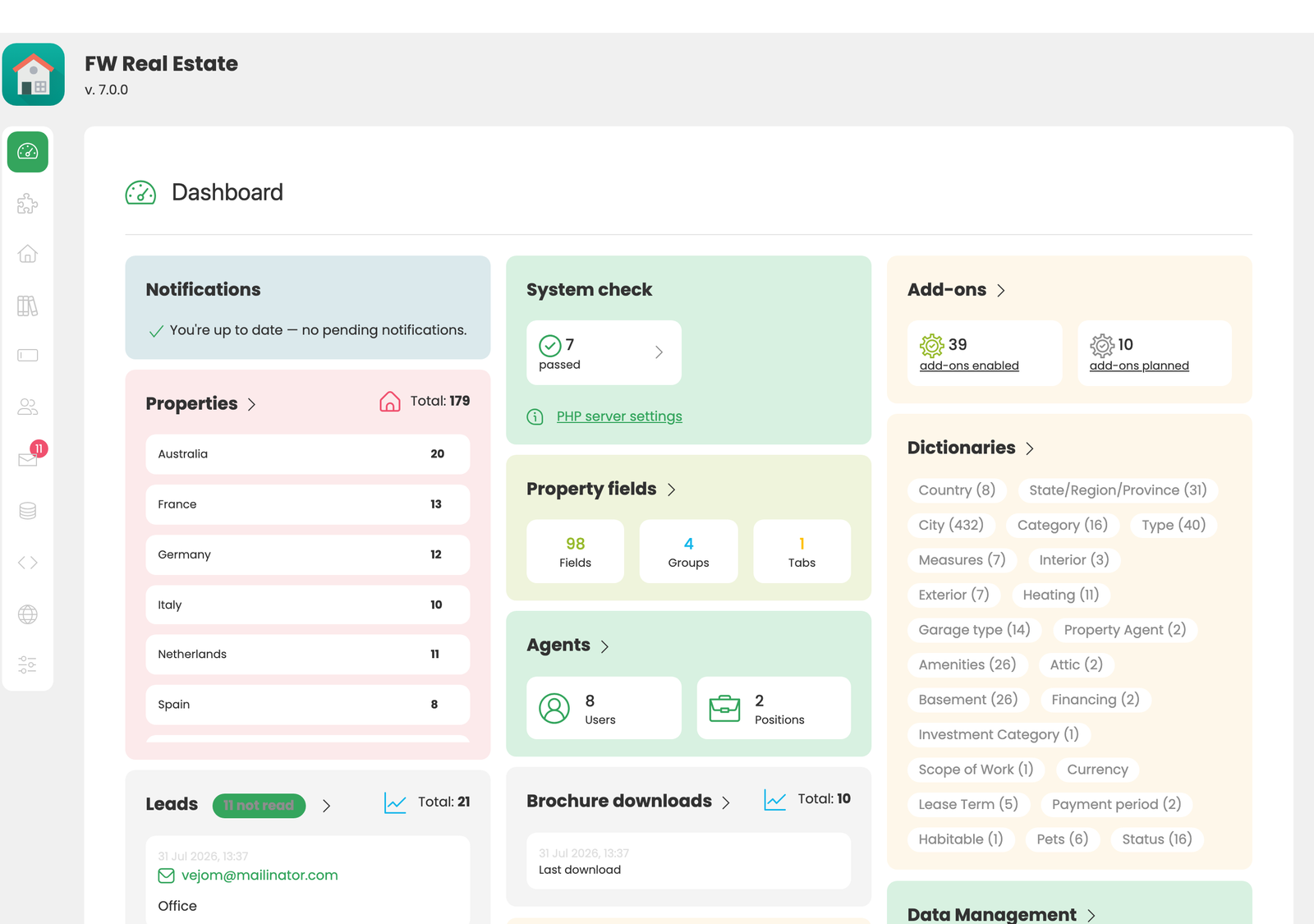
FW Real Estate is a WordPress plugin that lets you list and showcase real estate properties on your WordPress site. This Getting Started guide walks you through everything from downloading the package to creating your first property, usually in under 30 minutes from a fresh install.
What's Included
The plugin you download is complete on its own, and there is nothing to fetch afterwards to make it work. It contains:
- FW Real Estate itself: the engine, admin UI, and frontend views
- The free add-ons: ready the moment the plugin is activated, with no per-add-on step
- The default design: ready-to-use frontend styling so properties display correctly out of the box
The Add-ons panel inside the FW Real Estate admin is where you switch add-ons on and off. Paid add-ons come as one separate plugin, a subscription pack, that you install yourself once. Around 30 add-ons are available: listing layouts (Grid, Map, Slideshow), agents, property fields, custom fields, rentals, floor plans, open house, favourites, saved searches, comparison, PDF brochure, video, 3D tour, social share, SEO Booster, watermark, multi-currency, status labels, CSV import/export, and five embeddable modules (search, latest, agent, mortgage, layout). MLS and XML feed integrations (MLS Grid, Trestle, Spark API, RETS, OpenImmo and more) are delivered as a per-client integration service rather than as a self-install add-on.
Where to Go From Here
This guide is sequential. Follow the sections in order:
- Download Your Files: find your package in the Client Section
- Install on WordPress: upload and activate the plugin
- Activate Your License: connect the site so updates and support unlock
- Create Your First Property: a guided walkthrough
- Common Tasks: jump straight to specific topics once you're set up
If you get stuck, every section links to deeper reference pages, and you can always reach out via the support area in your Client Section.