Custom Fields
Custom Fields lets you define property fields that no standard real estate schema could anticipate — your own labels, your own value lists, arranged into your own groups and tabs on the property form.
Custom Fields vs Property Fields: Property Fields is a fixed, purpose-built set of real estate data with search filtering, CSV import/export, and calculated metrics already wired in. Custom Fields covers what nobody could have anticipated — you define the type, the group, and the tab. The two add-ons work side by side on the same property.
Use Cases
- Commercial stock — zoning, lease type, service charge.
- Holiday lets — sleeps, pet-friendly, distance to the beach.
- Developer units — block, floor, aspect, handover quarter.
- Repeatable spec sheets — a preset fills a whole set of fields in one click, so a run of similar units does not mean re-entering the same values every time.
Field Types
There are exactly four field types:
- Text — a single line of free text.
- Select — one value chosen from a list you define.
- Checkboxes — any number of values chosen from a list you define.
- Boolean — yes or no.
The option values behind Select and Checkboxes are translatable, so a multilingual site shows each visitor the list in their own language.
Field Properties
Each field you define carries the following properties:
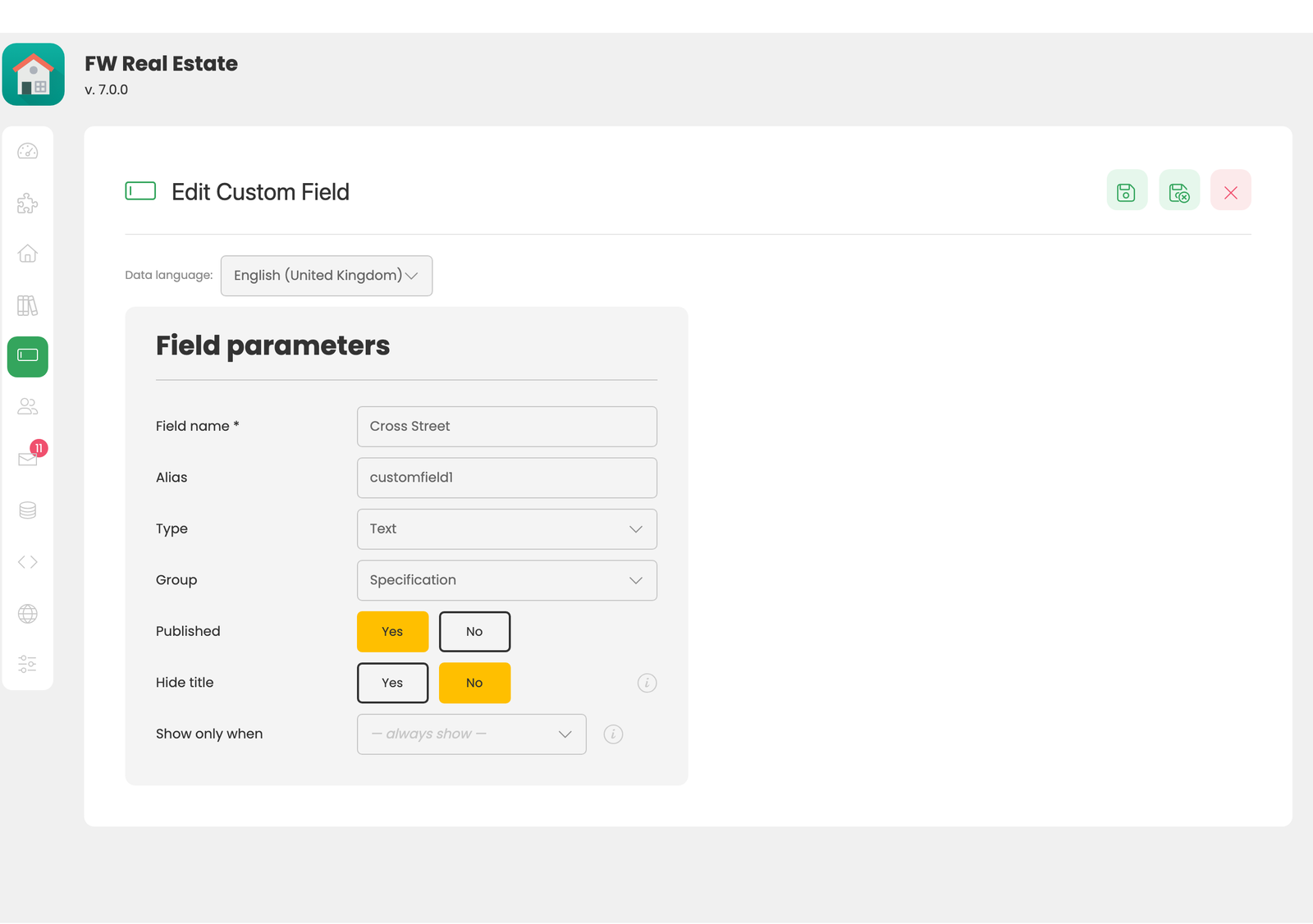
- Name — the label shown on the form and on the property page.
- Alias — the identifier used as the CSV column header and in code.
- Type — one of the four types above.
- Group — which section of the property form the field belongs to.
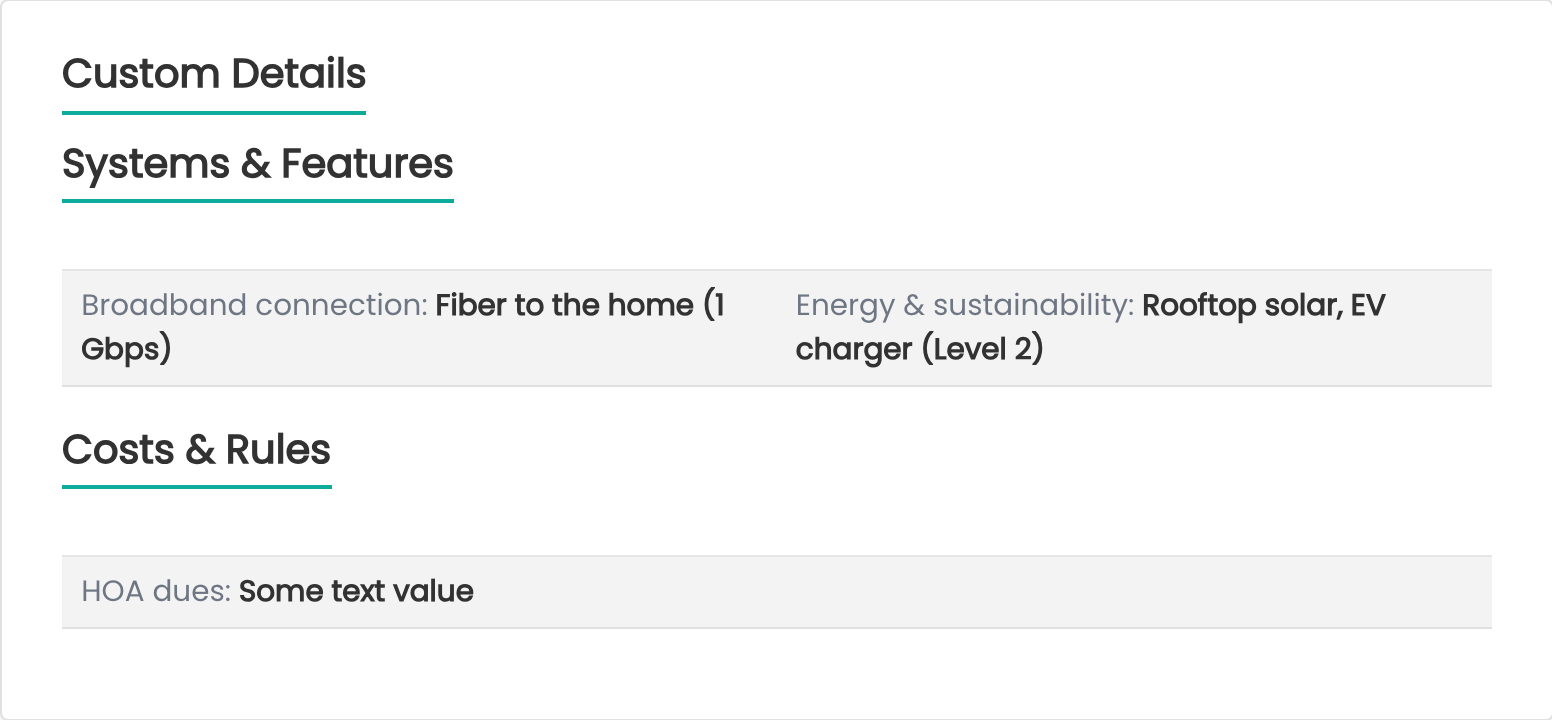
- Hide title — shows only the value on the property page, without the field name, for a field whose value speaks for itself.
- Condition — controls when the field appears (see below).
- Published — whether the field is currently in use.
- Ordering — its position among the other custom fields.
Conditional Fields
The Condition property is what keeps a long form usable. Set a condition on a field and it appears only while another field holds a chosen value — "Mooring length" only when "Waterfront" is yes, "Lease type" only when the property type is commercial. The person entering a property sees the fields relevant to that property, not the union of every field you have ever defined.
Groups, Tabs, and Presets
Custom Fields includes a small structure editor for organising your fields:
- Groups — a set of fields shown together as a card on the property form.
- Tabs — where those groups live on the form.
- Presets — a named bundle of values that fills a set of fields in one click.
A preset only sets the fields it declares. Any field left blank in the preset is not part of it and is never touched when the preset is applied — making it safe to use on a property that already has data. Nothing is saved until you save the property, so an applied preset can still be adjusted or abandoned.
Custom Fields on the Property Page
Notes
- Every custom field is a CSV column. The alias is the column header, so a batch of properties can be filled in on a spreadsheet and imported.
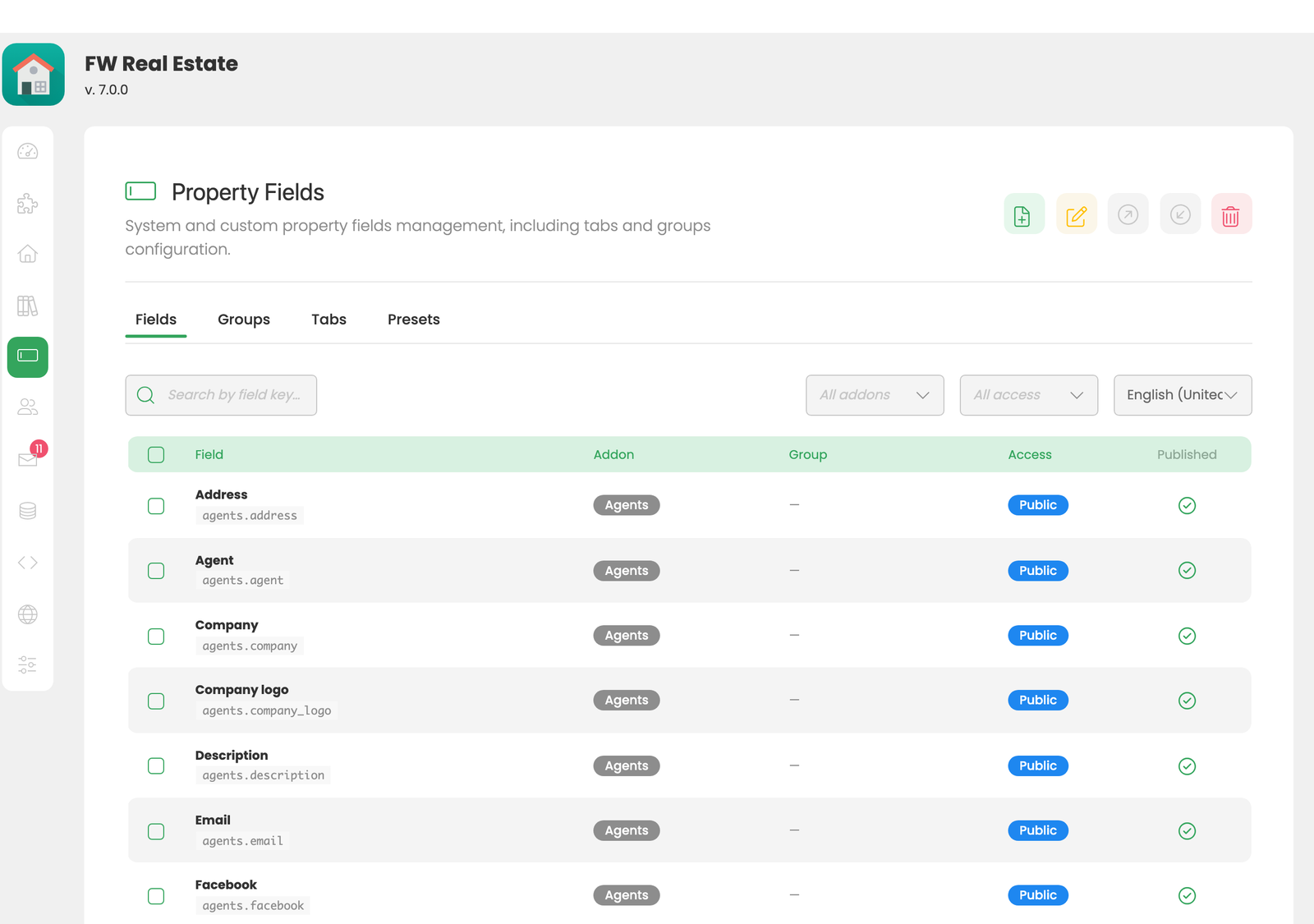
- Custom fields obey the Fields screen. Each field can be unpublished or restricted to an access level, globally or on a single property.
- Deleting a field does not delete stored values. They stop being displayed, but the data remains — a field deleted by mistake can be recreated without data loss.
To install this addon, open the Add-ons panel inside FW Real Estate. See Getting Started → Add-ons for details on free addons, paid addons, and site verification.