WordPress Installation
Installing FW Real Estate
Download the plugin ZIP from the FW Real Estate product page on fastw3b.com. It is a free download — there is nothing to buy and no account needed to get it.
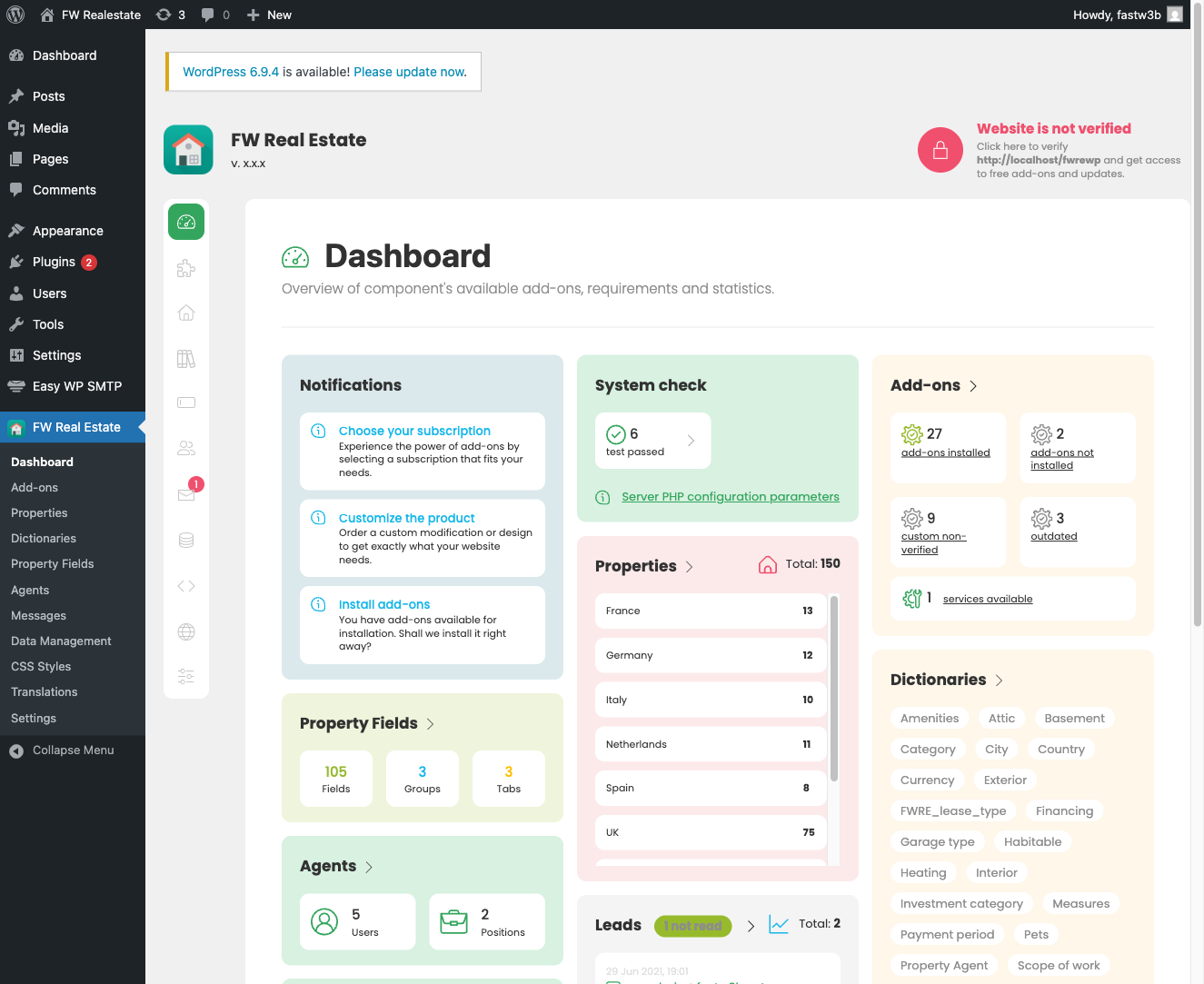
In the WordPress admin go to Plugins → Add New → Upload Plugin, choose the ZIP, click Install Now, then Activate. A top-level FW Real Estate menu appears in the admin sidebar.
Your Client Section on fastw3b.com is a different place and holds a different file: the subscription pack, if you have one. Do not use that file for initial installation.
What activation does
Activation is non-destructive and does exactly two things:
- Creates the database schema. The plugin creates its own tables and, on later runs, adds any new tables and columns. It only creates what is missing — it never drops or modifies existing data. Default inquiry-email templates and the currency list are seeded where those are still unset.
- Schedules the hourly cron job. This drives feed imports and alert emails (saved-search matches, price changes, favourite price drops, status changes).
The free add-ons ship inside the plugin ZIP and are ready the moment activation completes. Nothing is copied anywhere and there is no per-add-on install step.
Activation does not create any pages. You create the pages yourself and place FW Real Estate blocks (or shortcodes) on them. The plugin then discovers those pages automatically. See Setting up the front-office pages for details.
Where your files live
Everything you own lives under wp-content/uploads/fwre/ — never inside the plugin folder. This matters because WordPress plugin updates delete the entire plugin directory and unpack the new version in its place. Anything left inside the plugin folder would be destroyed.
wp-content/uploads/fwre/properties/— property photos and generated thumbnailswp-content/uploads/fwre/agents/— agent portraitswp-content/uploads/fwre/lang/— your interface string corrections, saved from FW Real Estate → Translationwp-content/uploads/fwre/backups/— backups created from Data Managementwp-content/uploads/fwre/addons/— add-ons placed there manually
Two rules to follow:
- Back up
wp-content/uploads/fwre/together with the database before any update. That pair is your real estate content; the plugin folder itself is replaceable. - Do not put anything of your own inside
wp-content/plugins/fw-real-estate/— including custom template overrides. The next update will remove it.